




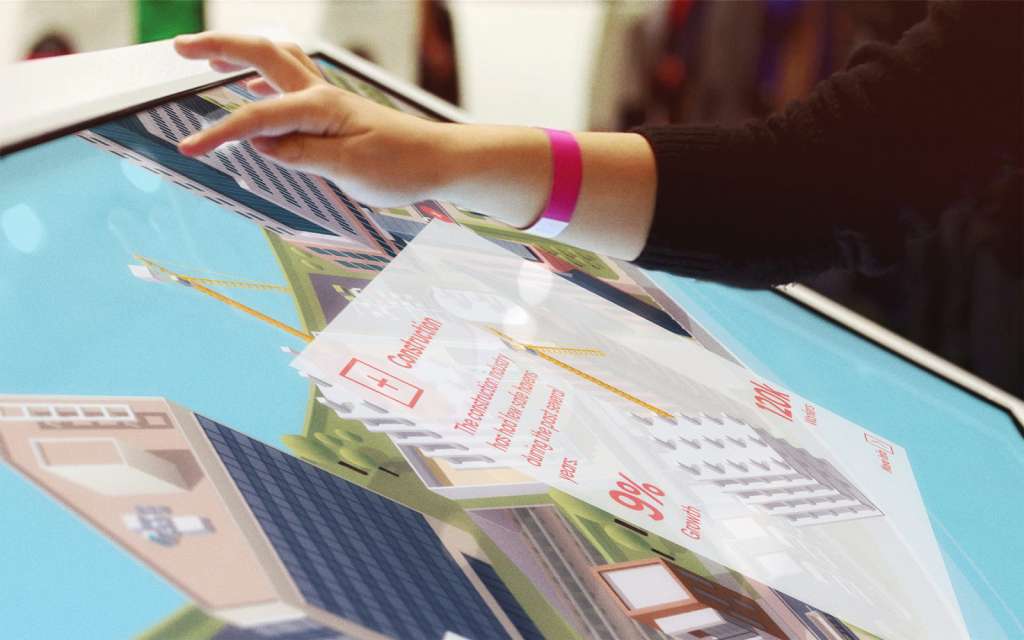
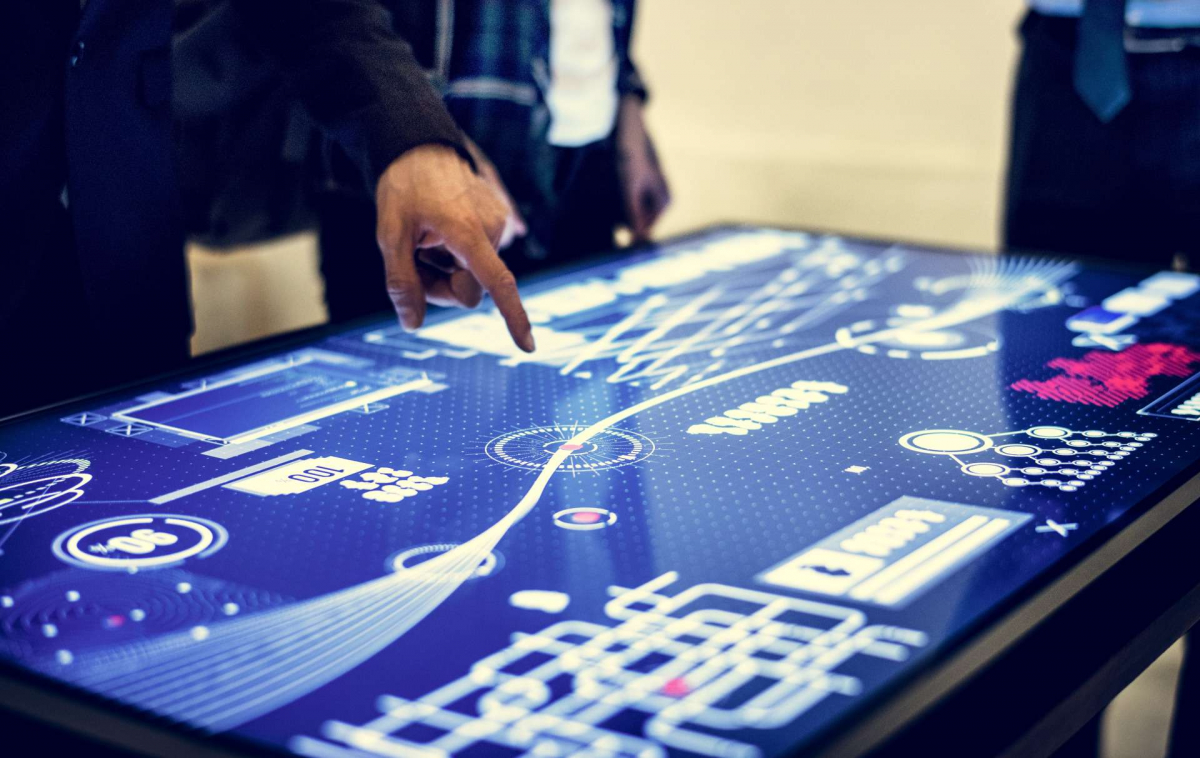
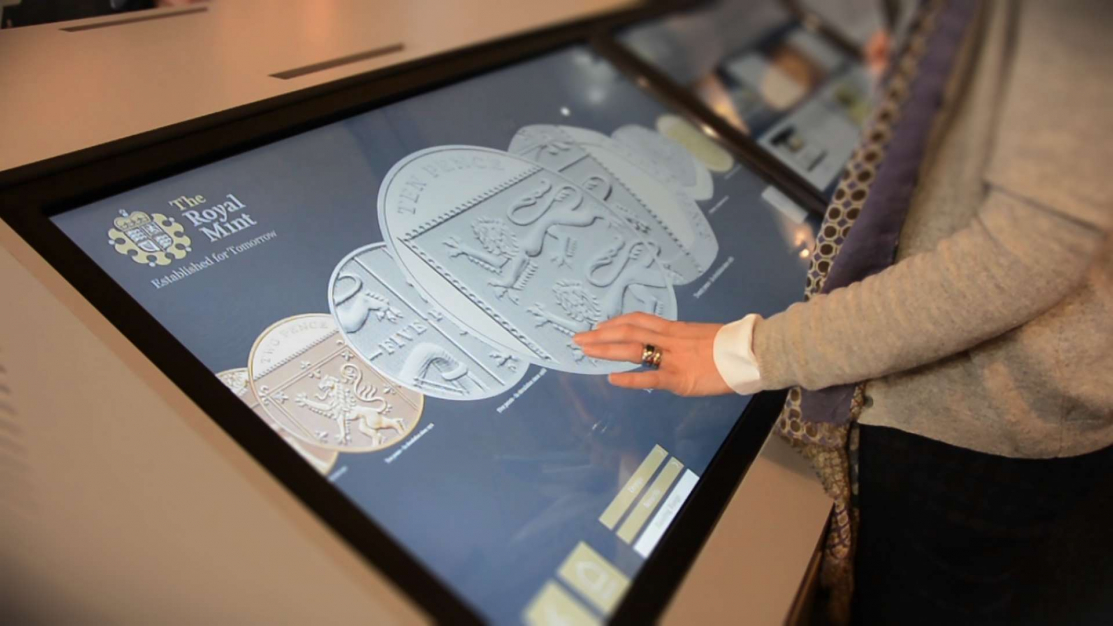
Interactive touchscreen experiences are a fantastic way to connect with customers, whether at events, tradeshows and exhibitions or in your showroom or marketing suite. They are intuitive to use, look great, by creating a sense of WOW, and can help to project a brand as innovative and dynamic.
Multi-touch capabilities allow multiple users to interact with the display at the same time, enabling collaborative digital interactions and significantly boosting visitor engagement.
Not only that, but they can really help to simplify complex ideas, products and services and demonstrate them visually. This goes a long way to making them memorable and quick to understand.
In this video, Damjan talks about the features you can use on a touchscreen and how to create a touchscreen experience.
Interactive touchscreen software is especially impactful at trade shows and in customer innovation centers, where touch gestures and engaging displays create memorable experiences and drive higher visitor engagement.
And where businesses may not be able to meet with customers or attend events, interactive touchscreen experiences are ideal for staying connected with customers. Depending on the software, they can be shared over the web or used to create virtual demo spaces for customers to explore in their own time.
There are lots of ways to develop an interactive touchscreen experience, but some of the main options available to you are outlined in this article. Many interactive touch screen software solutions offer customizable templates to help users quickly create engaging content.
What is an interactive touchscreen experience?
Firstly, a quick overview of what a touchscreen experience is. There are two main parts:
- The hardware – This is the physical touch screen itself and also the PC the visual experience runs on. There are lots of different types of touchscreens, from wall-mounted to touch-tables, stand-mounted as well as custom-built enclosures. Modern touchscreen technology supports advanced features such as object recognition and enables the use of sophisticated touchscreen software for interactive applications.
- The visual experience – This is the content shown on the screen, which people will interact with. It’s this visual content that you’ll need software to create. Many interactive touch screen software platforms feature a drag and drop interface, making it easy for users to design interactive content without coding. Digital content and object recognition technology allow for more interactive and engaging experiences, making it possible for users to interact with both on-screen elements and physical objects.
What do you want to achieve with your interactive touchscreen experience?
Before embarking on a project and deciding which software to use, it’s important to clarify your business objectives. This is crucial as the answers may determine what software you use to create your experience. If you choose the wrong software option at the beginning, you may have to start the whole project again to achieve the result you need.
So, set your top-level objectives to establish what you want the touchscreen to achieve. Is it to do one or a number of the following:
- Capture leads?
- Educate customers?
- Enable customers to explore your product range in-store or at a trade counter?
- Support sales conversations at a tradeshow or customer experience center?
- Promote a new product launch?
- Create a memorable experience etc.?
When developing any Interactive experience – whether that be a sales tool or touchscreen experience – for our customers, we run an Initial workshop – the Customer-First Blueprint® – to establish our customers’ objectives. It helps customers to think about:
- The content they want to include – videos, images, PDFs, types of interactive content, 3D models, other interactive content etc., ensuring the creation of engaging content that captures attention.
- Who the target audience is and what they are interested in
- The type of interaction they want their customers to have at the time
- Do they want to capture user information to keep the engagement going with their customers afterwards
- Whether the touchscreen needs to interact with other software or websites, e.g., a company’s CRM or CMS
- Whether you need a way of updating the content or allowing others to do so (perhaps via a content management system). Some interactive touch screen software enables real time updates, ensuring that content changes are instantly reflected on all connected displays. This makes it easy to keep displays fresh and relevant.
- The space where the touchscreen will be placed and who will be interacting with the content.
Collaborative workspaces, such as educational institutions, museums, and business environments, benefit greatly from interactive touch screen software that supports multiple users and allows multiple people to interact simultaneously. This enhances collaboration, enables more engaging content, and creates dynamic group experiences.
Four main software options for interactive touchscreens
There are quite a few software apps available, but following 20 years of experience, these are what we use and recommend for our customers:
Options include interactive touch screen software, multi-touch software, interactive digital signage software, interactive kiosk software, and kiosk software, each offering unique touchscreen solutions for different environments such as digital kiosks. Many interactive touch screen software solutions are cloud based, enabling remote access and management of content across multiple devices.
- A Progressive Web App (PWA) – this is a web application built using the latest web technologies and combines some of the benefits of a native app (software that is installed locally to your machine rather than used over the web)
- Specialist software is designed to build touchscreen experiences and interactive digital signage. This would include our own interactive presentation software, Intuiface, Tumult Hype, eyefactive and Ventuz. These interactive software solutions, including interactive kiosk software and kiosk software, are often configured and managed by a dedicated development team to ensure optimal performance and customization for various applications.
- A web-based digital signage solution – such as Scala, TrouDigital which offers pre-built templated experiences, there are quite a lot of these sorts of companies
- PowerPoint – for more straightforward experiences.
Our experienced team of designers and developers has encountered the highs and lows of all these solutions for almost every scenario imaginable, so here’s our take below.
A Progressive Web App
A Progressive Web App (PWA) uses the same language, HTML, JavaScript and CSS, as a website and is generally used for building websites. However, one of the main differences for touchscreen scenarios is that the experience you build as a PWA can be installed on a local machine so that it can run offline. You don’t need any specialist players installed to view an experience—it just runs through any modern browser like Edge or Chrome. PWAs are hardware agnostic and compatible with multiple operating systems, providing flexibility and ease of deployment across a wide range of devices.
A PWA is a very sophisticated option, allowing you to create almost any type of experience you can imagine. You can include videos, PDFs, presentations, 3D models, Augmented Reality, and Virtual Reality into the experience and connect to other applications such as your CRM or DAMs. You can also embed web pages directly into the experience to further enhance interactivity and content integration.
A word of caution though! A touchscreen is a very different user experience from a website, even for those of us used to Smartphones. You’re generally dealing with a much bigger screen, which impacts the layout. Your audience will be using their finger rather than a mouse to move around and interact. Clear prompts and navigation are essential to make it obvious to the user what they need to do. Small differences can have quite far-reaching consequences. Basically, a PWA might be used a lot for building websites but you don’t want a web professional building your touchscreen experience.
Some interactive touch screen software now supports touchless interaction, allowing users to engage with displays without physically touching the screen. This feature is especially valuable in public or health-conscious environments.
PWAs also support advanced analytics and reporting, allowing you to track user behavior, user preferences, and user interactions. This data helps you understand how users engage with your content and enables you to continually improve the touchscreen experience.
Pros of a Progressive Web App:
- Unlike building an experience with specialist software, there is no cost for the software and tools
- You can create really immersive experiences using them
- A PWA can be run through any browser, making it easily accessible. It can also work offline, so an internet connection isn’t necessary for the touchscreen experience to work
- It can have its own Content Management System (CMS) so content can be updated easily and pushed out immediately, and it can also connect to other systems to pull or push information back and forth. For example, it could connect to an organization’s headless CMS so any content within that system can be automatically pulled into your touchscreen experience via an API. Similarly, if you collect customer information through your touchscreen, this can be automatically posted back into your CRM for future marketing or sales campaigns. Additionally, remote management capabilities allow administrators to update and monitor interactive touch screen software installations from any location.
- It is possible to see what your customers are interested in using sophisticated analytics and reporting
- They are very fast, if well-built, especially with more complex experiences.
Cons of a Progressive Web App:
- In order to produce a high-quality touchscreen experience as a PWA you would need to be a very accomplished developer or you would have to work with a specialist agency
- The cost and time required to build an experience as a PWA may be far too prohibitive, especially if it’s for a one-off event
- There are a lot of technical and UX differences between a website and a touchscreen PWA, which you or your agency would need to be aware of.
Specialist touchscreen software
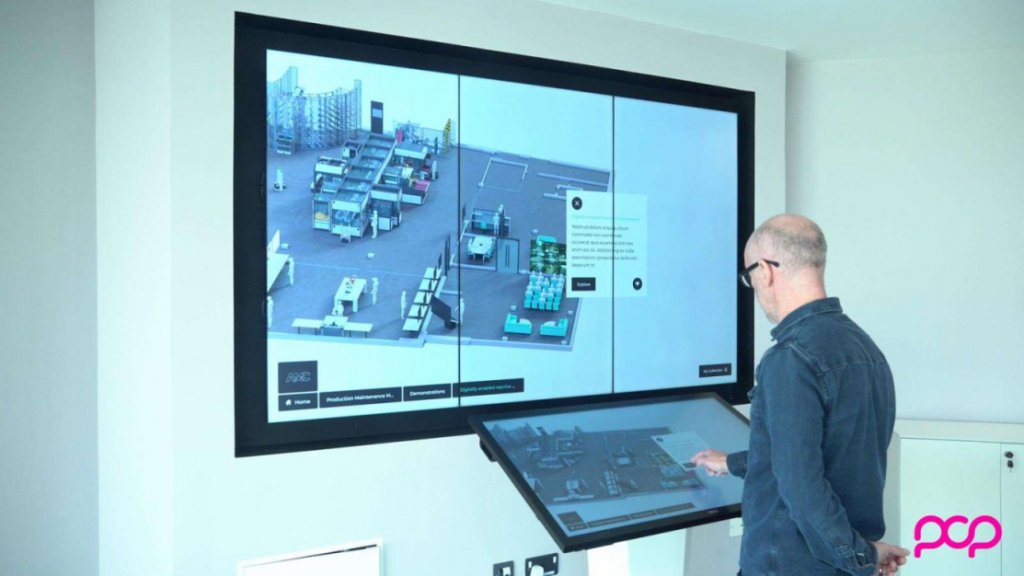
There are specialist software applications for creating touchscreen experiences. These programs are designed to support multiple touch points, enabling multi-user interactions and gesture recognition on large touch screens and touchscreen displays. Programs such as Intuiface and eyefactive are well-established applications for creating professional touchscreen experiences, and often include an analytics dashboard for monitoring user engagement and performance.
Below is a screenshot of POPcomms’ interactive Experience Builder

POPcomms’ platform leverages modern touchscreen software to create interactive displays for a variety of environments, making it easy to design engaging and versatile experiences for public spaces, retail, education, and more. Interested in joining our team? Learn more about careers at POPcomms.
Pros of Specialist software:
- They have built-in templates to help you get going
- Built-in animation and effects
- They support a wide range of external media such as video, PDFs, 3D models, and complex animations
- Some have built-in analytics dashboards or they can be added as an extra
- Experiences can be created for any touchscreen type from tablets to video walls, so you can make experiences as large as you like to cover multiple displays. They also support gesture recognition, enabling more intuitive and dynamic user interactions.
Cons of Specialist software:
- It is fairly straightforward to create simple interactive experiences for small businesses or projects. But it can become very time-consuming and complicated if you require something more complex
- If you’re not planning on using a specialist agency, you may be limited to the default templates unless you want to spend some time learning the platforms
- Integration with other systems is possible but is more complex to do
- Some are only designed to work at one screen resolution, and they are not responsive systems (Intuiface is an example of this). This means if you are going to use your touchscreen experience on a large touchscreen, a laptop and tablets, most likely they will have different screen ratios (16×9, 16×10 or 4×3 etc.) So, although the experience will still work, it won’t fill the screen on all those devices
- The editing software has a license fee to use, and each device that will run the touchscreen experience also needs a license. So, if you have 10 touchscreens running your experience, you’ll need 10 licenses, so it could be quite expensive.
Now for the good news!
As mentioned above, we’ve spent over twenty years creating interactive touchscreen experiences for the global business community, trying out a multitude of different software solutions to meet the ever-changing needs of our customers. We found ourselves increasingly fed up and frustrated by having to tell customers that we couldn’t achieve what they wanted or spend huge amounts of time trying to come up with a workaround. The entire procedure turned out to be both costly and a little soul-destroying!
We felt the industry was crying out for an interactive experiences platform, so we bit the bullet and built our own POPcomms interactive experiences platform.
We’ve taken the feedback from our customers, and cherry-picked the best features from various content creation platforms to create an all-in-one solution. The key features are:
- Our web-based content management system empowers you to control information and content globally, facilitating instant updates for your digital sales experiences, regardless of their location
- Create tailored versions effortlessly, perfect for managing multiple events with distinct themes
- The editor boasts a user-friendly, no-code interface, catering to non-technical users for seamless experience creation
- Comprehensive analytics enable you to monitor all interactions, providing valuable insights into user engagement
- Directly share content—videos, PDFs, images, product data sheets—from experiences, with data seamlessly integrated into your CRM for lead generation
- The PWA-based platform ensures flexibility, allowing experiences to run smoothly on web browsers and be locally installed in areas with limited WiFi
- Experience seamless compatibility across devices and screen sizes, from tablets to expansive multi-screen video walls, without the need for adjustments. The platform is designed for broad hardware compatibility, ensuring it works with a wide range of touchscreen devices.
- You can run experiences on any device and any screen size from tablet up to multi-screen video walls without any need to change anything
- Our dedicated POPcomms team goes the extra mile, assisting customers in creating and managing their experiences, ensuring ongoing success and support.
You can find out more about the platform on our website or book a demo.
Web-based digital signage solutions
This option involves creating an experience using online templates that are designed to perform a certain function, such as displaying product information or advertising.
You drag and drop the information you need into the template on the web portal and connect your digital signage screens over the internet to the portal, which then displays your content on your digital screens.
Interactive maps are a popular feature of web-based digital signage solutions, helping users navigate large venues or campuses.
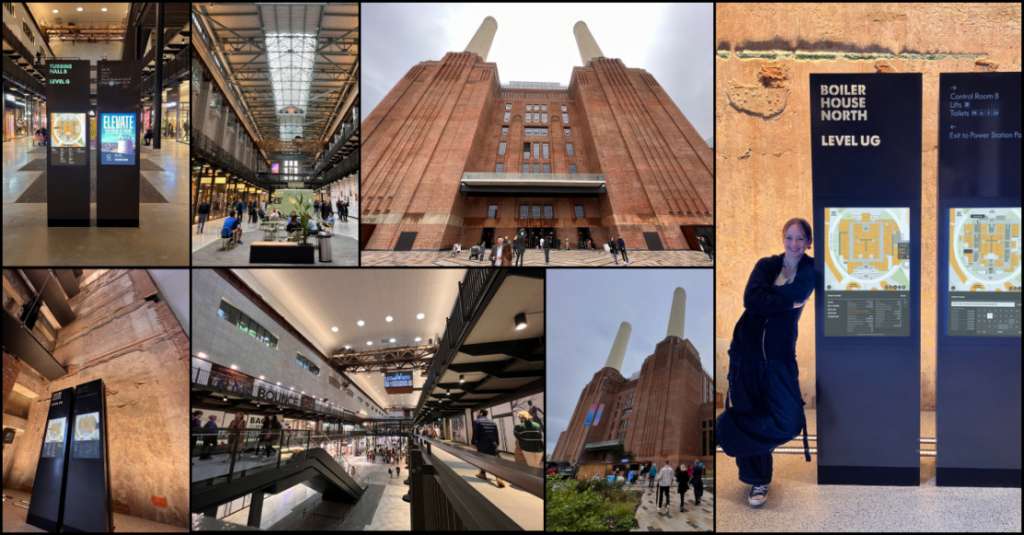
Award-winning interactive wayfinding experience at Battersea Power Station, London
Pros of Web-based digital signage solutions
- This type of system is very popular for non-interactive digital signage as the content can be updated quickly from any location remotely
- You are limited by the functionality of the system though, so it will only do certain things within the template but some do have a lot of options to cover most use cases
- There are plenty of companies that provide digital signage platforms and they can also help with the hardware and maintenance.
Cons of Web-based digital signage solutions
- As it is templated, you won’t have a lot of control over the branding and layout of the experience. But bear in mind, this may not be an issue when the end goal is to create a very simple user experience
- Interactivity is very limited so the user experience can be quite simple and a little boring, you certainly wouldn’t call them immersive. So, if you’re trying to create a personalized customer experience through a touchscreen, we’d avoid these systems.
PowerPoint
Don’t laugh or scoff, but PowerPoint has very sophisticated interactive features that will let you create touchscreen experiences. Interactive touch screen software often includes a presentation mode, allowing users to deliver engaging presentations directly from the touchscreen. Involving community members in testing these PowerPoint-based interactive experiences can help ensure suitability and build confidence before wider deployment.
You can put a lot of things into them such as videos, images, PDFs and 3D elements. PowerPoint also supports basic user interaction, making it possible to design touchscreen experiences that enhance engagement and accessibility.
Pros of PowerPoint
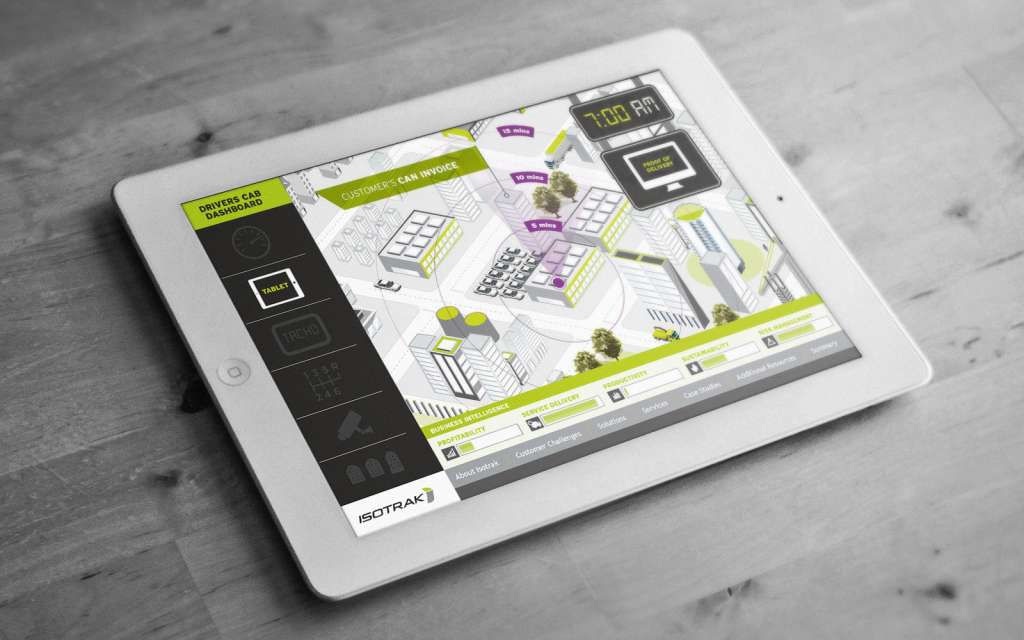
An interactive PowerPoint presentation for Isotrak
- With a good PowerPoint developer, you’d be hard-pressed to spot the difference between a PowerPoint experience or a custom-built one with HTML or Intuiface
- It is easy to update as most people can use it
- It could be quicker to build an experience, saving both time and money.
Cons of PowerPoint
- There are some limitations, for example, you can’t capture people’s details, if acquiring new leads is your goal
- More advanced interactions are impossible
- There are no analytics to track what your customers are looking at
- There is no centralized content management system.
Again, we recommend using a presentation design agency or touchscreen specialist. It would still be quite an advanced presentation you’d be creating, and you may not have the in-house skills yourself.
Get in touch about your interactive touchscreen experience!
We hope this has been useful and we’ve managed to shed some light on the various options available when creating an interactive touchscreen experience.
So, if you’re unsure of which solution might be right then download our eBook or book a demo and we can run through your options for sales presentations depending on your requirements.

Related Posts
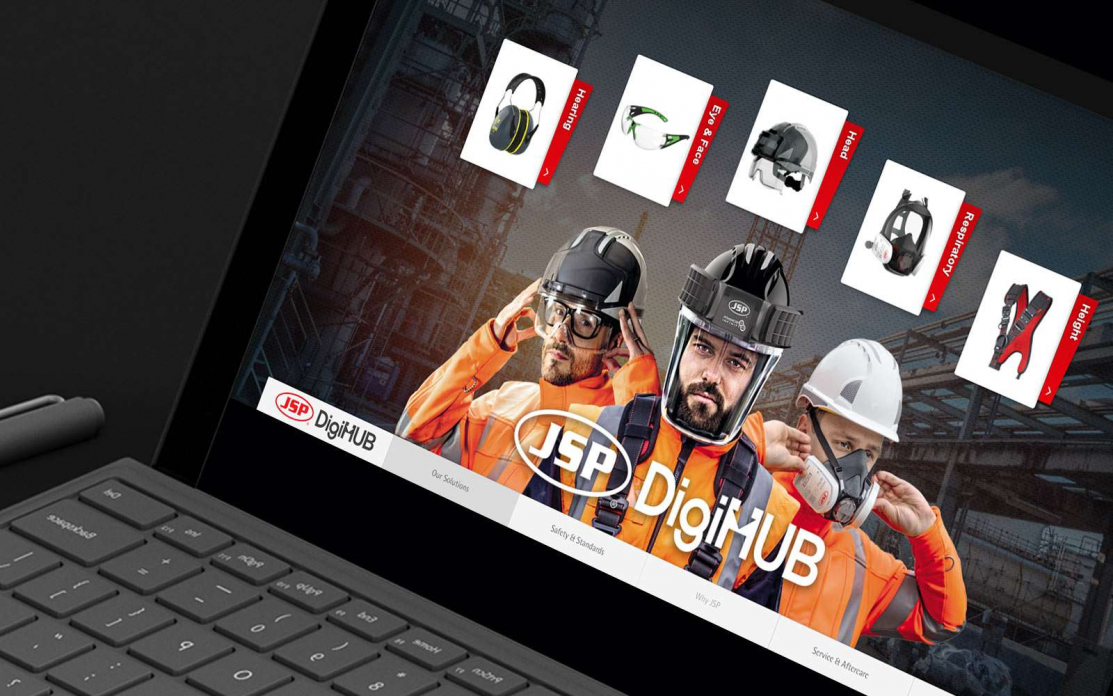
Finding the Best Touchscreen Development for Advanced Manufacturers
Read
Interactive Touchscreen Experiences in Action (And What B2B Buyers Can Learn from Them)
Read
Progressive Web Apps: Leading the Way in Customer Engagement
Read
7 of the Most Compelling Interactive Content Statistics and What They Mean for You
Read