




Portable Touchscreen Kiosk Software in 2026
Last updated: 12 May 2026
Most trade show booths still rely on printed brochures and passive displays, yet 68% of attendees actively expect and reward booths featuring innovative technology. This disconnect means thousands of marketing teams are leaving money on the table by not deploying portable touchscreen kiosk software at their events. If your booth doesn’t invite participation, visitors move on within 45 seconds, but booths with interactive screens achieve average dwell times of 5 to 12 minutes per visitor, according to EXHIBITOR Magazine, transforming casual observers into engaged leads. Portable touchscreen kiosk software is the fastest way to bridge that gap, and in 2026, the technology is more accessible and affordable than ever before. This guide will walk you through what portable touchscreen kiosk software actually does, how it compares to alternatives, and which solution fits your team’s needs, budget, and technical capacity.
Key Takeaways
- Portable touchscreen kiosk software enables self-guided exploration of products and content, allowing visitors to engage at their own pace without waiting for staff availability.
- Booths with interactive touchscreens draw 35% more visitors, increase dwell time by 10–15x compared to static displays, and boost lead capture by up to 35%.
- Modern no-code platforms like POPcomms eliminate the need for expensive programming, letting any team member create and update content in hours instead of weeks.
- Offline functionality is a must-have for event environments where WiFi is unreliable or unavailable, allowing full software operation without internet connectivity.
What Is Portable Touchscreen Kiosk Software?
Portable touchscreen kiosk software is a digital platform designed to run on tablet, mobile, or dedicated touchscreen hardware, delivering interactive content and self-service experiences without requiring coding skills. The most effective way to increase event engagement is to empower visitors to control how they explore your brand, and portable touchscreen kiosk software does exactly that by replacing passive brochures with interactive, touch-driven experiences. Unlike traditional booth setups that rely on printed materials or staff-led demonstrations, this software lets attendees browse products, watch videos, view interactive maps, and request information independently, at their own pace.
The appeal is straightforward: visitors remember touchscreen experiences. According to industry research, 81% of attendees remember booths that feature interactive touchscreens, and 84% feel more confident about brands that offer hands-on experiences. That combination of memorability and confidence directly translates to stronger lead quality and faster sales cycles.
Most modern portable touchscreen kiosk software platforms operate without requiring internet connectivity. This is critical because touchscreen software with offline capability ensures your booth functions flawlessly even when event WiFi is unreliable or congested. The software is typically pre-loaded on the hardware before you leave the office, so it simply works on arrival at the venue.
Why Touchscreen Kiosks Outperform Static Displays
The numbers are compelling and consistent across the events industry. Booths with interactive screens draw 35% more visitors compared to traditional setups. Interactive displays can increase booth dwell time by 30–40% and lead capture by up to 35%. These aren’t marginal improvements, they represent a fundamental shift in how visitors perceive and engage with your brand.
The underlying reason is psychological. Touchscreen kiosks work because they transform passive observers into active participants, shifting control to the visitor and removing the friction of waiting for staff attention. A visitor can arrive at your booth, immediately start exploring without being intercepted by a sales rep, and drill into whatever interests them most. If they want to watch a 3-minute product video, they can. If they want to zoom in on technical specifications, they can. If they just want to skim headlines and move on, they can do that too. This autonomy, combined with the novelty and engagement of interactive technology, creates a markedly different experience than a printed banner.
According to Freeman’s Trends Report, interactive technology delivers a 3–5x engagement lift overall, with some sectors seeing even stronger results. Interactive elements boost engagement between visitors and exhibitors by around 50%. That 50% boost in engagement per interaction means your sales team spends more time with qualified, interested leads rather than deflecting passersby.
Beyond engagement metrics, touchscreen kiosks also enable real-time lead capture and follow-up. Visitors can request materials directly from the booth, and your team can see instantly which content resonated, which products generated the most interest, and which attendees warrant immediate follow-up. This data becomes invaluable post-event when prioritizing outreach.
Key Features to Look For
Offline Operation
This is non-negotiable. Event venues often have congested or unavailable WiFi, and you cannot risk your booth experience crashing because the internet dropped. Look for platforms that load all content locally on the device before the event begins, ensuring zero downtime regardless of connectivity.
No-Code Content Creation
If building your booth experience requires hiring developers or writing code, you are adding weeks and thousands of dollars to your timeline. Portable touchscreen kiosk software should be intuitive enough that your marketing team can create, edit, and publish content themselves. Visit our blog for detailed guides on how modern platforms reduce creation time from weeks to hours.
Lead Capture and Tracking
The booth experience should seamlessly capture visitor information, send materials directly to their inbox, and track which content was viewed and for how long. Touchscreen software with lead capture tools enables your team to segment and prioritize follow-up based on actual engagement data, not guesswork.
Multimedia Support
Modern visitors expect video, high-resolution images, interactive maps, and PDFs. Your platform must handle these formats flawlessly without slowdowns or compatibility issues. Multi-format support also allows you to showcase products in ways that printed brochures cannot.
Multi-Screen Capability
If your booth has multiple stations or departments, the software should allow you to deploy different content across different screens simultaneously, creating multiple engagement pathways and accommodating more visitors at once. This multiplies both traffic and engagement compared to a single-screen setup.
White-Label and Customization Options
Your booth experience should reflect your brand identity completely. Look for platforms offering white-label customization so the interface, colors, and branding are entirely yours, not the software vendor’s.
Common Objections, Real Answers
Won’t This Take Forever to Set Up?
Not anymore. Before modern no-code platforms emerged, touchscreen experiences required custom programming, which meant 3–6 month timelines and five-figure budgets. Today’s portable touchscreen kiosk software lets you build a complete, branded experience in days or weeks. One client, Olga Bryzgalova from a marketing team, reported that “We wanted a modern, engaging solution for trade shows, something that would work offline, include touchscreens, and offer user-friendly navigation. POPcomms gave us an eye-catching digital tool to showcase our products with videos and interviews.” What once took months now takes days because the software handles the technical heavy lifting.
Isn’t This Prohibitively Expensive?
Again, the old model was expensive. Programming a custom touchscreen app cost tens of thousands. Modern SaaS platforms pricing is orders of magnitude lower, and you avoid the hidden costs of bespoke development, maintenance, and updates. You pay for software, not programmers. Portable touchscreen kiosk software platforms eliminate the need for custom coding, making interactive booth experiences accessible to teams of any size and budget.
What If WiFi Fails?
This is the most common concern, and it’s completely solved by offline-capable platforms. Your content is stored directly on the device, not in the cloud. The software works exactly the same whether connected to the internet or not. One team from CLD Inc noted, “We love the ability to zoom in and show details that can’t be conveyed with a brochure. The interactive map is far more engaging than a static PDF, and sending materials directly from the booth to customers is invaluable.” Even without live internet, the experience is full-featured and reliable.
Will Our Team Struggle to Use It?
Simplicity is a core design principle for modern platforms. The software is built for marketing and events teams, not IT specialists. If your team can use PowerPoint or WordPress, they can use quality portable touchscreen kiosk software. Look for vendors who emphasize user-friendliness and who provide hands-on training and ongoing support.
Choosing the Right Platform for Your Needs
Not all portable touchscreen kiosk software is built the same way. Before committing, evaluate these dimensions:
- Industry expertise. Does the vendor understand events, trade shows, and marketing team workflows, or are they a generic kiosk platform? Industry-specific platforms typically have built-in features and workflows tailored to your real needs.
- Hardware flexibility. Can the software run on iPad, Android tablets, and dedicated touchscreen displays, or is it locked to one platform? Flexibility gives you options and protects your investment if hardware needs change.
- Template library. Do they provide pre-designed templates for common booth scenarios, or do you start from a blank canvas every time? Good templates accelerate time-to-launch.
- Analytics and reporting. Can you see which visitors engaged with which content, how long they spent on each screen, and what materials were sent? Post-event analytics are essential for measuring ROI and improving next year’s booth.
- Support and training. Is expert support included, or is it an add-on? For events, live support during the show is invaluable if something goes wrong.
Our touchscreen software comparison chart provides a detailed side-by-side breakdown of how leading platforms stack up on these criteria. Also consider reviewing certified touchscreen software providers to ensure you are working with a vendor that meets industry standards.
One team with multiple booth stations across different departments reported, “With four touchscreens, we could present four unique experiences across departments, which brought a lot of traffic and engagement to our booth. Tracking what materials were sent and opened afterward has been very useful for us.” This level of flexibility and analytics is standard with modern platforms, not a premium add-on.
Implementation and Support
The difference between a mediocre booth experience and an exceptional one often comes down to execution and support. When you are evaluating vendors, ask about their implementation process. Do they offer pre-event consulting to help you plan your content strategy? Do they have templates or examples you can customize quickly? Will they be available on-site or by phone during the event in case something needs adjusting on the fly?
A vendor who views you as a partner, not just a customer, makes a measurable difference. As one Director of Marketing noted, “If you need a platform that lets you quickly create and customize interactive touchscreen content while having an experienced team to support and enhance your ideas, then POPcomms is for you.” That combination of accessible software plus genuine expert support is what separates solutions that disappoint from solutions that deliver.
If you need detailed guidance on how to build your specific experience, our services team can walk you through every step. We also maintain a resource library covering everything from how to customize touchscreen interfaces for tradeshow scenarios to how to integrate touchscreen software with product demos.
Before choosing a vendor, request a demo or trial. See the software in action. Spend 10 minutes trying to navigate and edit a sample experience. This hands-on evaluation will tell you far more than any feature list or marketing claim. Pay special attention to how intuitive the interface feels, how responsive it is, and whether building changes feels effortless or frustrating.
Frequently Asked Questions
How long does it take to build a portable touchscreen kiosk experience?
With modern no-code platforms, a complete booth experience can be built in 2–7 days, depending on complexity and the amount of custom content you need. Older approaches requiring custom programming took 3–6 months. Most teams can create a first draft in a single day, then refine and optimize in the days leading up to the event.
What happens if the touchscreen device fails during the event?
Always have a backup device pre-loaded with the same content. With offline-capable software, you simply swap devices and continue immediately with zero data loss. Many teams keep a second tablet or screen as a contingency, especially for high-priority events.
Can I update content on the touchscreen after the event starts?
Yes, if your software supports cloud sync or wireless updates. With offline platforms, you can update content before the event, and with newer systems, you can push updates over USB or WiFi during the show. However, relying on live updates is risky, so always finalize and test all content before the event begins.
Which industries benefit most from portable touchscreen kiosk software?
Any industry exhibiting at trade shows benefits, but technology, healthcare, energy, manufacturing, and construction sectors see particularly strong ROI because their products are complex and benefit from interactive demonstration. Even service-based businesses report higher engagement and lead quality with touchscreen booths.
What’s the typical cost of portable touchscreen kiosk software?
SaaS pricing typically ranges from a few hundred dollars for a basic annual subscription to $5,000+ per year for enterprise platforms with advanced analytics and dedicated support. This is far less than the cost of custom development, and many platforms offer event-based pricing, so you only pay for what you use.
Creating a portable touchscreen booth experience from scratch takes planning, and choosing the wrong software can waste weeks and money.
Take the next step today.

Related Posts
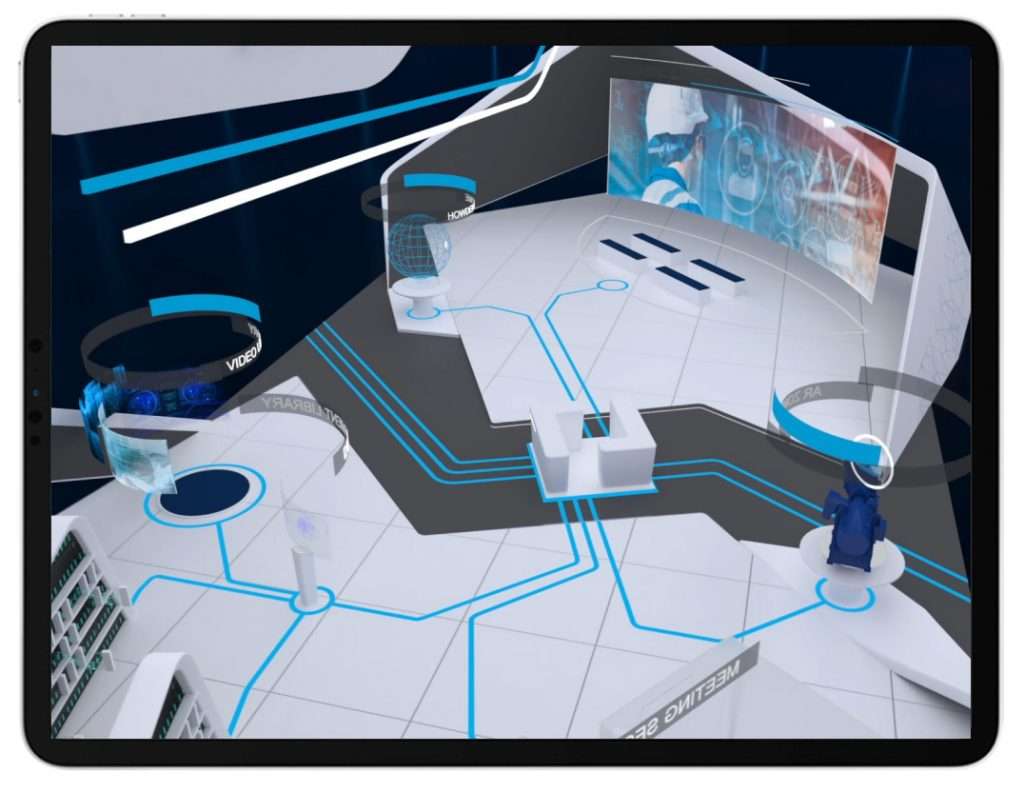
Virtual Worlds That Inspired Us In Lockdown
Read
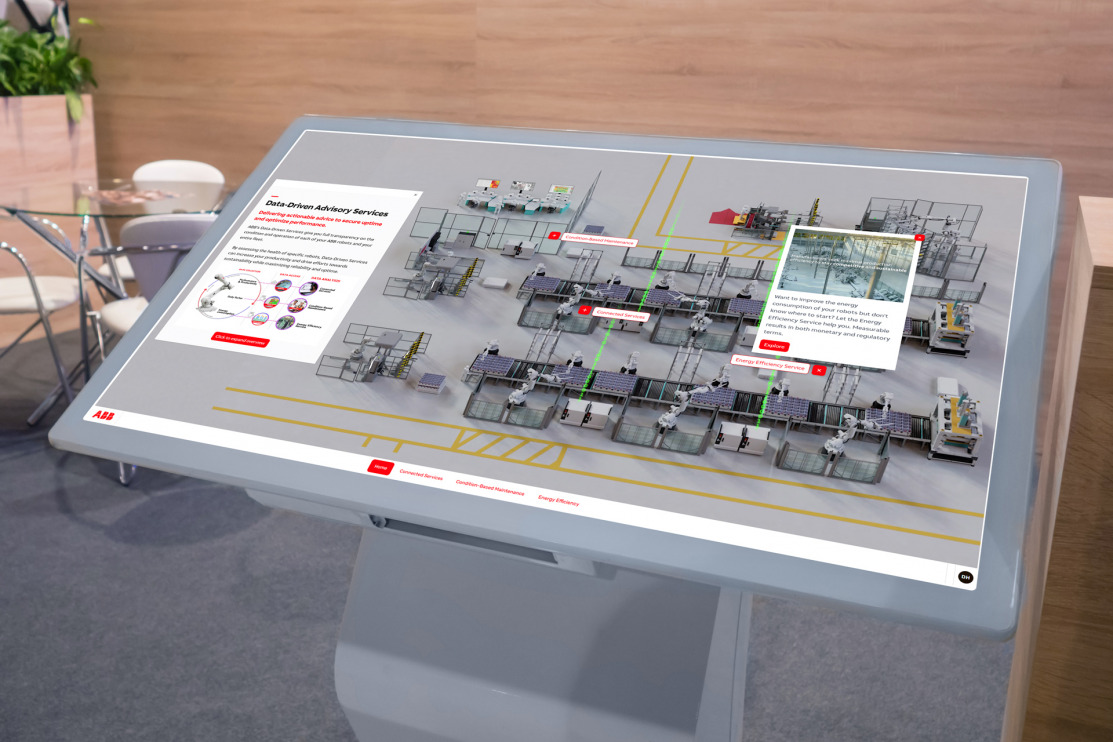
How to Customize Touchscreen Interfaces for Tradeshows
Read
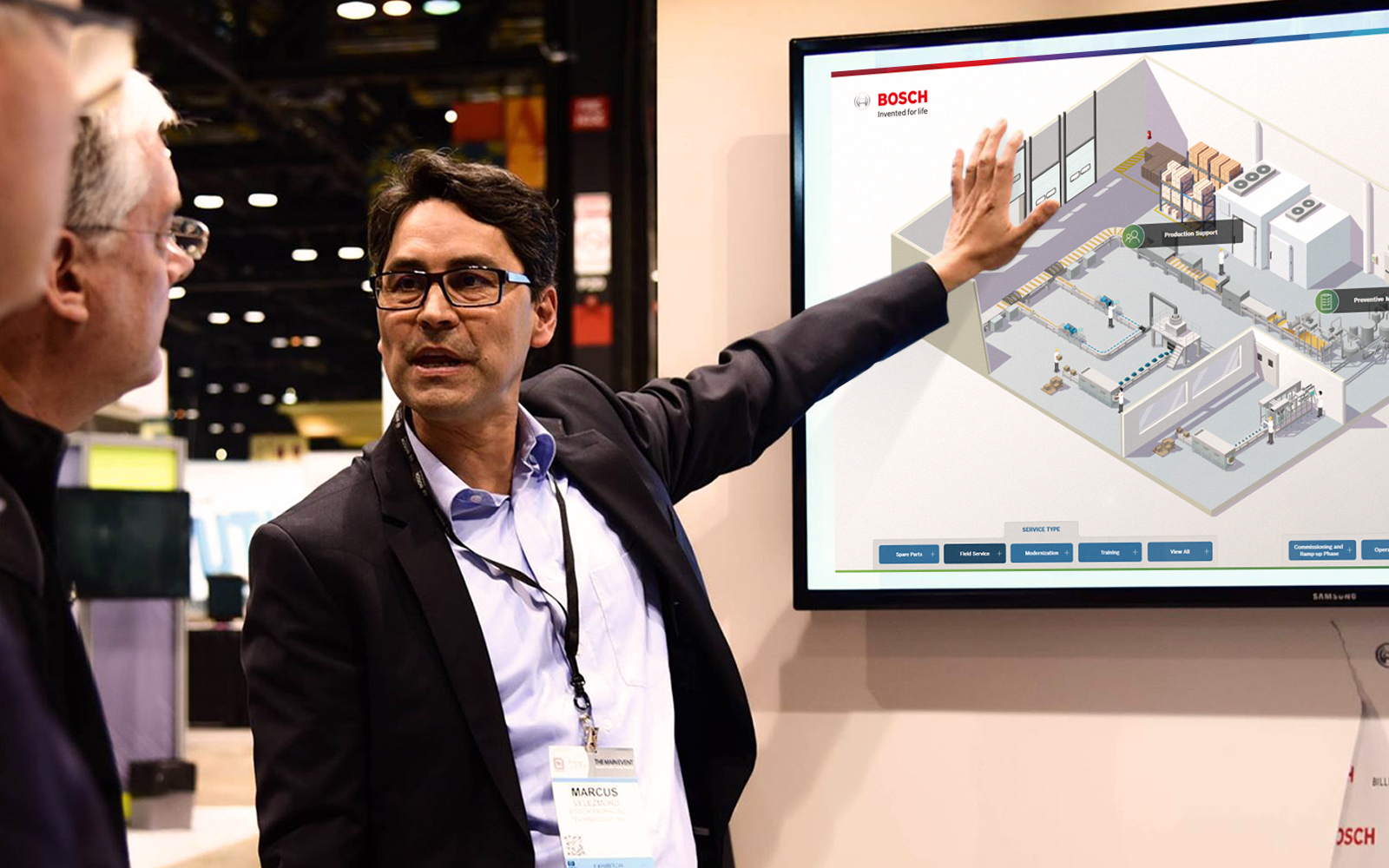
Top Touchscreen Software Leaders in 2026
Read
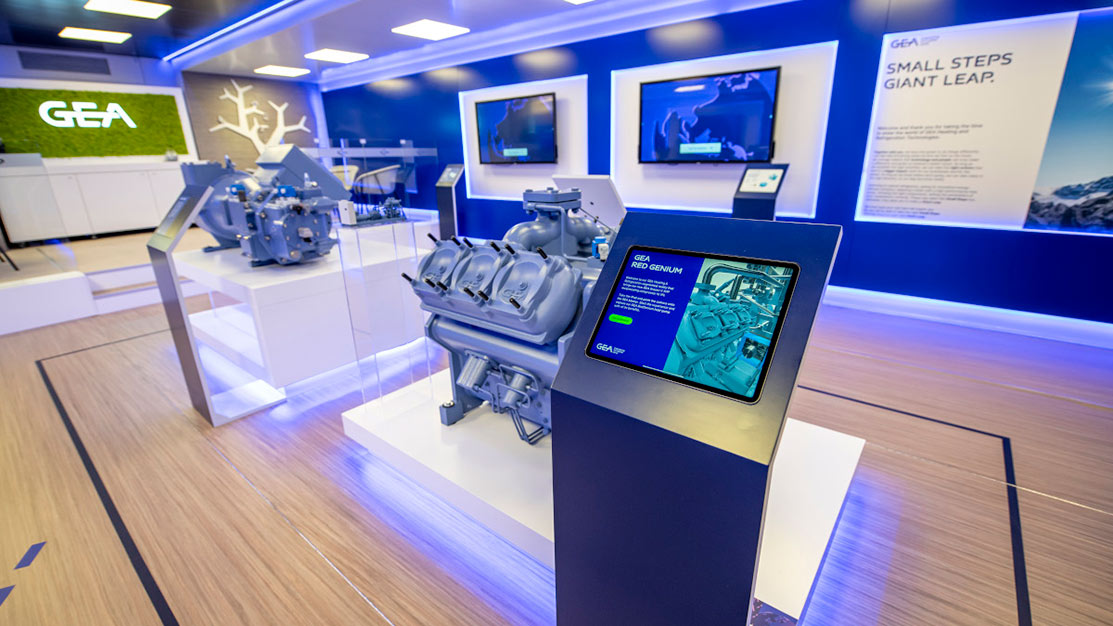
Design Patterns for Question-Led Interactive Presentations in B2B Meetings
Read