




Last updated: 12 May 2026
Most event marketers choose their touchscreen software in the dark, comparing feature lists that mean nothing without real-world context. You need a platform that actually works offline at your booth, doesn’t require a coding team to customize, and won’t drain your budget before launch day. The problem is that traditional touchscreen development used to demand expensive custom programming, months of setup, and technical expertise most marketing teams simply don’t have. That’s why finding the right touchscreen software comparison chart matters so much, because the wrong choice can waste thousands of dollars and leave your booth looking dated next to competitors. This article breaks down the leading platforms side-by-side, shows you exactly what each one does well, and reveals which solutions actually deliver results at trade shows. By the end, you’ll know precisely which platform fits your needs, budget, and timeline.
Key Takeaways
- Booths with interactive touchscreens draw 35% more visitors and can increase dwell time by 30-40%, making platform choice critical to event ROI.
- Offline-capable software eliminates dependency on venue WiFi, which is often unreliable or prohibitively expensive at trade shows.
- No-code platforms let marketing teams create and customize experiences without hiring developers, reducing timelines from months to weeks.
- 81% of attendees remember booths featuring interactive touchscreens, making this one of the most effective engagement tools available in 2026.
Why Touchscreen Software Comparison Matters for Events
The stakes are high when you’re choosing touchscreen software for your booth or event space. Booths with interactive screens draw 35% more visitors compared to traditional setups, and interactive displays can increase booth dwell time by 30–40% and lead capture by up to 35%. That’s not a marginal improvement, that’s the difference between a booth people walk past and one they stop at, engage with, and remember.
Here’s what most marketers don’t realize: 68% of trade show attendees believe booths featuring innovative technology have limitless potential. Attendees actively expect and reward tech-driven experiences. If you’re not offering an interactive experience, you’re already behind. The self-service nature of touchscreens is a big part of why they work so well. Unlike static banners or brochures, interactive displays invite participation and transform passive observers into active leads. Attendees can browse content, explore products, and drill into detail at their own pace, no need to wait for a representative to become available.
But here’s the uncomfortable truth: not all touchscreen software is created equal. Some platforms require months of development time. Others demand expensive WiFi upgrades. Still others look slick in the demo but fall apart when you try to customize them for your actual brand. A proper www.popcomms.com blog comparison helps you avoid those pitfalls and focus on what actually moves the needle for your business.
Key Features to Compare Across Platforms
When you’re evaluating any touchscreen software solution, certain features separate winners from also-rans. Let me walk you through the non-negotiables:
Offline Functionality
The most critical feature in touchscreen software is offline capability, because venue WiFi is expensive and unreliable at nearly every trade show. If your software requires an internet connection to function, you’re betting your entire booth experience on infrastructure you don’t control. Look for platforms that let you load content locally onto the device, so everything runs smoothly whether the WiFi is working or not. For more detail on this, see our guide to touchscreen software with offline capability.
No-Code Customization
You should be able to create and modify content without hiring a developer or learning to code. If your team has to hand off every change to a technical resource, you’ll lose weeks to revision cycles. The best platforms in 2026 let non-technical marketers drag, drop, and customize in minutes.
Multi-Screen Management
Many booths run multiple touchscreens to show different product categories, customer segments, or departments simultaneously. Your software should let you manage all of them from a single dashboard, push updates to all screens at once, and track engagement across the entire installation.
Content Versatility
Can you embed videos, PDFs, interactive maps, image galleries, and live demos? The best platforms let you mix media types freely, so you’re not forced into a rigid template. This flexibility turns a functional tool into a genuine storytelling asset.
Lead Capture and Data Export
Your touchscreen isn’t just for engagement, it’s a lead generation machine. Look for platforms that let visitors submit contact information directly, track what content they engaged with, and export that data for follow-up. The ability to send materials directly from the booth to visitor email addresses is invaluable for post-show conversion.
Support and Training
You need a partner who understands events, not just software. When something goes wrong 30 minutes before the doors open, you need someone who picks up the phone. Look for vendors who offer dedicated support and help you customize the platform to match your specific booth needs.
Top Touchscreen Software Platforms Compared
Let me break down the leading options in the market and how they stack up against one another:
POPcomms
POPcomms is purpose-built for trade show and event touchscreens, offering offline functionality, no-code customization, and dedicated event marketing support. This platform stands out because it solves the exact problems event marketers face: tight timelines, limited budgets, and the need for reliable performance at unpredictable venues.
Key strengths include offline-first architecture (no WiFi dependency), drag-and-drop interface for non-technical teams, multi-screen management from a single dashboard, rich media support (video, PDF, interactive maps, lift-and-learn features), and real-time lead capture with email integration. The platform also lets you incorporate video interviews, product demonstrations, and interactive content that keeps visitors engaged longer.
Real users report: “At the show, people were just coming up, interacting, and swiping through. They loved the lift and learn. The ability to incorporate videos, PDFs, and demos made our booth stand out.” Another client noted that running four touchscreens across departments significantly increased traffic and engagement, with the ability to track which materials were sent and opened after the show providing measurable ROI.
Timeline: Experiences typically launch in weeks, not months. Cost: Significantly lower than custom development, with flexible pricing models for different booth sizes and engagement levels. Setup: Your team can create content directly, no coding required.
Generic Custom Development (Agency-Built)
Some larger brands still work with agencies to build completely custom touchscreen experiences from scratch. This approach offers unlimited flexibility but comes with substantial trade-offs.
Strengths: Complete creative control, deeply branded experiences, ability to build proprietary features not available off-the-shelf. Weaknesses: 3–6 month timelines, $50,000+ budgets, dependency on the agency for any changes or troubleshooting, requires WiFi infrastructure planning, lack of trade-show-specific features like offline operation or quick lead capture.
When to use this: Only if your brand has a massive budget, willing to start planning 6+ months before the event, and needs features that no existing platform offers. For most marketing teams, custom development is overkill and far too expensive.
Web-Based Tablet Apps (iPad-style platforms)
Some vendors offer platforms that run on tablets and require WiFi or mobile connections to function. These feel responsive and modern but introduce significant risk at events.
Strengths: Familiar interface, easy to deploy to multiple devices, works on standard hardware. Weaknesses: WiFi dependency (often unreliable or unavailable at shows), limited offline functionality, restricted to tablet-sized displays, less immersive than large-format touchscreens, no lead capture integration, expensive per-device licensing.
When to use this: Only for small-scale deployments where you have guaranteed strong WiFi and don’t need to capture attendee data. For serious booth engagement, these platforms underperform.
Enterprise Kiosk Software
Some large enterprises use kiosk software designed for retail, healthcare, or government applications. While these platforms are feature-rich, they’re overkill for event marketing and often lack event-specific capabilities.
Strengths: Robust security, multi-location management, extensive integration options. Weaknesses: Complex interfaces requiring technical staff, expensive licensing, designed for static installations not mobile events, steep learning curve, unnecessary features that inflate cost without adding value for event marketers.
When to use this: Only if your organization already uses the platform for other purposes and your IT team is willing to support it at events. For event-focused teams, this introduces unnecessary complexity.
Offline Capability: A Make-or-Break Feature
Let me be absolutely clear about this: if your touchscreen software requires an internet connection to run, you’re taking on massive risk at an event. Venue WiFi is unreliable, often prohibitively expensive (we’ve seen $5,000+ fees for booth WiFi access), and frequently gets overwhelmed when thousands of attendees are online simultaneously.
The best touchscreen platforms load all content onto the device itself. You prepare your experience before the show, sync it to the touchscreen, and it runs flawlessly whether the WiFi is working or not. Updates to content can be made before the event and synced via USB, preventing any downtime during critical show hours.
Interactive elements boost engagement between visitors and exhibitors by around 50%, but only if your experience actually works when attendees approach your booth. Offline-first architecture is the difference between a reliable lead generation tool and an expensive liability. For a detailed look at how this works in practice, check out our guide on offline touchscreen capability.
Some platforms claim to work “offline” but still require an internet connection for authentication, analytics, or content updates. That’s not true offline capability. True offline operation means the entire experience runs locally, with optional cloud sync after the event for data collection and analytics.
Ease of Use and No-Code Solutions
The no-code movement has fundamentally changed touchscreen software for the better, because it puts content creation and customization directly in the hands of marketing teams instead of requiring expensive developer resources.
Before no-code platforms like POPcomms existed, building a touchscreen experience meant months of programming time and budgets that only Fortune 500 companies could justify. Now, your marketing team can create, test, and deploy interactive experiences in days or weeks. This shift matters because it democratizes access to one of the most effective booth engagement tools available.
When evaluating a no-code platform, ask yourself: Can my team create content without any training? Can they modify layouts, colors, and messaging without waiting for support? Can they swap videos or update product information on the fly? If the answer to any of these is “no,” you’re looking at a platform that will frustrate you during the critical weeks before your event.
Look for platforms with templates that match your industry (trade show booths, product launches, healthcare environments, etc.) so you’re not starting from a blank canvas. The faster you can get to your first draft, the more time you have to refine and perfect the experience. Our guide on customizing touchscreen interfaces for tradeshows walks through best practices for design and content strategy.
Real Results: What Brands Actually Achieve
Here’s what matters most: does this software actually move the needle for your business?
Interactive trade show booths achieve average dwell times of 5 to 12 minutes per visitor, compared to roughly 45 seconds for passive displays. That’s a 10–15x increase in the window your sales team has to start a meaningful conversation. Freeman Trends Research puts interactive technology engagement at a 3–5x lift overall.
Beyond dwell time, 81% of attendees remember booths that feature interactive touchscreens, and 84% feel more confident about brands that offer hands-on experiences. This is measurable, repeatable impact that translates directly to pipeline.
One large industrial equipment manufacturer ran four touchscreens across different product departments in their booth. The result: significantly increased traffic, extended booth visits, and most importantly, clear data on which materials attendees engaged with most. They could then prioritize follow-up conversations with prospects who engaged with specific product categories, massively improving conversion efficiency.
A technology consulting firm deployed an interactive map showing their office locations and service areas. Visitors loved the ability to zoom in and explore details that static PDFs couldn’t convey. The ability to send materials directly from the booth to customer email addresses proved invaluable for post-show nurturing.
The common thread across every successful implementation we’ve seen: the platform had to be reliable, easy to customize, and support the team’s actual workflow. Brands that chose platforms designed specifically for events, not adapted from other industries, saw the best results and fastest deployment timelines. Our services are built specifically around this event marketing workflow.
Frequently Asked Questions
What is the best touchscreen software for trade shows?
The best touchscreen software for trade shows is one that works offline, requires no coding to customize, and provides lead capture integration. POPcomms is purpose-built for exactly this use case, allowing marketing teams to create interactive booth experiences in weeks rather than months, with zero WiFi dependency and real-time engagement tracking from attendees.
How much does touchscreen software cost in 2026?
Touchscreen software costs vary widely depending on platform and scale. No-code platforms like POPcomms typically range from $2,000–$15,000 depending on booth size and experience complexity. Custom agency development costs $50,000+. Web-based tablet apps charge per-device licensing at $500–$2,000 per unit. Before the no-code movement, event-grade touchscreen software almost always required custom development with 6-month timelines.
Can touchscreen software work without WiFi at events?
Yes, modern offline-first touchscreen software loads all content onto the device itself before the event, allowing it to run completely without internet. Offline platforms like POPcomms handle all functionality locally, then sync engagement data to the cloud after the show for analytics and follow-up. This eliminates the need for expensive venue WiFi upgrades and protects against network failures during critical show hours.
How long does it take to create a touchscreen booth experience?
With no-code platforms, marketing teams can create a basic interactive experience in 1–2 weeks. Custom development typically requires 3–6 months. Web-based tablet apps can deploy in days but lack offline capability and engagement features. Timeline depends heavily on content complexity, number of screens, and required customization. Most no-code solutions include templates that accelerate launch significantly.
Which touchscreen software captures leads automatically?
Top event-focused platforms include built-in lead capture with email integration, allowing attendees to submit contact information directly from the booth touchscreen and receive materials automatically. POPcomms tracks what content each visitor engaged with, providing sales teams with clear context for follow-up conversations. This data export functionality transforms touchscreens from engagement tools into measurable lead generation systems.
Choosing the wrong touchscreen software means wasting weeks on development, overpaying for unnecessary features, and deploying a booth experience that doesn’t perform when it matters most.
The right platform eliminates complexity, gets you to launch faster, and generates measurable results at every event.

Related Posts
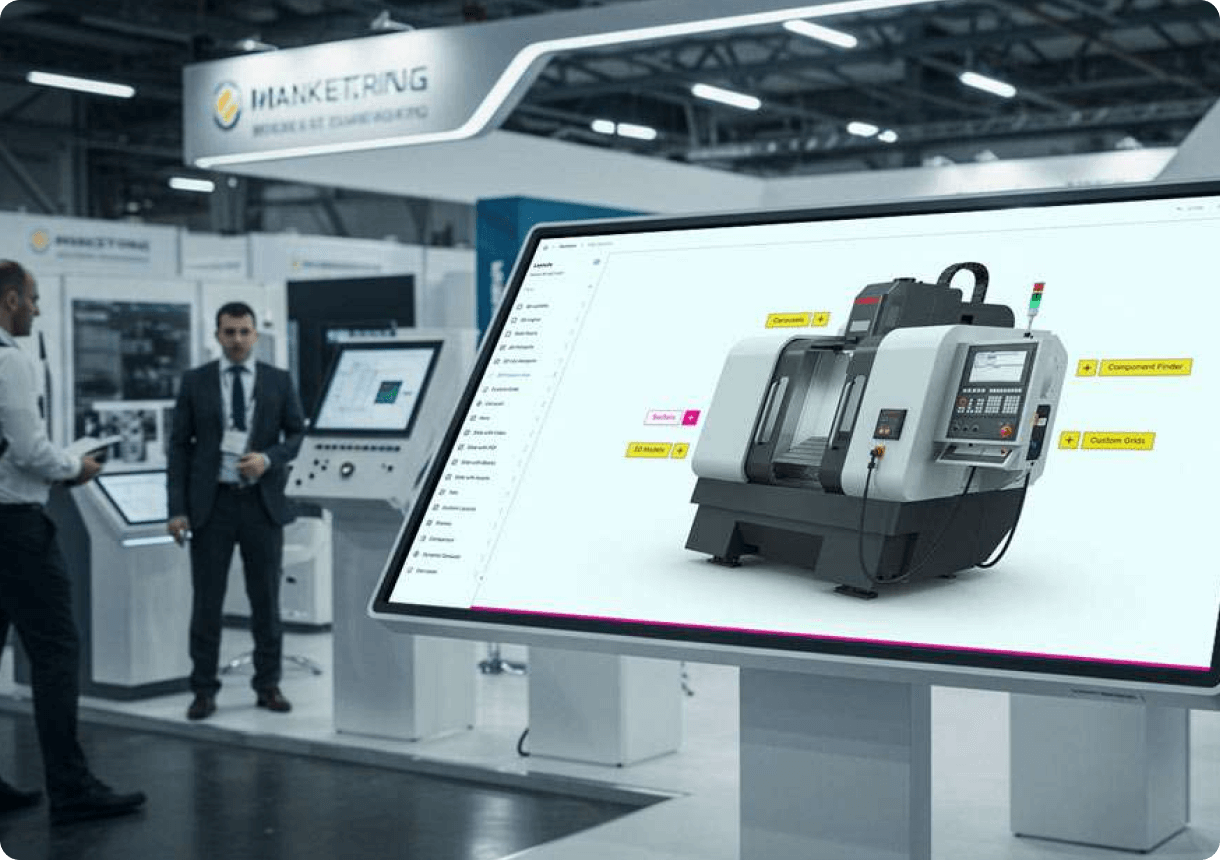
Floor Standing Touchscreen Booth Software
Read
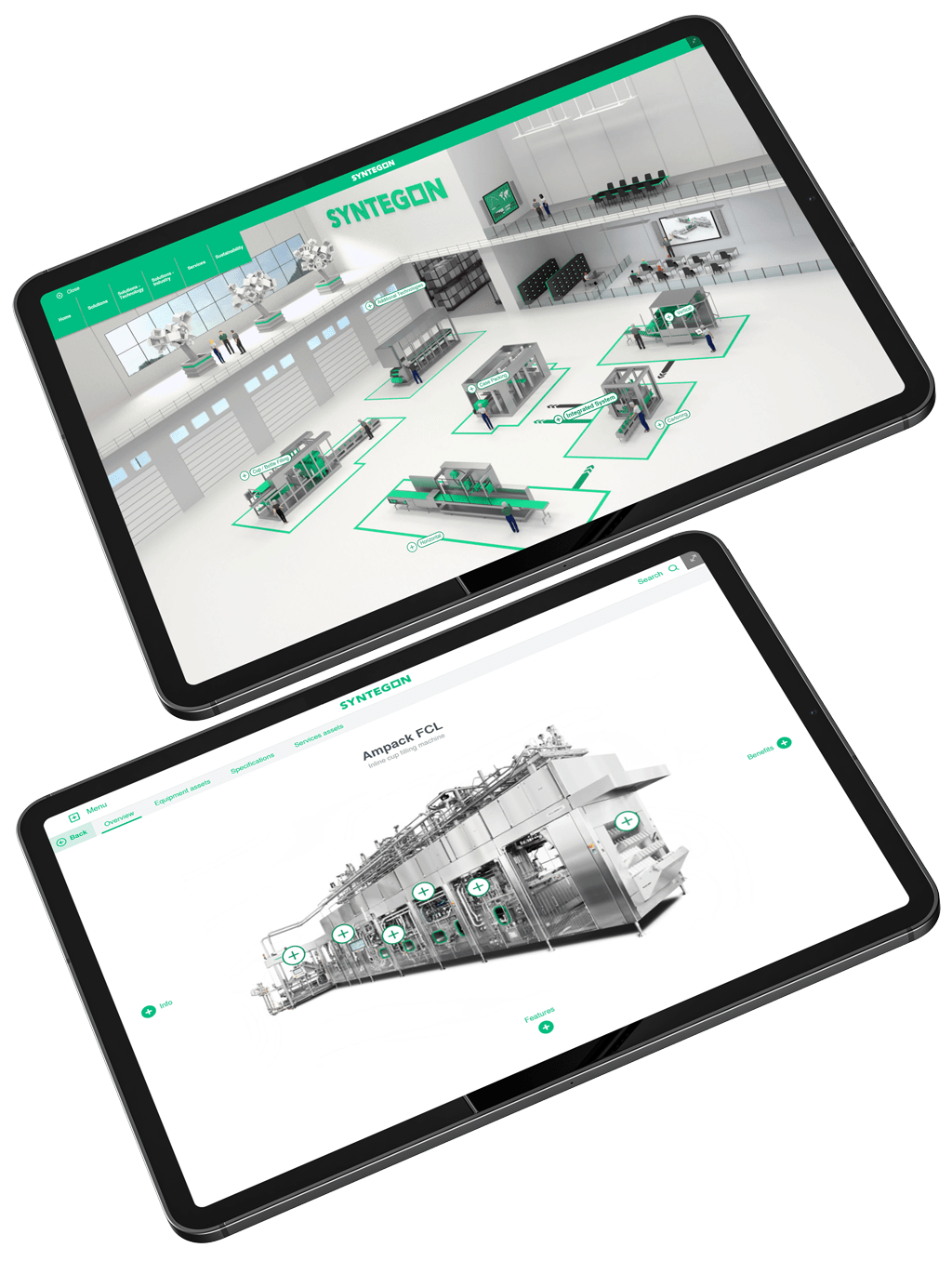
Interactive Experiences: Advanced Guide | POPcomms
Read
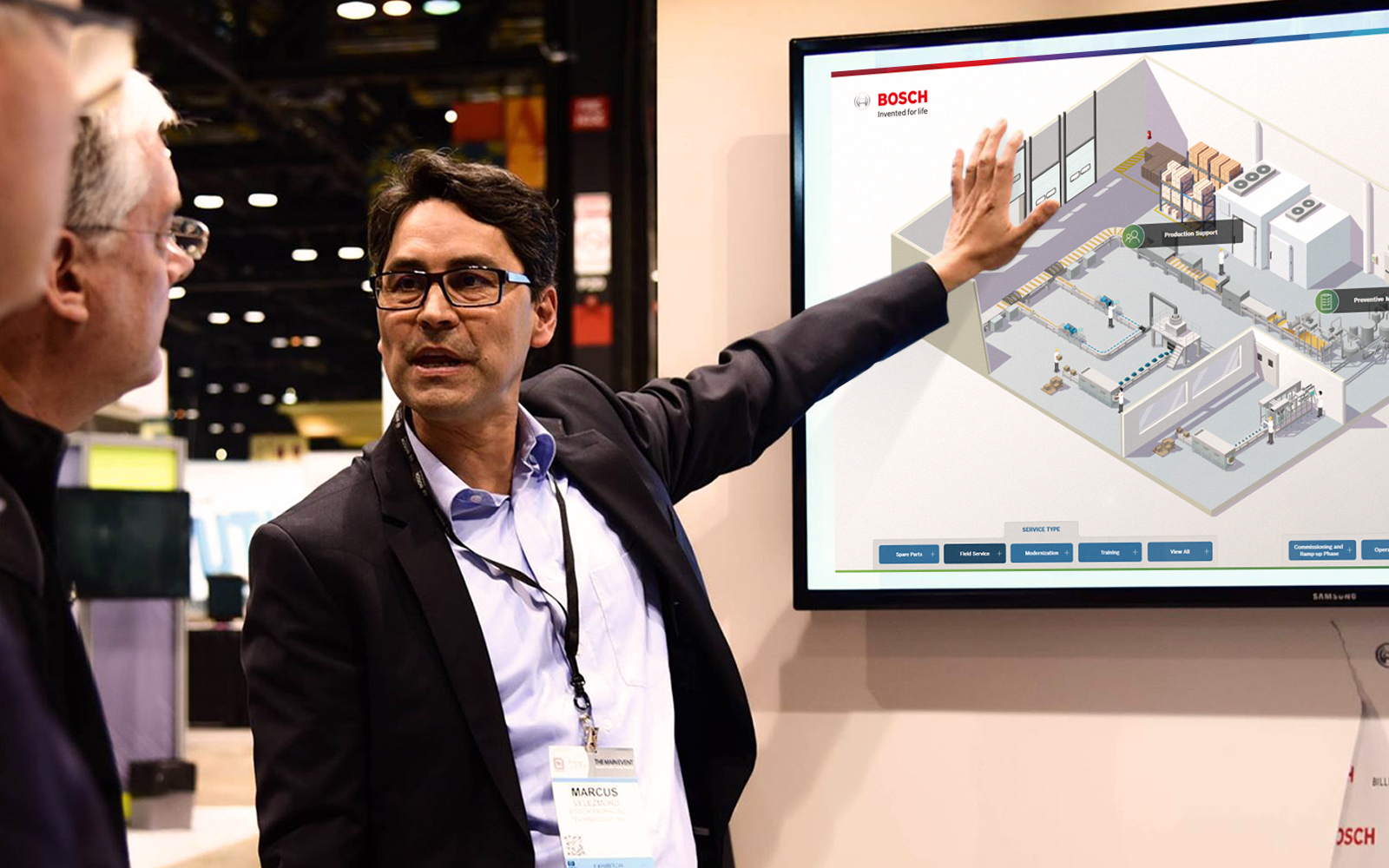
Multi-Language Touchscreen Support for Global Audiences
Read
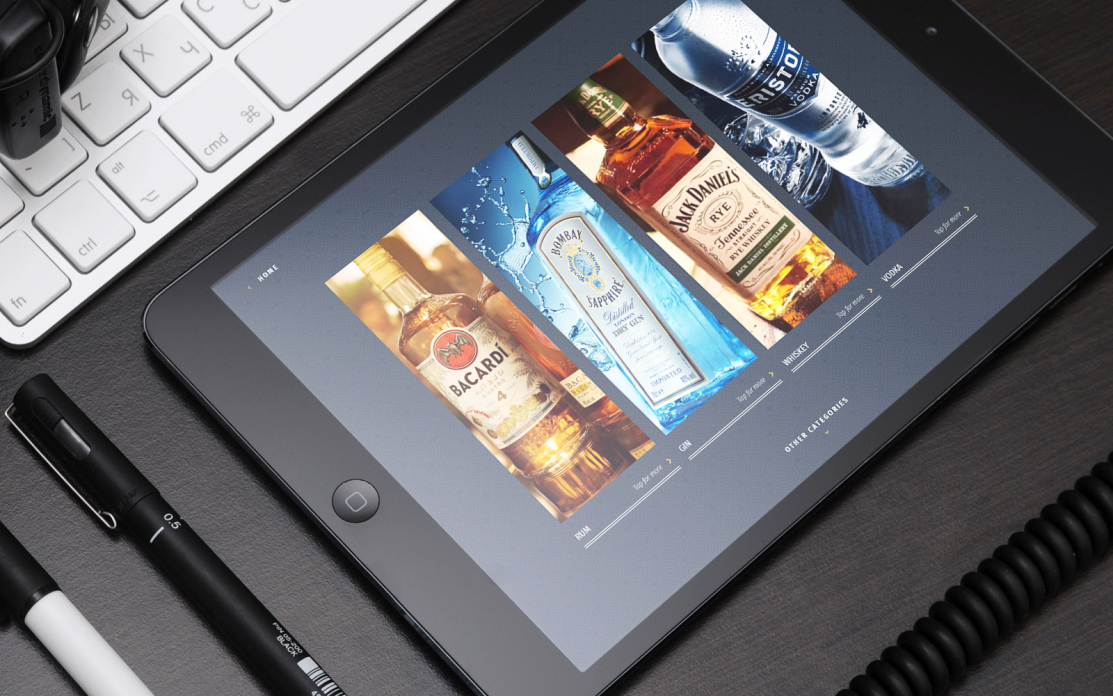
Could Adding an Interactive Presentation to Your Sales Toolkit Help Improve Your Buyers’ Experience?
Read