




Last updated: 18 April 2026
Eighty-six percent of B2B deals stall , not because your product isn’t compelling, but because your buyers can’t build a shared understanding of it together. Every day a deal sits in the “evaluation phase,” your champion is manually resending PDFs, summarising conversations in email threads, and hoping the finance team reads the same business case as procurement. That’s not a sales problem. That’s an architecture problem. Automating buyer enablement workflows removes the friction from how buying committees make decisions , transforming a fragmented, email-driven process into a guided, interactive experience where alignment happens naturally. In this guide, you’ll learn exactly how to design and deploy automated workflows that keep buyers engaged, reduce decision cycles, and give your sales team visibility into what’s actually happening between demos. We’ll walk through the strategic thinking, the technical setup, and the common mistakes that derail automation projects in complex B2B selling.
Key Takeaways
- Automating buyer enablement means removing manual handoffs from the buying committee’s journey, not automating your sales team’s work.
- The most effective way to automate buyer enablement is to trigger relevant content delivery based on stakeholder role, not just deal stage.
- Buying committees don’t move through pipelines , they move through confidence, alignment, and perceived safety, and automation should support each stage differently.
- Real automation gives you visibility into which stakeholders engaged with which content and how that engagement influenced deal progression.
- The difference between a working automation system and a failed one is whether buyers experience it as a helpful guide or as spam that clutters their inbox.
Understand Your Buyers’ Real Decision Process
Before you build a single workflow, you need to understand how your specific buying committees actually make decisions. This is different from how your sales playbook assumes they decide. Most automation failures happen because organisations automate workflows based on deal stage , moving a prospect from “proposal sent” to “negotiation” , rather than based on what the buying committee actually needs to feel confident moving forward.
The most effective way to automate buyer enablement is to design automation that serves the buyer’s decision-making process, not your sales cycle. In industrial and healthcare B2B sales, buying committees typically include procurement, technical evaluation teams, finance, and end-user stakeholders. Each group has a different question they need answered, reads different content, and moves at a different pace. Your automation system needs to recognise this heterogeneity, not flatten it.
Start by mapping the actual stakeholder groups in your typical deals. In a medical device or industrial equipment sale, this might look like:
- Clinical or Technical Evaluators: Need proof the solution solves the specific problem and integrates with existing systems
- Procurement and Finance: Need total cost of ownership, contract terms, and budget justification
- End Users or Operators: Need to understand how it actually works and how it changes their daily workflow
- Executive Sponsor: Needs the business case and competitive advantage
Each of these groups will benefit from different content, delivered at different moments. A procurement manager doesn’t need a clinical white paper on day one. A technical team doesn’t need budget model templates before they’ve validated performance specs. Yet most automation systems treat all stakeholders as generic “contacts” and send the same content to everyone on the opportunity.
Use customer journey mapping to identify the specific moments where each stakeholder group needs information to move forward. This becomes the foundation for your automation triggers.
Map Your Workflows to Buying Committee Behaviour
Once you understand your stakeholder groups and their distinct information needs, the next step is to design workflows that guide them through their decision in parallel , not sequentially. In most organisations, the sale flows like this: demo → email follow-up → proposal → more email → internal meetings you’ll never see → deal stalls. Automating buyer enablement changes that arc entirely.
A properly designed automated workflow gives the buying committee a central location where they can access information relevant to their role, access it on their timeline, and see how the pieces fit together. This is fundamentally different from “automating email sends based on trigger events.” That’s sales automation. What we’re discussing is buyer automation , designing the buying experience to be self-guided and require minimal intervention from your champion or sales rep.
Here’s the structural difference: rather than automating the sequence of emails your rep sends, you’re automating the sequence of resources the buyer accesses. When a prospect clicks your demo link, the system immediately makes available the business case summary for finance, the technical specifications for engineering, and the implementation timeline for operations , all in one place, all accessible on their schedule. Your sales rep doesn’t have to manually coordinate who gets what.
The workflow automation framework should answer these questions:
- When a new stakeholder joins the buying committee, what is the first thing they need to see to get up to speed quickly?
- After a demo, what specific content does each role need to socialise internally?
- What content should be made available once a commercial conversation begins (not before)?
- Which content triggers the next conversation with your sales rep?
For example, after your sales rep completes a demo call with the technical team, an automated workflow might:
- Immediately send a technical summary to the evaluators
- Trigger the finance team to receive a pricing model and ROI calculator
- Send a procurement template to the purchasing team
- Alert the champion that all three resources are now available and ready to be shared internally
This all happens within seconds of the demo ending. No follow-up email needed. No “I’ll send you some information” promise that takes a week to fulfil. This is where automation creates its first competitive advantage: speed. From first meeting to buyer access now takes minutes, not a week , improving on one of our most proven outcomes with enterprise customers across the industrial and healthcare sectors.
Design Automation Triggers That Match Buyer Maturity
The mechanism that powers automation is the trigger: a specific event or condition that causes a workflow to activate. Most organisations make a critical mistake here , they use sales activity as the trigger (rep sends email, rep logs call, rep moves deal stage) rather than buyer behaviour as the trigger. This breaks the entire logic of buyer enablement.
Automation triggers should respond to what the buyer is actually doing, not what your sales rep is recording. When a buying committee member opens a demo link, visits the business case document, or spends three minutes reviewing the technical specifications , those are the moments where your workflows should activate.
This requires a buyer enablement platform that gives you engagement visibility. You need to know:
- Which stakeholders accessed which content
- How long they spent on each resource
- Whether they downloaded, shared, or printed materials
- Whether they returned to re-read specific sections
Your automation system should be built to personalise content delivery in real-time, meaning a new stakeholder joining the evaluation might see a different starting sequence than the initial technical contact. For complex B2B sales, medical device buyer enablement software and industrial platforms should use these types of role-based and behaviour-based triggers to guide each party through their specific decision path.
Here are the most effective trigger types for industrial and healthcare B2B:
- Role-Based Triggers: When a finance contact is identified, automatically make budget justification templates and ROI models available to them
- Engagement Triggers: When a buyer spends more than 2 minutes on the technical specifications, automatically send a deeper technical resource
- Time-Based Triggers: If a stakeholder receives content but doesn’t engage within 48 hours, automatically send a summary or alternative format
- Committee Composition Triggers: When multiple stakeholders from the same organisation are identified, automatically surface content showing cross-functional value (operational benefits + financial benefits + technical fit)
The goal is to remove friction from the buying journey. If your system requires a sales rep to manually send different resources to different people, you haven’t automated the workflow , you’ve just made it easier for your rep to be busy. Real automation means the buyer gets what they need without asking.
Build Interactive Experiences That Replace Email
This is where automation stops being a backend process and becomes a buyer experience. The container for all of this , the place where your stakeholders actually interact with your content and each other’s thinking , cannot be a PDF attachment or a series of emails. It has to be a unified space where buying committee members can engage with resources, understand how pieces connect, and build confidence together.
Think about what happens today when a procurement manager receives four PDFs in an email thread: the executive summary your rep sent, the business case a colleague forwarded, the technical spec sheet the engineering team found, and a competitive comparison someone discovered. These four documents may contain contradictory information, emphasise different value props, or use different assumptions about ROI. There’s no single source of truth. The buying committee members spend hours in meetings trying to reconcile what each document says, and alignment never actually happens.
An automated buyer enablement experience presents all of that information in a single, cohesive environment where:
- The business case, technical specs, and pricing model are visibly connected
- Different stakeholders can access the level of detail relevant to their role without being overwhelmed by irrelevant information
- Interactive elements allow buyers to explore “what-if” scenarios (adjust volumes in the ROI model, swap implementation approaches, compare timeline options)
- The system tracks which stakeholders have engaged with which sections, so your champion has visibility into what their peers actually understand
This experience needs to be intuitive enough that a buyer can navigate it without support, but structured enough that they can’t get lost. It’s the difference between handing someone a blueprint and a pile of specification sheets versus giving them a guided walkthrough of the building with the ability to explore deeper if they want.
For example, a complex industrial equipment sale might use an automated interactive experience that shows: “Here’s how it integrates with your existing systems (technical team path) → Here’s the financial impact (finance team path) → Here’s the operational workflow (operations team path)” , all accessible from a single entry point, all kept current automatically (no manual PDF versioning nightmare), and all designed so a buyer can share a single link instead of hunting for attachments.
This is what our services are specifically built to do , take complex product portfolios and turn them into persuasive, interactive buyer experiences that explain complex services in under three minutes, with the ability to explore deeper depending on your stakeholder’s needs.
Measure What Matters: Engagement, Not Just Opens
Most organisations measure automation success by tracking email open rates. Did the automated email get opened? Did the link get clicked? These are the wrong metrics because they tell you nothing about whether the buying committee actually made a decision.
Measure buyer enablement automation by tracking stakeholder engagement with content and its correlation to deal progression. This is fundamentally different from traditional sales enablement metrics.
The metrics that actually predict deal closure are:
- Multi-Stakeholder Engagement: How many distinct roles have accessed the content? (A deal where only the champion engages is at higher risk than one where procurement, technical, and finance have all reviewed materials)
- Content Consumption Depth: Did stakeholders spend sufficient time on materials to actually understand them, or were they cursory views? Are they returning to re-read critical sections?
- Cross-Functional Alignment: Which stakeholders are accessing the same content in sequence? (This shows internal alignment activity)
- Engagement Velocity: How quickly is the buying committee moving through your content? (Slow velocity can signal hesitation or competing priorities)
- Content Type Correlation: Which content types correlate with moving deals forward? (This tells you what actually persuades your specific market)
Your automation platform should provide a dashboard that shows, in real-time, which deals have healthy buying committee engagement and which ones are at risk. If only one person from a four-person buying committee has engaged with materials in two weeks, that’s a leading indicator of deal risk , and it’s visible to your sales team before the deal stalls.
Track these metrics at the deal level and at the aggregate level to understand which workflows are working and which need redesign. Most organisations discover that the workflows generating the highest engagement are not the ones they expected , usually because they finally have data on what buyers actually care about, rather than assumptions.
Avoid the Seven Mistakes That Kill Automation Projects
Automation projects fail not because the concept is wrong, but because organisations make predictable mistakes in implementation. Knowing these in advance will save you months of ineffective workflows.
1. Automating Email Instead of the Buyer Experience
The first mistake: treating buyer enablement automation as a tool for sending more emails faster. You don’t have an email problem. You have a fragmentation problem. Automating email just makes fragmentation faster. If your workflow is “demo → automated email with PDF → automated email with pricing → automated email with case study,” you’ve automated frustration.
Instead, automate the experience. After a demo, the buyer should have access to a single, unified space where they can find all relevant information. No emails about what’s available , they can discover it themselves.
2. Building Workflows Based on Deal Stage Instead of Buyer Behaviour
Mistake two: designing your workflows around your sales process (“opportunity identified,” “qualified,” “proposal sent,” “negotiation”) rather than around the buying committee’s actual decision-making journey. Your deal stages exist for your reporting. Your buyers don’t follow them. A prospect can be in your “proposal sent” stage while the buying committee is still in the “basic qualification” phase because nobody has shown them the technical specifications yet.
Map workflows to buyer questions, not your pipeline stages. When this stakeholder type is identified, what do they need to see? When the buying committee has reviewed these materials, what’s the next decision point?
3. Treating All Stakeholders as Generic Contacts
Mistake three: sending the same automated sequence to every contact on the opportunity. This is why so many automation initiatives deliver no results. A procurement manager and a technical engineer need completely different information, at different times, delivered in different formats. If your workflow sends the same thing to both, both will ignore it.
Your automation needs to be role-aware. Use qualification data, title information, and past behaviour to segment stakeholders and deliver relevant content. This requires a strong buyer enablement content strategy where content is organised by stakeholder need, not by sales stage.
4. Relying on Sales Reps to Trigger Workflows Manually
Mistake four: designing automation that requires your sales team to remember to click a button to activate it. “When you complete a demo, click ‘send follow-up sequence'” , this never works at scale. Your reps are busy. They forget. Or they follow their own ad-hoc process instead of using your standardised workflow.
Automation should be automatic. When a buyer downloads the demo link and accesses it, the system should automatically begin the next sequence. No rep intervention required. Your reps should see that automation is running, but not have to manage it manually.
5. Failing to Version Control Your Content
Mistake five: deploying automation around content that exists in multiple outdated versions scattered across your organisation. When pricing changed last month, did your automation send old pricing models? When a competitor released new capabilities, did your automation send outdated competitive positioning? This happens constantly, and it destroys trust in your automation system.
Before you automate workflows, you need a single source of truth for all content. Every resource that goes into your automation system should have version control and update timestamps. When content changes, all automated sequences should automatically reference the newest version. This is non-negotiable.
6. Not Building in Human Handoff Points
Mistake six: assuming that full automation means zero rep involvement. Some moments in the buying journey require human conversation. Your automation should recognise these moments and alert your rep to engage. When a buying committee has reviewed all available materials but hasn’t requested pricing, that’s a moment for your rep to call. When multiple stakeholders have engaged but two weeks pass with no forward movement, that’s a moment to re-engage.
Design your workflows with clear handoff points where the automated experience pauses and surfaces a notification to your sales team: “This deal has high engagement but no active conversation in 10 days , recommend outreach.”
7. Launching Automation Without Training Your Sales Team
Mistake seven: deploying buyer enablement automation to your sales team without explaining why it exists or how it changes their job. Your reps didn’t opt into this. To them, it looks like management installed another tool they have to learn. If you don’t explain that this tool is designed to reduce their manual follow-up work and give them visibility into what’s actually happening in deals, adoption will be low.
Your sales team needs to understand: “You used to manually send five different PDFs to five different people and never know if they were read. Now, the system automatically delivers the right content to the right stakeholder based on their role. You’ll see which stakeholders engaged, what they looked at, and how long they spent. This means you can spend less time on busywork and more time on strategic conversations.”
Frame automation as reducing rep friction, not adding another system to maintain.
The Implementation Path: From Design to Deployment
Here’s how a realistic automation project unfolds:
Phase 1: Research and Mapping (Weeks 1–3)
Conduct interviews with your sales team and, if possible, recent customers. Understand the actual sequence of questions buying committees ask, the information they need at each stage, and the moments where deals tend to accelerate or stall. Map out your stakeholder groups and what each group cares about.
Phase 2: Content Audit (Weeks 2–4)
Inventory all existing sales content, marketing materials, product documentation, case studies, and templates. Identify what exists, what’s outdated, what’s duplicated, and what’s missing. This is painful but essential. You cannot automate poor or fragmented content.
Phase 3: Workflow Design (Weeks 4–7)
Map the specific workflows. Create a flow diagram for each stakeholder type: “When a technical contact is identified → show technical specs → track engagement → if engagement is high but no finance contact engaged → trigger outreach to bring finance into conversation.” Make these workflows explicit and visual so stakeholders can sign off on them.
Phase 4: Experience Build (Weeks 7–12)
This is where your automation platform comes in. You’re not building custom software. You’re using a platform like POPcomms designed for complex B2B automation. The platform should allow you to:
- Create role-based content journeys
- Set triggers based on behaviour and role
- Build interactive experiences rather than document libraries
- Track engagement at the stakeholder level
- Surface analytics that show deal health
Phase 5: Pilot Launch (Weeks 12–16)
Deploy the automated workflows to a subset of your sales team , perhaps one region or one product line. Track engagement, measure deal outcomes, and collect feedback. What workflows worked? Where did buyers get confused? Where did the experience fall short? Make adjustments before full rollout.
Phase 6: Full Rollout and Training (Weeks 16–20)
Launch across your full sales organisation with proper training. This isn’t just “here’s how to use the platform.” It’s “here’s why we built this, here’s what changed in your workflow, here’s how it improves your job.” Contact us if you want guidance on how to structure this training.
Phase 7: Optimisation (Ongoing)
After launch, continuously monitor which workflows drive engagement and which don’t. A/B test different content sequences, different triggers, different interactive experiences. Use engagement data to refine your approach. Automation isn’t a set-and-forget project , it requires iteration based on real buyer behaviour.
Frequently Asked Questions
How long does it take to implement automated buyer enablement workflows?
A realistic timeline is 16–20 weeks from initial planning to full rollout, though simple implementations can move faster. The research and content audit phases take longest because they require understanding your actual buyers, not assumptions about them. Organisations that skip these phases typically struggle with low engagement and high abandonment rates.
What’s the difference between sales enablement automation and buyer enablement automation?
Sales enablement automation focuses on helping your reps find and send content faster , automating the seller’s workflow. Buyer enablement automation focuses on helping the buyer receive and understand content together , automating the buyer’s experience. They solve different problems. Sales enablement reduces rep busywork. Buyer enablement accelerates deal closure by improving how buying committees make decisions.
Can we implement automation if our sales process is complex and non-standard?
Yes, though non-standard processes require more careful mapping. The more variation in your deals, the more your automation needs to be flexible and rule-based rather than rigid. This is actually where most B2B industrial and healthcare companies operate , your deals aren’t similar enough to fully template, but you have enough commonality to automate the patterns. Role-based triggers and behaviour-based workflows handle complexity better than stage-based workflows.
How do we measure whether buyer enablement automation is actually working?
Track multi-stakeholder engagement (are multiple roles engaging with content?), content depth (are they actually spending time on materials?), and deal velocity (are deals progressing faster?). Compare deals with high automation engagement to deals with low engagement. You should see correlations between multi-stakeholder engagement and deal closure rates. If you’re not seeing these correlations within 2–3 months, your workflows likely need redesign.
What if our sales team doesn’t use the automation platform as intended?
This usually means the automation didn’t solve a real problem they had, or the training didn’t explain why the change matters. Low adoption typically signals that either: (1) you automated the wrong thing, (2) the experience isn’t intuitive enough, or (3) your team doesn’t understand why you built it. Return to Phase 1: talk to your reps about what’s frustrating them. You might discover you automated the wrong workflow.
Coordinating buying committee engagement across email, PDF versions, and disconnected follow-ups takes hours every week and still results in misaligned buyers and stalled deals.
Take the next step today.

Related Posts
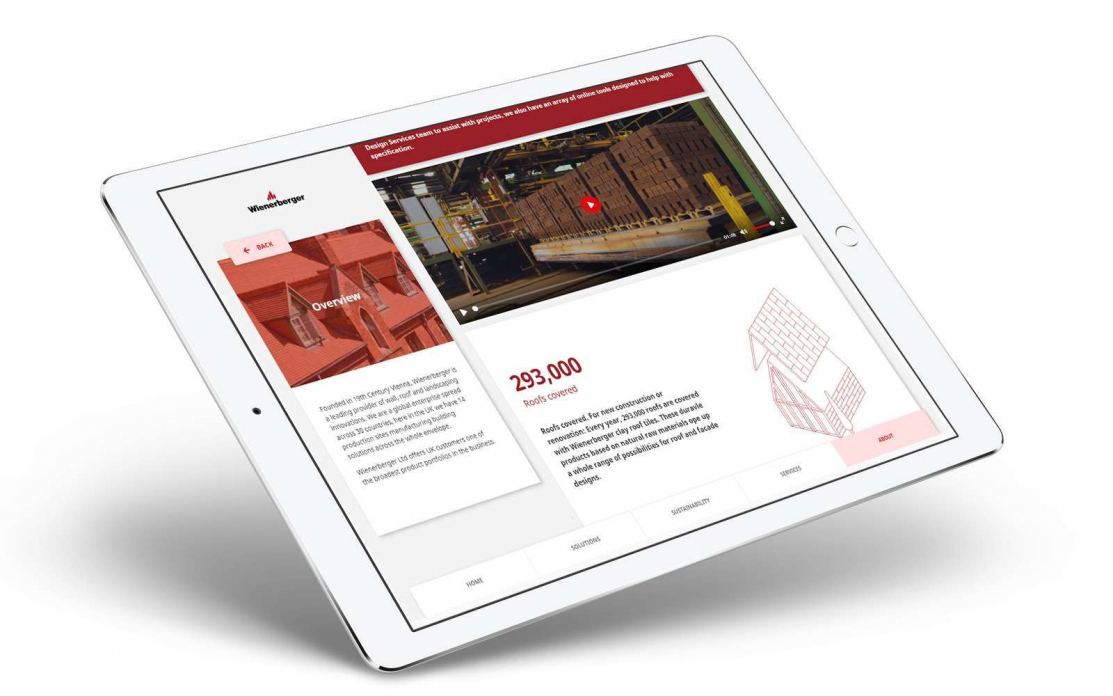
POP Scoops Construction Marketing Award for Excellence in Digital Sales Tool Development
Read
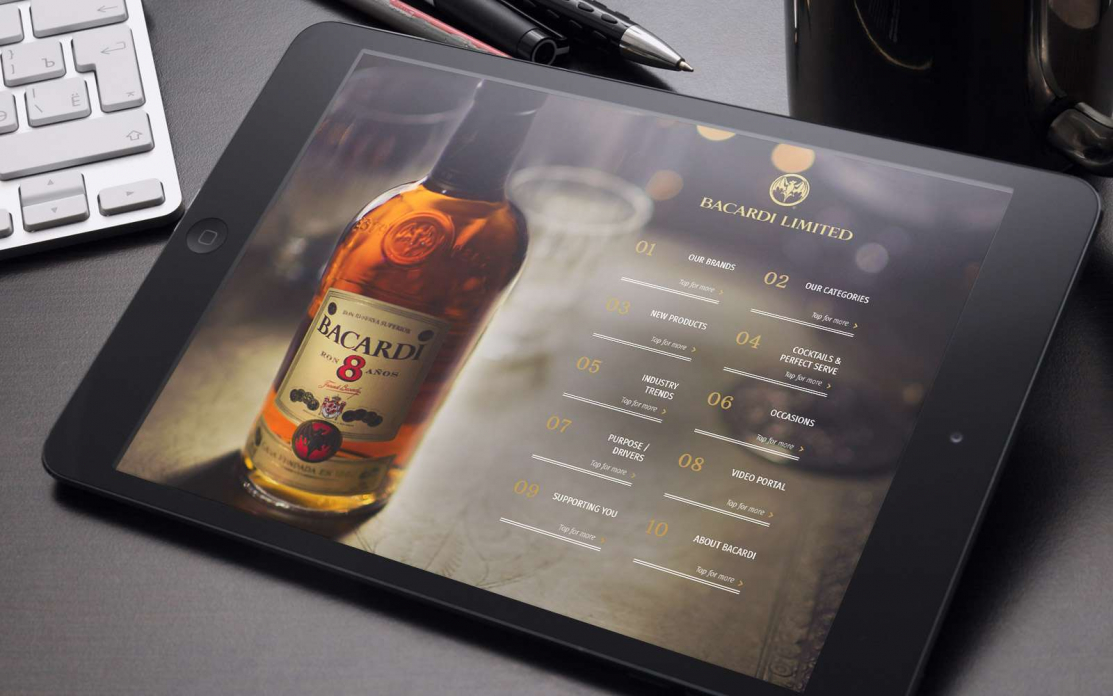
Interactive Sales Experience: Boost Conversions | POPcomms
Read
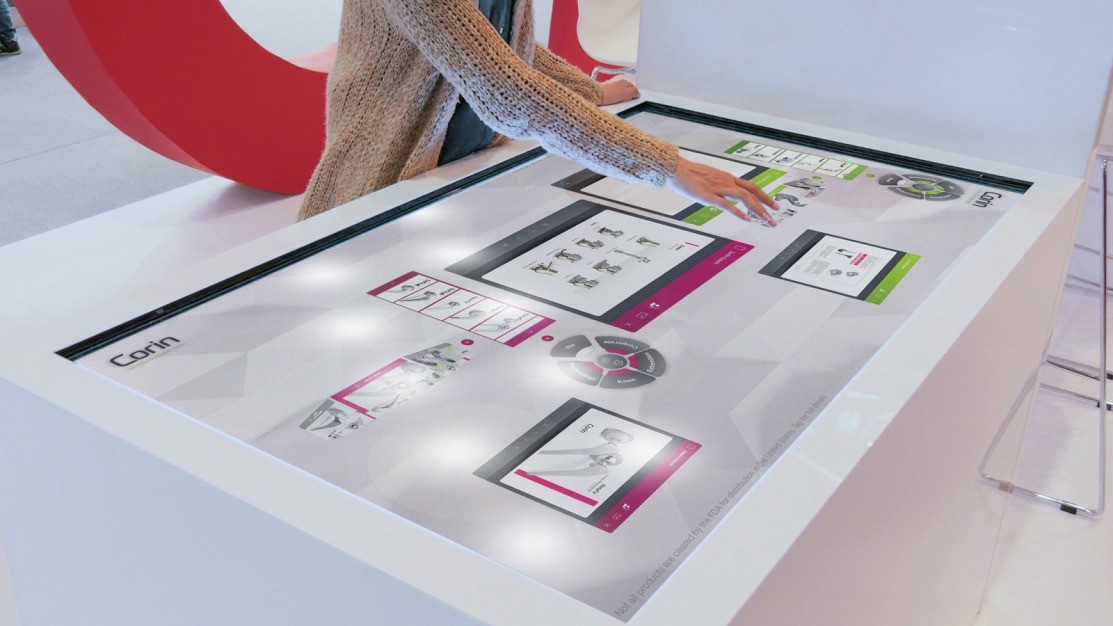
Design Patterns for Question-Led Deal Rooms: Roles, Routing, and Personalization
Read
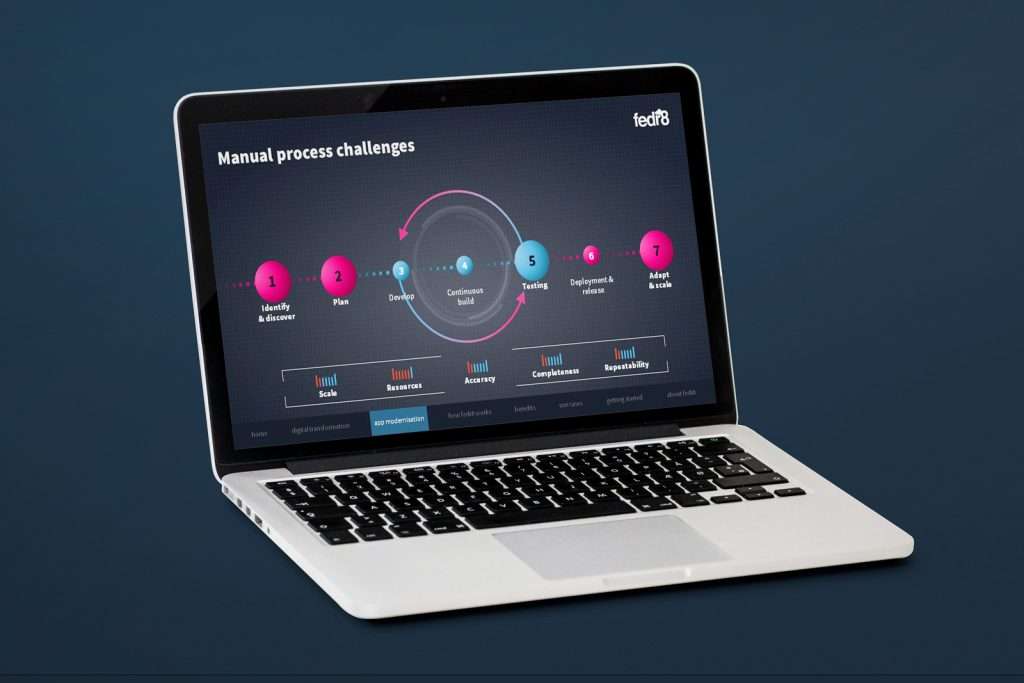
BDR Scorecard for Complex B2B Business Development Platforms
Read