




WiFi-Enabled Trade Show Touchscreen Platforms
Last updated: 12 May 2026
Most event marketers still rely on printed brochures and static displays to engage booth visitors, yet the data tells a completely different story. Booths with interactive screens draw 35% more visitors compared to traditional setups, transforming the economics of your exhibition investment. If you’re running a booth without interactive technology in 2026, you’re competing with one hand tied behind your back, watching qualified prospects walk past to competitors who offer hands-on engagement. This article reveals why WiFi-enabled trade show touchscreen platforms have become non-negotiable for serious exhibitors, how they work in practice, and which solutions actually deliver ROI without the complexity and cost of custom development.
Key Takeaways
- Interactive touchscreen booths generate 35% more visitor traffic and achieve dwell times of 5–12 minutes per visitor, compared to just 45 seconds for passive displays.
- Booths featuring innovative technology like touchscreens increase lead capture by up to 35% and are remembered by 81% of attendees.
- Modern WiFi-enabled platforms eliminate expensive custom coding, allowing marketing teams to build interactive experiences in hours instead of weeks without technical expertise.
- WiFi-enabled touchscreen platforms work seamlessly offline at trade shows, removing the dependency on unreliable event venue connectivity.
Why Interactive Touchscreens Matter at Trade Shows
The psychology behind trade show attendance has shifted. 68% of trade show attendees expect booths to feature innovative technology, signalling that visitors actively seek and reward tech-driven experiences. This expectation isn’t optional anymore, it’s baseline. When attendees encounter a booth without interactivity, they don’t see a blank canvas, they see outdated thinking.
Touchscreens work because they invert the traditional booth dynamic. Instead of waiting for a sales rep to become available, attendees take control. They browse content at their own pace, explore products in depth, drill into details that matter to them personally, and discover information without having to ask. This self-service model is a foundational shift in how engagement happens.
The numbers reflect this realignment. Interactive displays increase booth dwell time by 30–40% and lead capture by up to 35%, per verified exhibitor data. More strikingly, 81% of attendees remember booths that feature interactive touchscreens, and 84% feel more confident about brands that offer hands-on experiences. Confidence and memorability drive conversion downstream. When a prospect returns to their office and recalls which booth had the memorable experience, yours becomes top-of-mind.
If you’re wondering whether interactive elements create a meaningful engagement difference, the answer is unambiguous. Interactive elements boost engagement between visitors and exhibitors by around 50%. The Freeman Trends Report documents a 3–5x engagement lift from interactive technology overall, and EXHIBITOR Magazine confirms that interactive trade show booths achieve average dwell times of 5 to 12 minutes per visitor, compared to roughly 45 seconds for passive displays. That’s a 10–15x increase in the window your sales team has to start a meaningful conversation.
How WiFi-Enabled Platforms Transform Booth Performance
WiFi-enabled trade show touchscreen platforms operate on a fundamentally different principle than older kiosk or display software. Rather than being locked into a single use case or requiring on-site programming, these platforms connect your booth infrastructure to your content ecosystem, allowing real-time updates, multi-device synchronization, and instant lead capture across all your displays simultaneously.
A WiFi-enabled trade show touchscreen platform works by connecting interactive displays to a centralized content hub, enabling instant content updates, synchronized messaging across multiple screens, and real-time lead capture and qualification. This means if you need to pivot your messaging mid-event, update pricing, swap out case studies, or highlight a new product, you can do it from your phone without touching the hardware.
Consider a practical scenario: you’re exhibiting across four booths at a major event. A WiFi-enabled platform lets you present four unique departmental experiences simultaneously, each with tailored content, product demos, and lead capture workflows. One prospect visits your manufacturing station and explores production capabilities on a dedicated touchscreen, while another prospect navigates your solutions screen in a different corner of your booth. Both interactions generate leads captured in real time, tagged by booth location and content interaction, allowing your team to follow up with surgical precision.
That kind of orchestration isn’t possible with static displays or offline-only systems. Touchscreen platforms with advanced lead capture tools enable you to collect attendee data directly from the touchscreen, qualify leads based on the content they engaged with, and send materials instantly to their inbox, all without manual intervention from your booth staff.
One real-world example comes from a manufacturing exhibitor who deployed four touchscreens across their booth floor. With a WiFi-enabled platform, they could present four unique experiences across departments, which brought a lot of traffic and engagement to their booth. The real payoff came after the show, tracking what materials were sent and opened afterward proved invaluable for follow-up prioritization.
The Offline Advantage: Freedom From Event WiFi Unreliability
Here’s where conventional wisdom breaks down. Most event planners assume WiFi-enabled means totally dependent on the venue’s WiFi infrastructure, which is often overloaded, unreliable, or intentionally throttled. This is a critical misconception that has prevented many exhibitors from adopting interactive technology.
Modern WiFi-enabled platforms are designed specifically for trade show environments and include robust offline functionality. WiFi-enabled touchscreen platforms for trade shows operate seamlessly offline, loading content directly from the device’s storage without requiring internet connectivity, while maintaining full functionality for lead capture, video playback, and interactive features. This means you’re not dependent on venue WiFi at all. Your touchscreens download content before the event starts, operate independently on the exhibition floor, and sync lead data back to your CRM once internet becomes available, typically after show hours.
This hybrid architecture solves the core pain point that has plagued interactive booth technology for years. You get the benefits of real-time content management and lead capture without the risk of system failure due to poor venue connectivity. Your booth continues operating at full capacity even if the event’s WiFi collapses, which it inevitably does by day two of a major exhibition.
For a deeper exploration of this capability, touchscreen software with offline capability is the baseline expectation for any serious trade show platform in 2026.
Key Features to Look for in a Trade Show Touchscreen Platform
Not all WiFi-enabled platforms are equal. The difference between a generic kiosk system and a purpose-built trade show platform lies in specific features designed around exhibitor workflows and attendee psychology.
No-Code Content Creation
This is the threshold differentiator. If your platform requires developers to write code, you’ve already lost. Trade show timelines don’t allow for custom development cycles. The right platform lets any team member, regardless of technical background, create and customize interactive experiences in hours instead of weeks. Content should be designable through a visual interface, with drag-and-drop components, template libraries, and the ability to integrate videos, PDFs, product images, and interactive maps without coding expertise.
Lead Capture and Real-Time Qualification
Interactive screens should capture attendee data at point of engagement, not through a separate checkout flow. The best platforms embed lead capture into the natural experience, whether that’s a name entry before accessing detailed specs, or email capture triggered by interest in specific product categories. Lead data should flow directly into your CRM or email platform, with scoring based on content interaction patterns.
Multi-Screen Orchestration
If your booth spans multiple displays, your platform should allow centralized content management and synchronized updates across all screens. Read our blog for insights on managing multi-screen booth experiences, including strategies for segmenting audiences and creating unique journeys on each display.
Offline Operation Without Compromise
Verify that offline functionality is genuinely feature-complete. Video playback should work offline. Lead capture should work offline. Multi-screen sync should work offline. If any core feature requires internet, you’ve introduced a single point of failure in your booth operation.
Speed and Performance
At a trade show, every millisecond matters. Slow touchscreen response times frustrate attendees and make your technology look dated. Platforms should be optimized for near-instantaneous response, smooth transitions, and high-performance video playback even on older touchscreen hardware.
Common Objections and Why They No Longer Hold
Objection 1: “Won’t this take forever to create?”
The old model required hiring a development agency, spending weeks in discovery and design, and paying $15,000–$40,000 for custom programming. That model is obsolete. Specialist software like POPcomms uses no-code interfaces designed specifically for marketing teams, allowing you to build functional, attractive interactive experiences in a fraction of the time. A moderately complex touchscreen experience that once took six weeks can now be created in 2–3 days by someone without coding experience.
Objection 2: “This will be prohibitively expensive.”
Custom-coded touchscreen experiences used to require a dedicated programming team, making them accessible only to Fortune 500 companies. The cost-to-benefit equation was broken for mid-market exhibitors. WiFi-enabled platforms with no-code creation have democratized interactive booth technology. Costs have dropped from five figures to three figures, and you’re paying for software, not endless developer hours.
Objection 3: “Event WiFi is unreliable, this won’t work at our shows.”
This objection reveals a misunderstanding of how modern platforms work. WiFi-enabled doesn’t mean WiFi-dependent. Contemporary platforms cache all content locally on the touchscreen device and only require internet during setup and lead sync phases. If the venue WiFi fails mid-event, your booth continues operating without any degradation. You’re not rolling the dice on venue infrastructure.
Selecting the Right Platform for Your Event Strategy
Choosing a WiFi-enabled trade show touchscreen platform requires evaluating both technical capability and vendor support. The feature set matters, but so does the team behind it.
Look for providers with direct experience in your industry vertical. Trade show dynamics differ across healthcare, manufacturing, energy, and technology sectors. A platform that excels for product demos may not be optimized for case study presentations or lead qualification workflows. Ask potential vendors for case studies from your specific industry.
Test the platform with your actual content before committing. Create a sample touchscreen experience using your existing marketing assets, videos, and product information. Does the platform make it easy to work with your content format? Can you import your product images directly, or is there a painful conversion process? How long does it take to set up a basic lead capture workflow?
Evaluate support offerings. Trade shows happen on tight schedules. If something breaks on the morning of your event, you need vendor support available, not a ticket queue that resolves in 48 hours. Look for providers offering pre-event technical testing, on-call support during the event, and post-event analytics delivery.
For guidance on comparing platforms directly, review a detailed touchscreen software comparison chart that evaluates features side-by-side based on exhibitor priorities.
One critical question to ask: can the platform handle the specific use cases you need? If you’re planning to showcase interactive product demos alongside static brand content, learn how to integrate touchscreen software with product demos before selecting your vendor. If you need to customize the interface to match your brand identity, explore how to customize touchscreen interfaces for tradeshows as part of your evaluation.
Real-world validation matters. A prospect from CLD Inc., a manufacturing services company, summarized the ideal selection criteria well: “If you need a platform that lets you quickly create and customize interactive touchscreen content while having an experienced team to support and enhance your ideas, then this is the solution.” They evaluated multiple vendors and ultimately chose based on ease of use, speed of content creation, and quality of ongoing support.
Another exhibitor, Olga Bryzgalova from a product company, highlighted a different priority: “We wanted a modern, engaging solution for trade shows, something that would work offline, include touchscreens, and offer user-friendly navigation.” Her team built an eye-catching digital tool to showcase products with videos and interviews. The offline capability was non-negotiable, which filtered out any platform with mandatory WiFi dependency. When selecting your platform, your specific constraints (offline requirement, lead capture priority, multi-screen coordination) should drive the evaluation process.
Frequently Asked Questions
Can a WiFi-enabled trade show touchscreen work completely offline?
Yes, modern platforms designed for trade shows operate fully offline after initial content download. Your touchscreen displays videos, interactive maps, product catalogs, and lead capture forms without any internet connection. Lead data is stored locally and syncs back to your CRM once WiFi becomes available after the event closes.
How much faster is booth engagement with interactive touchscreens compared to static displays?
Interactive trade show booths achieve dwell times of 5 to 12 minutes per visitor, compared to roughly 45 seconds for passive displays, representing a 10–15x increase in the time your sales team has to engage each prospect. This dramatic difference reflects the fundamental shift from passive observation to active participation.
What percentage of trade show attendees remember interactive touchscreen booths?
81% of attendees remember booths featuring interactive touchscreens, and 84% feel more confident about brands offering hands-on experiences. This high recall rate directly translates to post-show conversion advantage when prospects return to their offices and evaluate vendors.
Do I need coding experience to create content for a WiFi-enabled touchscreen platform?
No. Modern no-code platforms are designed specifically for marketing teams without technical backgrounds. You build experiences using visual drag-and-drop interfaces, template libraries, and pre-built components. Most moderately complex touchscreen experiences can be created in 2–3 days by someone with basic digital marketing experience.
Which industries benefit most from trade show touchscreen platforms?
Manufacturing, healthcare, technology, energy, and industrial sectors see the highest ROI from interactive touchscreens because they typically showcase complex products or services requiring exploration and education. However, any exhibitor competing in a space where attendees expect modern technology benefits from interactive displays.
Building a memorable trade show booth with interactive technology requires more than just hardware, it requires a platform purpose-built for exhibitor success and attendee engagement.
Take the next step today and transform your booth into a lead-generation engine.

Related Posts
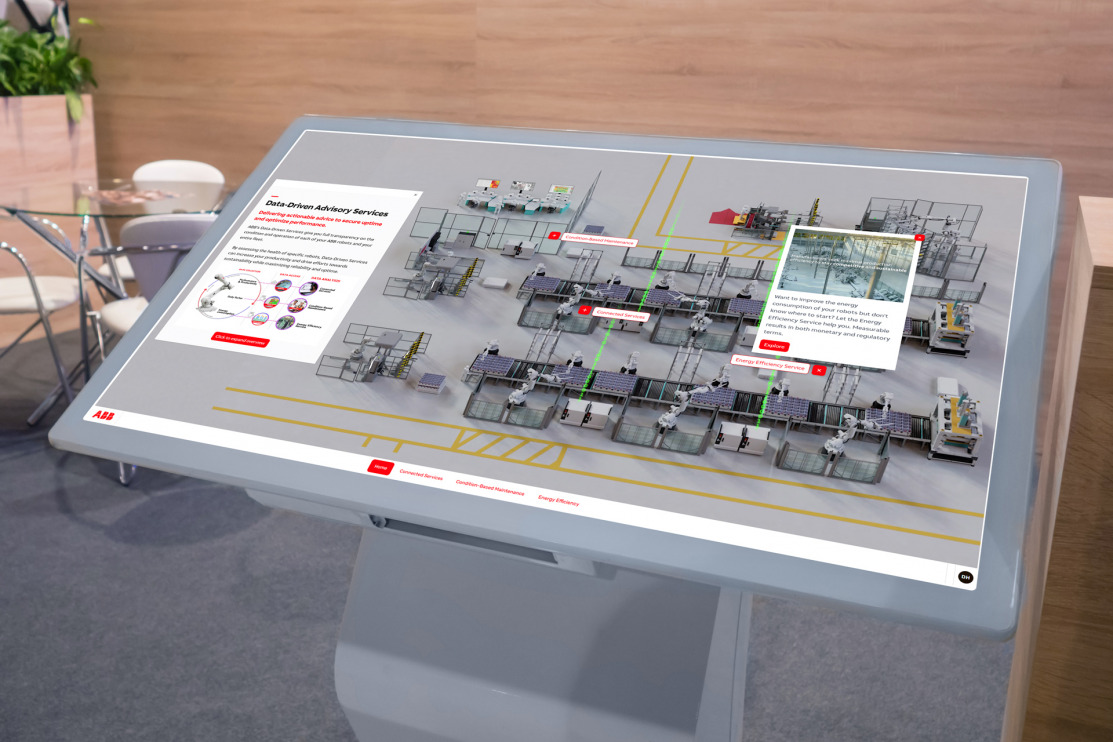
Touchscreen Software With Analytics Dashboard
Read
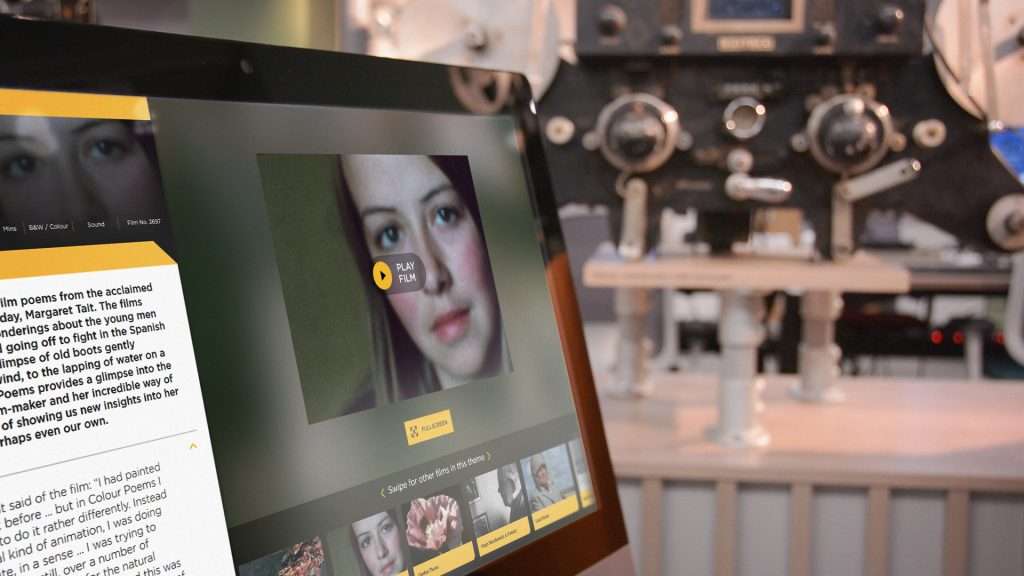
Why a Creative Strategy is Important When Developing an Interactive Touchscreen Experience
Read
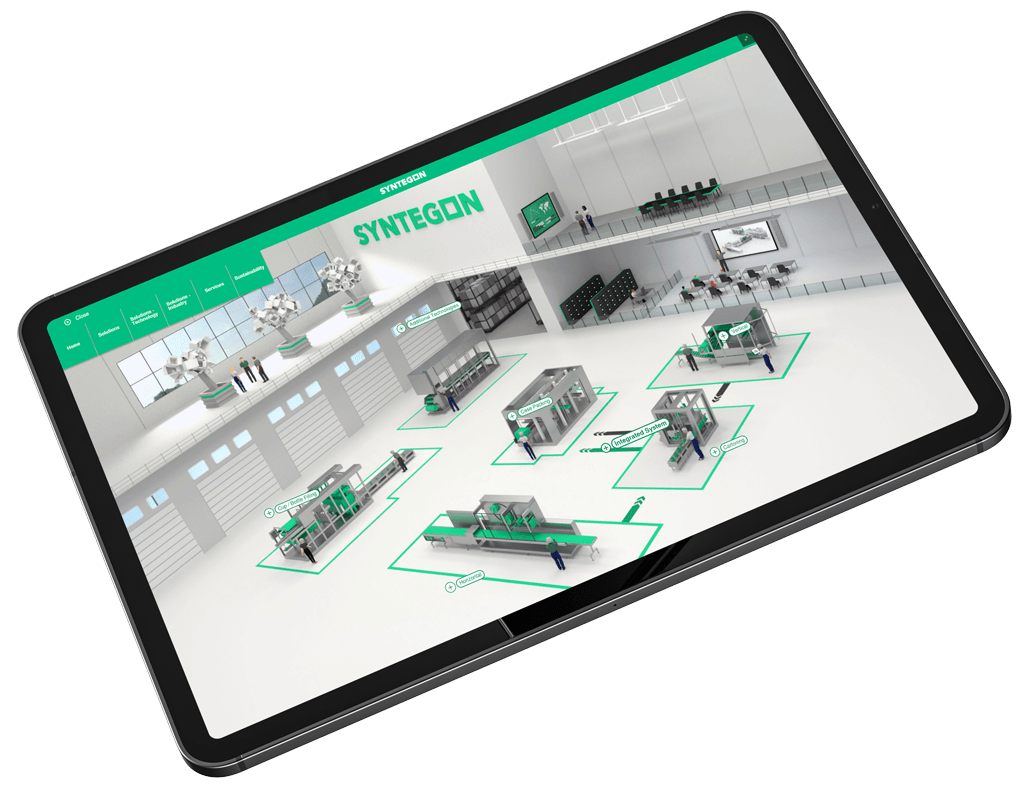
As an Advanced Manufacturer Creating an Interactive Touchscreen Experience, What Questions Should You Ask?
Read
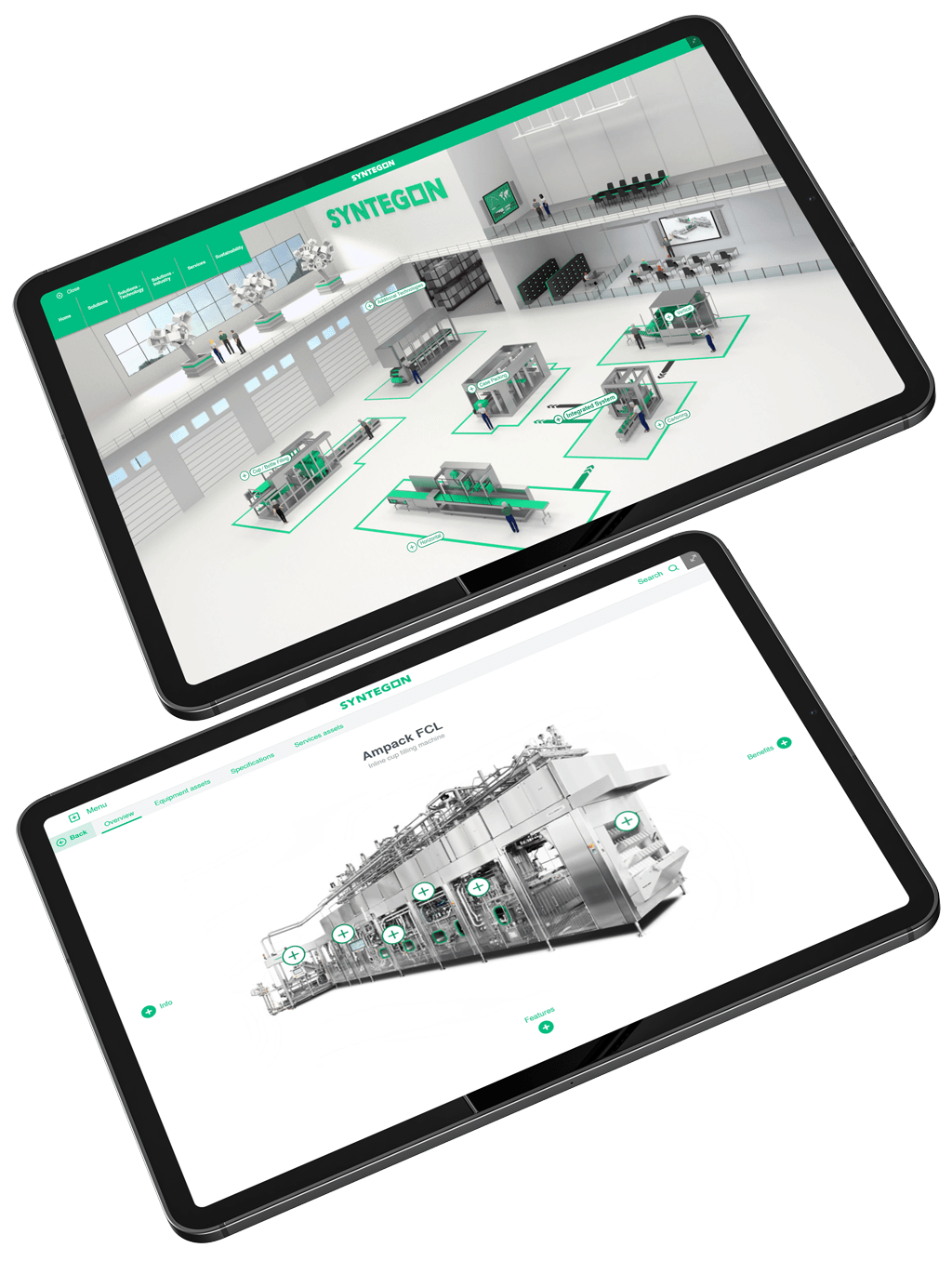
Why Advanced Manufacturers Should Use Touchscreens at Events and in Innovation Centres
Read