




Floor Standing Touchscreen Booth Software
Last updated: 12 May 2026
Your booth sits 20 feet away from the main aisle at a trade show, and a visitor walks past without slowing down. Static banners and printed collateral fail to stop foot traffic because passive displays ask nothing of the audience, they simply broadcast. Yet floor standing touchscreen booth software changes this dynamic entirely, turning casual walkers into engaged prospects who spend 5 to 12 minutes exploring your brand on interactive displays, compared to a fleeting 45 seconds at traditional booths. The difference between a forgotten booth and a remembered one often comes down to a single element, interactive technology that invites participation rather than passive observation.
If you manage marketing for industrial, healthcare, technology, or energy companies, you understand the pressure to justify booth spend. Budget cuts mean you need to prove ROI before, during, and after each event. That pressure is real, and choosing the wrong software compounds it, leaving you scrambled during setup or unable to capture leads effectively. The good news is that floor standing touchscreen booth software has matured to a point where it no longer requires coding expertise, expensive custom development, or months of planning. Modern no-code platforms let you build and deploy engaging experiences in days, not weeks.
This article walks you through the current state of floor standing touchscreen booth software in 2026, why interactive displays deliver measurable results, how to evaluate options, and what to watch for during implementation. By the end, you will understand exactly which solution fits your booth size, budget, and audience.
Key Takeaways
- Floor standing touchscreen booths attract 35% more visitors than traditional setups and keep attendees engaged for 5 to 12 minutes compared to 45 seconds with passive displays.
- Modern touchscreen booth software uses no-code interfaces, meaning your marketing team can build and customize experiences without hiring developers or IT specialists.
- Offline functionality is essential for trade shows where WiFi is unreliable or expensive, allowing booths to run full interactive experiences without internet connectivity.
- Interactive touchscreens increase lead capture by up to 35% because attendees control the pace and depth of their exploration, transforming passive observers into active participants.
Why Floor Standing Touchscreen Booths Drive Real Results
Booths with interactive screens draw 35% more visitors compared to traditional setups, and interactive displays can increase booth dwell time by 30–40% and lead capture by up to 35%. This is not a marginal improvement, it is a fundamental shift in how attendees interact with your brand. Over 20 years, I have watched trade show exhibitors struggle with the same bottleneck, stand representatives cannot talk to every visitor simultaneously, and without a way to engage people while reps are busy, prospects walk away disappointed.
Floor standing touchscreen booth software solves this by creating a self-service environment where attendees explore content, products, and services at their own pace. Unlike a static banner or printed brochure, a touchscreen invites participation. It signals that you welcome questions and expect visitors to engage deeply. This psychological shift matters more than most booth designers realize. 68% of trade show attendees believe booths featuring innovative technology have limitless potential, which means your audience actively expects and rewards tech-driven experiences.
The numbers tell the story more clearly than testimonials. EXHIBITOR Magazine data shows interactive trade show booths achieve average dwell times of 5 to 12 minutes per visitor, compared to roughly 45 seconds for passive displays. That represents a 10–15x increase in the window your sales team has to start a meaningful conversation. More dwell time means more opportunity for questions, more chances to showcase product depth, and more qualified leads walking away with confidence in your solution.
Beyond raw engagement, 81% of attendees remember booths that feature interactive touchscreens, and 84% feel more confident about brands that offer hands-on experiences. Memory and confidence are the currencies of trade show success. A visitor who remembers your booth and feels confident about your company is far more likely to follow up, request a demo, or recommend you to colleagues. Interactive touchscreen experiences create that memory precisely because they engage multiple senses and require active participation rather than passive absorption.
Key Differences: Touchscreen Software vs. Traditional Booth Setup
To understand why floor standing touchscreen booth software works, you need to see how fundamentally different it is from traditional booth design. A printed banner is static, it says the same thing to every person who sees it. A brochure sits in a rack, waiting for someone to pick it up, which most visitors never do. A staff member can only talk to one visitor at a time, meaning the other five standing nearby either wait awkwardly or leave.
A touchscreen flips this model. Attendees control what they see, when they see it, and how deeply they explore. They can browse product categories, watch videos, zoom into technical details, read case studies, or jump straight to pricing, all without asking permission or waiting for a representative. The self-service nature of touchscreens is a big part of why they work, because unlike static banners or brochures, interactive displays invite participation and transform passive observers into active leads.
This also benefits your team. When multiple touchscreens run simultaneously in a single booth, your representatives have breathing room. Someone can answer questions from visitors who are already engaged while new arrivals explore independently. One company using floor standing touchscreen booth software reported that with four touchscreens, they could present four unique experiences across departments, which brought a lot of traffic and engagement to their booth. The ability to handle multiple visitor streams at once multiplies your booth’s capacity without hiring more staff.
Offline Capability Changes Everything
One persistent objection to digital booth solutions has always been WiFi. Trade shows are notorious for unreliable internet, expensive bandwidth, and network congestion. Floor standing touchscreen booth software designed specifically for events solves this problem by running offline. Your entire experience, including videos, product catalogs, interactive maps, and lead capture forms, lives on the device itself. No internet connection required, no loss of functionality. This is a massive advantage over generic kiosk software designed for retail or hospitality environments.
Why does this matter? Because offline capability means your booth works reliably in any venue, regardless of event WiFi conditions. You control the experience completely, not the event’s IT team. Setup becomes faster, troubleshooting is simpler, and your team sleeps better the night before the show knowing the booth will not mysteriously lose connectivity mid-conversation.
Critical Features Your Booth Software Must Have
Not all floor standing touchscreen booth software is created equal. Some platforms are built for retail kiosks, others for museum displays, and a few are purpose-built for trade show environments. The difference is significant. Here are the features that separate effective booth software from mediocre solutions:
No-Code Content Creation
Your marketing team should be able to create and customize booth experiences without hiring developers. This is non-negotiable in 2026. The old model, where you hired a specialist agency to code a custom application, cost thousands of dollars and took weeks to build. Modern no-code platforms like POPcomms let you drag, drop, and configure layouts, add videos, embed PDFs, and set up interactive menus in hours. If a piece of software requires coding knowledge, it is too slow and too expensive for typical booth preparation timelines.
Look for platforms that offer pre-built templates for common booth layouts, drag-and-drop content arrangement, and real-time preview so you see changes instantly. How to customize touchscreen interface for trade shows shows you exactly how modern no-code platforms work in practice, giving your team control over design without technical barriers.
Lead Capture and Direct Distribution
An interactive booth that engages visitors but captures no leads is just entertainment. Floor standing touchscreen booth software must integrate lead capture forms that are simple enough for visitors to complete in under 30 seconds. Names, emails, phone numbers, and a few key questions about their needs are often sufficient. The software should then allow visitors to receive materials directly on-site, sending PDFs, videos, or product information to their email immediately after submission.
One user described how invaluable it was to send materials directly from the booth to customers, and how the interactive map was far more engaging than a static PDF. This combination, interactive exploration plus immediate digital handoff, creates a seamless experience that converts casual visitors into actionable leads. Touchscreen software with lead capture tools provides detailed guidance on this capability.
Support for Rich Media
Videos, interviews, product demos, and high-resolution images are the language of modern trade shows. Your booth software must handle all of these without lag, stuttering, or quality loss. Attendees expect smooth, responsive interactions. If tapping a button takes 2 seconds to register, or a video takes 10 seconds to load, visitors lose interest and move on to the next booth.
Zoom and pan functionality is equally important. The ability to zoom in and show details that cannot be conveyed with a brochure, like fine technical specifications or product materials, separates a good booth experience from a forgettable one. Visitors appreciate the control and the depth of information available on demand.
Multi-Screen Coordination
Many booths use more than one floor standing touchscreen, especially large exhibitions or companies with multiple product lines. Your software should allow you to run independent experiences on separate screens while optionally syncing them for coordinated messaging or unified lead capture. This flexibility lets you segment your booth into distinct zones, each with tailored content, while maintaining a cohesive brand presence.
How to Build and Deploy Your Touchscreen Experience
The process of building a floor standing touchscreen booth experience should not be complex. Here is how modern platforms streamline it:
Planning and Content Audit
Begin by listing all the assets you want to showcase, videos, product sheets, case studies, testimonials, pricing information, and calls to action. Many companies already have this content scattered across their website, sales decks, and marketing materials. Your job is to gather and organize it. Decide on the core user journey. What do you want visitors to explore first? What decision points matter most?
Consider the booth layout and where screens will be positioned. A floor standing screen 6 feet tall draws attention and invites interaction. Position it at eye level or slightly above to encourage people to stop and engage. Avoid mounting it too high, which discourages older visitors or shorter attendees.
Content Build and Customization
Using your chosen platform, drag content into place. Upload videos and images, write or paste text, create navigation menus. Modern platforms show you exactly how it will look on the actual screen resolution, so surprises are rare. Test interactions, tap buttons, swipe through galleries. Make sure the experience feels intuitive and responsive.
Branding is critical. Your booth software should match your booth design, color scheme, and messaging. White label options allow you to fully customize the look and feel, removing any trace of the software vendor. Our services include full customization support to ensure your booth stands out as authentically yours.
Testing and Final Deployment
Before the event, run through the entire experience as if you were a visitor. Test every button, watch every video, try submitting a test lead. Check that offline functionality works by unplugging the ethernet cable, if applicable. Confirm that the touchscreen responds smoothly to taps and swipes. If your software supports analytics, verify that event tracking is enabled so you can measure booth traffic and engagement afterward.
Schedule a dry run with your booth staff 1 to 2 weeks before the event. Walk them through the experience, explain how to answer questions that arise, and show them how to troubleshoot common issues. Train at least two people as primary operators and one backup, in case someone is unavailable during setup or the event.
Choosing the Right Software Platform for Your Event
The market for floor standing touchscreen booth software has expanded significantly since 2024. You have options ranging from generalist platforms to purpose-built trade show solutions. Here is how to evaluate them:
Trade Show Purpose vs. General Kiosk Software
Purpose-built trade show software understands the unique constraints of events, offline requirements, lead capture importance, and rapid deployment timelines. General kiosk platforms designed for retail or hospitality often require customization, depend on internet connectivity, and involve longer implementation cycles. Choose software built specifically for booths and events. Check the POPcomms blog for detailed comparisons of platform capabilities.
Ease of Use for Non-Technical Teams
Avoid any software that requires IT involvement or coding to make changes. Your marketing team should own the booth experience. If changes require developer support, you will pay for every tweak and lose agility. Look for platforms where simplicity and accessibility are absolute, something that anyone on your team can pick up and use without needing coding experience or specialized training. This is the difference between a tool that empowers your team and one that frustrates them.
Support and Implementation Timeline
Ask potential vendors how quickly they can onboard you and what support they provide during the event. If you are 3 weeks from a major trade show and the vendor typically takes 6 weeks to implement, that is not a fit. Fast-moving companies need vendors who can deliver in compressed timelines.
Case study evidence matters here. When Mark Currier at CLD Inc evaluated options, he looked for a platform that let him quickly create and customize interactive touchscreen content while having an experienced team to support and enhance ideas. POPcomms delivered exactly that, giving him everything he wanted and more. Contact us to discuss your specific timeline and requirements.
Pricing and ROI Clarity
Traditional touchscreen software required extensive custom programming, making it prohibitively expensive for most companies. No-code platforms democratized this by offering affordable, subscription-based pricing that lets you try booth software without a massive upfront investment. Understand the pricing model, whether it is per-event, annual subscription, or based on screen count. Compare total cost of ownership including setup, support, and any licensing fees.
Calculate ROI based on your typical booth metrics. If you normally generate 150 leads per event and a floor standing touchscreen booth increases that to 200 leads, that is worth quantifying. More qualified leads mean faster sales cycles and higher close rates, which compounds over multiple events per year.
Frequently Asked Questions
How long does it take to create a floor standing touchscreen booth experience?
With modern no-code software, a typical booth experience can be built and tested in 3 to 7 days, depending on content complexity. Gathering assets usually takes longer than the actual build. Traditional custom development took 4 to 8 weeks and required developers, making speed and agility a major advantage of no-code platforms designed specifically for events.
What happens if the event WiFi fails during setup?
Floor standing touchscreen booth software built for events runs entirely offline, storing all content directly on the device. Your experience will function perfectly without internet, including videos, product catalogs, interactive maps, and lead capture forms. This offline capability is non-negotiable for trade show reliability and separates purpose-built event software from generic kiosk platforms.
Can we send leads directly to our sales team during the event?
Yes, most booth software platforms allow you to configure automatic lead capture and can push captured data to your CRM or email system in real time if you have WiFi available, or sync and send after the event if offline. Some platforms also let visitors receive materials immediately via email from the booth itself, creating instant gratification and a stronger hand-off to your sales team.
Is floor standing touchscreen booth software expensive to set up?
No, not anymore. The shift to no-code platforms eliminated the need for custom programming, which was the primary cost driver. Modern booth software operates on subscription or per-event pricing, making it accessible to companies of all sizes. What used to cost thousands in developer time now costs a fraction of that, and setup is handled by your own team, not external agencies.
How do we measure whether our touchscreen booth is actually working?
Track metrics like total booth visitors, number of leads captured, average dwell time per visitor, most frequently viewed content, and conversion rate from booth visitor to sales qualified lead. Most floor standing touchscreen booth software includes built-in analytics dashboards that show these metrics in real time and after the event. Use this data to refine your booth content for the next show and prove ROI to stakeholders.
Building an engaging floor standing touchscreen booth requires more than just hardware, it demands software that is intuitive, offline-capable, and built for the realities of trade shows.
Take the next step today.

Related Posts
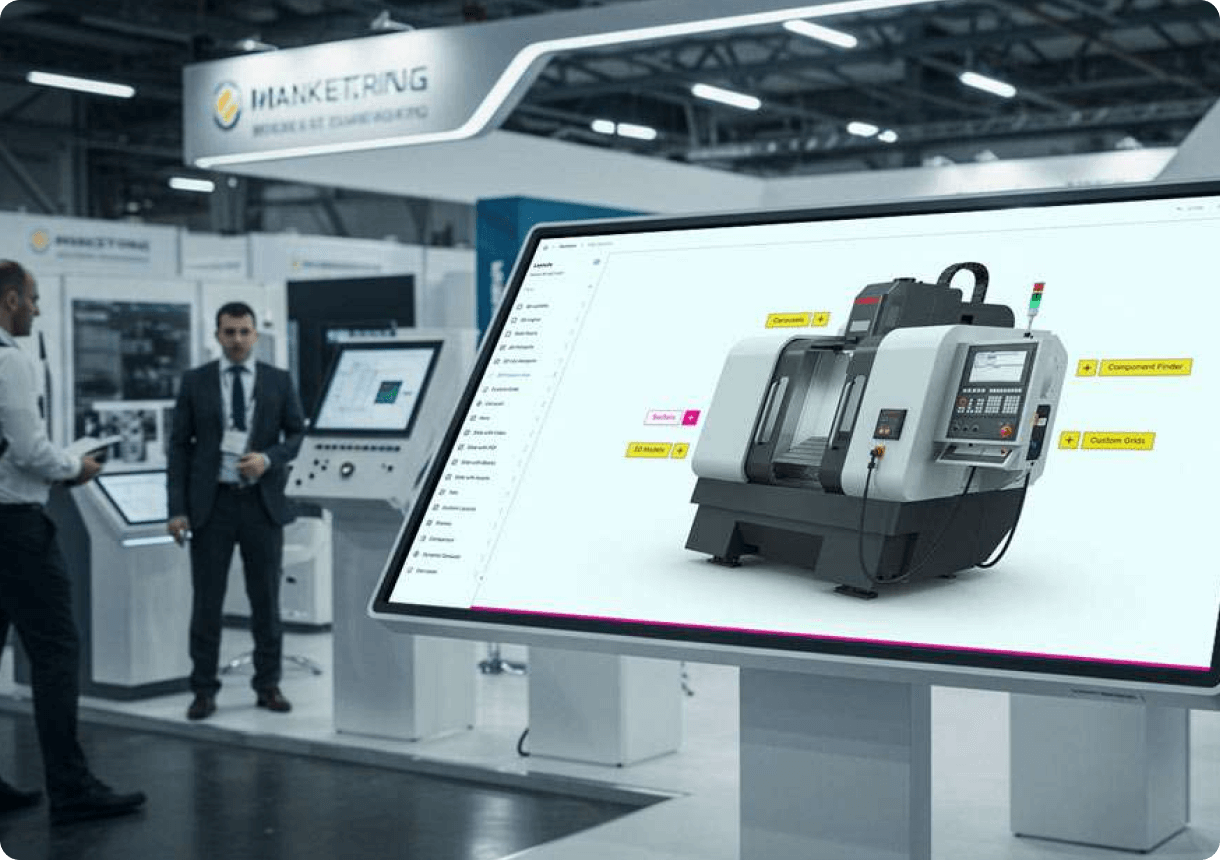
85-Inch Touchscreen Software for Events
Read
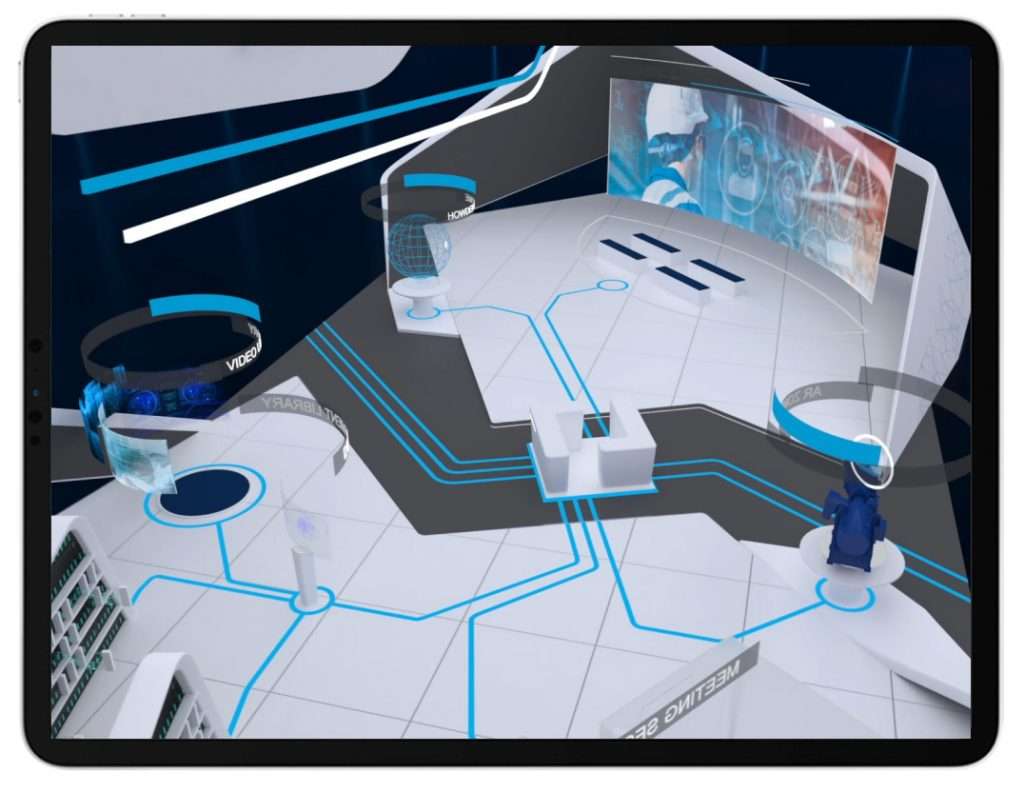
Virtual Worlds That Inspired Us In Lockdown
Read
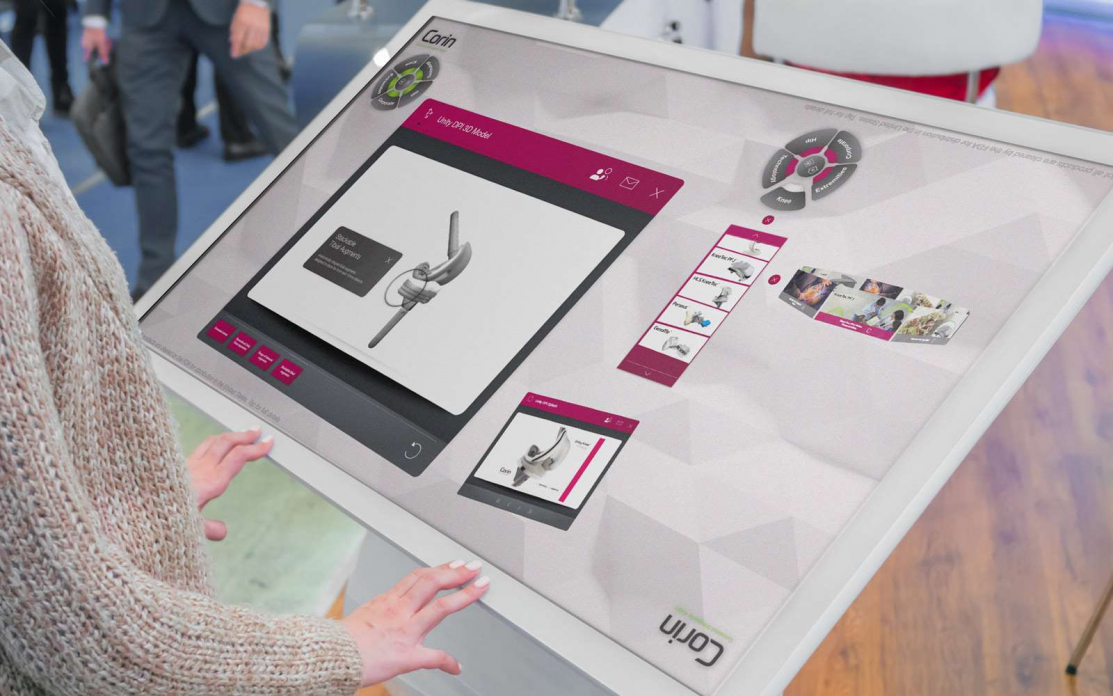
Can You Keep Content on an Interactive Touchscreen Display Updated?
Read

From Boardroom to Breakthrough: How Interactive Touchscreen Experiences Elevate Meetings
Read