




Last updated: 12 May 2026
Most exhibitors still rely on static product images and printed brochures, yet booths with interactive screens draw 35% more visitors compared to traditional setups. The gap between passive display and active engagement has never been wider, or more expensive to ignore. If you’re showing up at trade shows without touchscreen software featuring 3D visualization, your competitors are already capturing the leads you’re walking past. This guide breaks down exactly what touchscreen software with 3D visualization does, how it compares to alternatives, and how to choose the right platform for your business. By the end, you’ll understand why 81% of attendees remember booths that feature interactive touchscreens, and how 3D visualization amplifies that effect dramatically.
Key Takeaways
- Booths with interactive touchscreens draw 35% more visitors and increase dwell time by 10–15 times compared to passive displays, with 81% of attendees remembering interactive booths.
- 3D visualization on touchscreens lets visitors rotate, zoom, and explore products at their own pace, transforming passive observation into active discovery and engagement.
- No-code touchscreen software platforms eliminate the need for expensive custom programming, allowing marketing teams to build and deploy 3D experiences in days rather than months.
- Offline capability is essential for trade shows, ensuring your 3D touchscreen experience works without WiFi dependency or internet reliability issues.
Why 3D Visualization on Touchscreens Changes the Game
3D visualization allows attendees to interact with products in ways that static images, videos, and printed materials simply cannot replicate. Instead of showing a customer a single angle of your product, 3D touchscreen software lets them rotate it, zoom into specific details, and explore features on their terms. This control is what converts casual booth visitors into engaged leads.
The numbers are compelling. Interactive displays can increase booth dwell time by 30–40% and lead capture by up to 35%. That’s not incremental improvement, that’s transformation. When you couple that with the fact that 68% of trade show attendees actively expect booths featuring innovative technology, you’re looking at a gap between what visitors want and what most exhibitors still deliver. The self-service nature of touchscreens is a big part of why they work. Unlike static banners or brochures, interactive displays invite participation and transform passive observers into active leads. Attendees can browse content, explore products, and drill into detail at their own pace, no need to wait for a rep to become available.
Consider the practical difference: a brochure shows a hydraulic component from two angles. A 3D touchscreen model lets an engineer rotate that component 360 degrees, zoom into internal mechanisms, view assembly steps, and toggle between different configurations. That’s the kind of control that builds confidence in purchase decisions. Interactive elements boost engagement between visitors and exhibitors by around 50%, and beyond that, 84% of visitors feel more confident about brands that offer hands-on experiences. For industrial, healthcare, and technology buyers, hands-on exploration isn’t a nice-to-have, it’s increasingly expected.
How Touchscreen Software With 3D Visualization Works
The mechanics are simpler than most people expect. Touchscreen software with 3D visualization displays a three-dimensional model on an interactive display, allowing users to manipulate it through touch gestures such as rotate, zoom, pan, and swipe to navigate between different product views or configurations. The software runs either locally on the touchscreen hardware or syncs from a content management system before the event.
The biggest misconception is that 3D visualization requires custom programming. It doesn’t, not anymore. Modern platforms like our services are built specifically to handle 3D models without requiring code. You upload your product models, define which gestures trigger which interactions, set up navigation paths, and the software handles the rendering. This is why teams can build and launch 3D touchscreen experiences in days rather than months.
Another critical feature for trade shows is offline functionality. Touchscreen software with offline capability means your 3D visualizations work independently of WiFi. Trade show venues notoriously have unreliable internet, and WiFi bandwidth gets throttled when thousands of visitors are on the network. You don’t want your premium booth experience to freeze because of venue WiFi. The best platforms install completely on the touchscreen hardware, so your 3D models, videos, and interactive elements all work offline without any loss of functionality.
Key Features to Look For in 3D Touchscreen Software
Not all touchscreen software handles 3D visualization equally. Here’s what separates strong platforms from weak ones:
3D Model Support and Format Compatibility
Can the software import standard 3D file formats? Look for support for .obj, .fbx, .gltf, and .step files. The easier it is to bring your existing CAD models into the software, the faster your deployment. If the platform only accepts proprietary formats, you’re locked into expensive conversion services or rebuilding models from scratch.
Intuitive Touch Gestures
Visitors should be able to rotate, zoom, and pan without training. Two-finger rotation, pinch-to-zoom, and swipe navigation should feel natural. If booth staff have to explain how to use the 3D model, you’ve already lost engagement. The software should support multi-touch input on capacitive displays without lag or unpredictable behavior.
Lead Capture and Data Tracking
Touchscreen software with lead capture tools allows visitors to request materials, enter contact information, or indicate interest directly from the 3D experience. Better platforms track which 3D models were explored, for how long, and which features visitors spent time zooming into. That intelligence tells you what genuinely interests your audience. One client noted, “With four touchscreens, we could present four unique experiences across departments, which brought a lot of traffic and engagement to our booth. Tracking what materials were sent and opened afterward has been very useful for us,” sharing how data visibility shaped follow-up strategies.
Offline-First Architecture
This is non-negotiable for trade shows. The software must work completely offline. If it requires constant cloud connectivity or degrades without internet, it’s not suitable for events. The best platforms allow you to pre-load all content, sync lead data to the cloud after the event, and operate independently of venue infrastructure.
Customizable Branding and Navigation
Your 3D touchscreen experience should feel like an extension of your brand, not a generic platform. Look for software that lets you customize color schemes, add logos, define navigation flows, and embed your own video or technical documentation alongside 3D models. How to customize touchscreen interface for tradeshow is increasingly important as brands demand cohesion between booth design and digital experience.
No-Code Content Creation
Your marketing team should be able to build and update 3D experiences without IT support. If you need developers or specialized training, you’ll be stuck with static content. The best platforms use drag-and-drop interfaces, visual workflows, and straightforward configuration. One director of marketing shared, “With POPcomms, I got 100%, everything I wanted and more. It’s impressive how exact everything was. Even internally, doubts were quickly dispelled as we realized POPcomms delivered on its promises.”
Comparing 3D Touchscreen Platforms in 2026
The market in 2026 has consolidated around a few key players, each with different strengths. Here’s how to evaluate them:
All-in-One Trade Show Platforms
These platforms combine 3D visualization, lead capture, offline capability, and team collaboration tools in a single interface. They’re designed specifically for marketing and events teams, not software developers. Advantages include rapid deployment, integrated lead management, and minimal learning curve. The tradeoff is less customization for extremely niche use cases. If you’re running a trade show booth or exhibition, this category typically offers the fastest time-to-value.
Specialized 3D Rendering Software
These platforms excel at visual fidelity and complex 3D interactions but often require coding knowledge or external creative services. They’re powerful for photorealistic visualization but slower to deploy and more expensive to maintain. Choose this category if your competitive advantage depends on stunning visual quality and you have the budget and timeline to match.
Generic Interactive Display Software
Some platforms claim to handle 3D but are really designed for digital signage, wayfinding, or general-purpose kiosks. They have basic 3D support but lack event-specific features like offline mode, lead capture optimized for sales, or gesture handling built for touch engagement. They’re cheaper upfront but often costly when you try to adapt them for trade shows.
Touchscreen software comparison chart provides detailed feature breakdown across vendors. The key question to ask yourself: Do I need a tool built for my use case, or am I forcing a generic tool to fit?
Implementation, Costs, and Timeline
One common objection from marketing teams is fear of complexity and cost. Both are valid concerns, but the landscape has shifted dramatically.
Timeline: From Weeks to Days
Before no-code platforms existed, touchscreen experiences were custom-programmed. That meant months of development, testing, and iteration. You needed a dedicated team, and any change mid-project meant rework and delay. Today, with specialist software like POPcomms, experiences can be created in a fraction of the time they used to take. Most teams can build, test, and deploy a 3D touchscreen experience in 2–3 weeks, not 3–6 months. That’s a game-changer for teams working on tight trade show deadlines.
Cost Structure
The old model required hiring developers, which meant $15,000–$50,000+ for a single booth experience, plus ongoing maintenance and support. Before POPcomms and similar platforms, touchscreen experiences usually needed to be programmed, which was expensive, time-consuming and had to be done by a dedicated team. Today, no-code platforms flip that model on its head. You’re not paying for custom development; you’re paying for access to software that your team uses directly. Costs typically range from licensing fees based on number of screens or event frequency, removing the prohibitive barrier to entry.
Objection: “Wifi is always expensive and unreliable at events. Will this work offline?”
Yes. POPcomms is built for tradeshow touchscreens and can be installed on a touchscreen so it doesn’t need the internet without any loss of functionality. Your 3D models, interactive elements, lead capture forms, and all content operate independently. WiFi becomes optional, not essential. This is why enterprise teams increasingly demand offline-capable platforms, especially for events in convention centers where bandwidth is scarce.
Real-World Results: How Brands Use 3D Touchscreen Software
The proof is in deployed systems. Here’s what actual clients report:
Case: Manufacturing and Engineering
A major industrial equipment manufacturer deployed four 3D touchscreen displays across their booth, each showcasing a different product line. Engineers visiting the booth could rotate turbine components, zoom into internal mechanisms, and toggle between assembly configurations. Result: booth dwell time increased from 2 minutes to 8–10 minutes per visitor, and lead quality improved because visitors had actually spent time exploring the product rather than glancing at a poster. One client noted: “We love the ability to zoom in and show details that can’t be conveyed with a brochure. The interactive map is far more engaging than a static PDF, and sending materials directly from the booth to customers is invaluable.”
Case: Technology and Software Solutions
A SaaS company used 3D touchscreen software to show how their platform integrates with existing systems. The 3D visualization displayed data flow, architecture layers, and integration points. Visitors could interact with the visualization to see how their specific use case would work. Quote: “At the show, people were just coming up, interacting, and swiping through. They loved the lift and learn. The ability to incorporate videos, PDFs, and demos made our booth stand out.”
Case: Energy Sector
An energy company deployed interactive touchscreens showing 3D models of renewable energy installations. Visitors could rotate turbines, explore installation processes, and dive into performance data. The 3D visualization made abstract concepts tangible. For more on this use case, see energy sector interactive display software.
Across all cases, the pattern is consistent: interactive 3D visualization on touchscreens drives longer engagement, better lead quality, and higher attendee recall. Interactive trade show booths achieve average dwell times of 5 to 12 minutes per visitor (per EXHIBITOR Magazine), compared to roughly 45 seconds for passive displays. That’s a 10–15x increase in the window your sales team has to start a meaningful conversation.
Frequently Asked Questions
What file formats does 3D touchscreen software support?
Leading platforms in 2026 support .obj, .fbx, .gltf, .step, and .iges formats. Most accept files directly from CAD software like SolidWorks, AutoCAD, and Fusion 360 without conversion. Verify format compatibility before purchasing to avoid costly translation services.
Can I add video and documentation to a 3D touchscreen experience?
Yes. The best platforms embed video, PDFs, technical specs, and text information alongside 3D models. Visitors can toggle between viewing the 3D model and reading documentation, creating a comprehensive self-guided experience without needing booth staff to explain every detail.
How long does it take to deploy 3D touchscreen software at a trade show?
With no-code platforms, deployment typically takes 2–3 weeks from content planning to live experience. This includes uploading 3D models, designing navigation, configuring lead capture, and testing. Custom programming approaches can take 3–6 months or longer, which is why no-code solutions dominate the trade show market.
What happens if venue WiFi fails during the event?
Your 3D touchscreen experience continues working without interruption if it uses offline-capable software. All content, models, and interactive elements are stored locally on the touchscreen hardware. Lead data syncs to the cloud after the event, so you never lose attendee information.
Which industries benefit most from 3D touchscreen visualization?
Manufacturing, engineering, healthcare, energy, construction, and technology sectors see the highest ROI. Any industry where product complexity or spatial relationships matter benefits from 3D visualization. If your customers need to understand how something works, fits together, or performs at scale, 3D touchscreens outperform traditional displays by a significant margin.
Building a 3D touchscreen experience from scratch feels overwhelming, especially with trade show deadlines looming. But it doesn’t have to be.
The right platform puts control back in your hands, letting your team create stunning interactive 3D experiences without waiting for developers or external agencies. Contact us to see how POPcomms simplifies the process and gets your booth ready faster than traditional approaches. If you need a platform that lets you quickly create and customize interactive touchscreen content while having an experienced team to support and enhance your ideas, then POPcomms is for you.

Related Posts
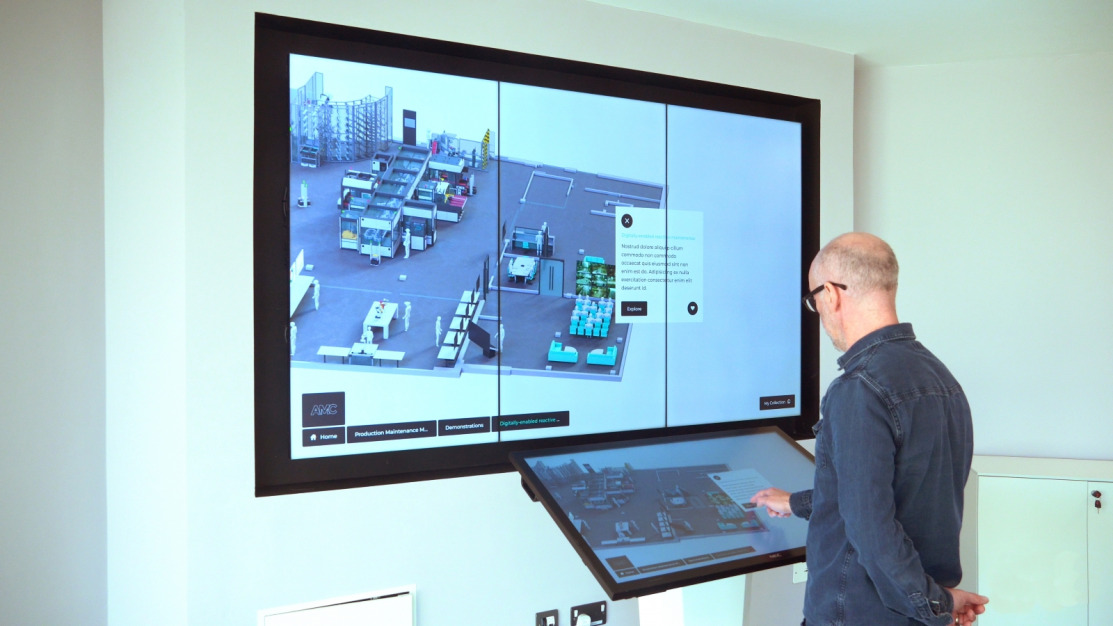
Touchscreen Technology Boosts Booth Engagement
Read
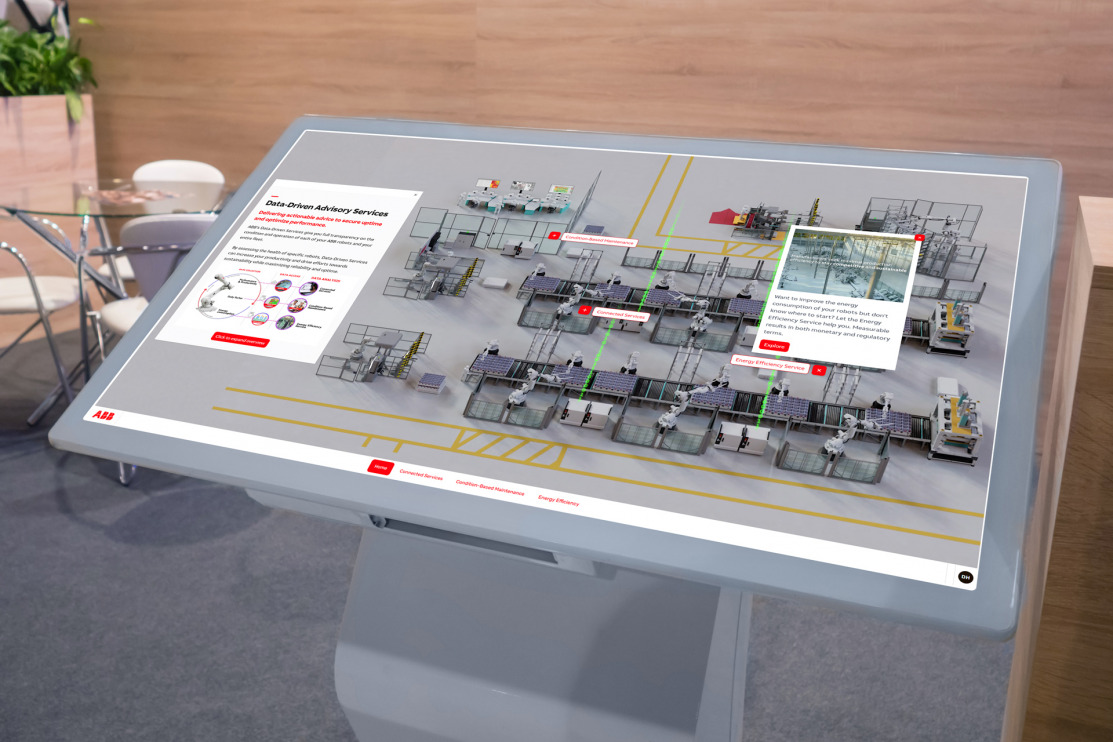
Dual Screen Touchscreen Software Setup Guide
Read
5 Best Sales Benefits of Interactive Touchscreen Displays | POPcomms
Read
How Can You Make Your First Impression Count in B2B?
Read