


Last updated: 13 November 2026
Most trade show booths still rely on static displays, brochures and sales reps waiting for foot traffic. Visitors now expect to explore products for themselves, so the software behind your touchscreen matters. In this guide, I’ll walk you through how the leading platforms work, what separates them, and which one fits which job.
Key Takeaways
- Touchscreens let visitors explore your products and solutions at their own pace, without waiting for a rep.
- Check three things first: the software runs offline, your team can update content themselves, and visitors can email content to themselves.
- A badge scan tells you who they met, not what they wanted. Choose software that shows what each visitor explored.
- Build it for the show, use it everywhere after: the same experience should run on your website, in your Customer Experience Center and in sales meetings.
Why Trade Show Touchscreen Software Has Become Essential
The self-service nature of touchscreens is a big part of why they work so effectively at trade shows. Unlike static banners or brochures, interactive displays invite participation and transform passive observers into active leads. Attendees can browse content, explore products, and drill into detail at their own pace, without needing to wait for a representative to become available. This fundamental shift in how visitors engage with your booth has real business consequences.
When I started working with events teams 20 years ago, the typical booth experience meant hiring extra staff to talk to every visitor, printing thousands of brochures, and hoping some of those materials would actually be read after the show ended. Today, visitors expect to explore for themselves.
The bigger problem comes after the show. A badge scan captures who someone is, not what they talked about or what interests them. Within about a week, visitors have forgotten who they spoke to and what was said, so the sales value of a show drops quickly once it ends.
The right software closes that gap. A rep adds the videos, PDFs and interactive content a visitor asked about to a collection and emails it from the stand. Afterward, marketing and sales can see what each visitor goes on to view, and follow up first with the people showing real interest.
What to Look for in Top-Rated Brands
Not all touchscreen software platforms are created equal, and choosing the wrong one can leave you with a system that looks impressive but fails to deliver results. After two decades advising marketing and events teams, I’ve seen dozens of platforms come and go, and the winners share a consistent set of traits.
1. Offline-First Architecture
The best trade show touchscreen software works without an internet connection, because Wi-Fi is unreliable and expensive at trade show venues. Look for software that stores the experience on the device, so everything keeps working offline, including analytics and emailing content to visitors. Your booth experience cannot depend on venue Wi-Fi.
Look for touchscreen software with offline capability as a core feature, not an afterthought. Platforms that treat offline functionality as optional typically fail when the moment matters most, at the show itself.
2. No-Code Customization
The second trait separates professional platforms from those that require a dedicated development team. Top-rated brands let anyone on your marketing or events team create and customize interactive content without coding skills or specialized training. Before platforms like this existed, creating a trade show touchscreen experience required hiring programmers, waiting weeks for development, and paying thousands in setup costs.
With modern no-code solutions, you can have a fully functional interactive booth experience ready in days, not months. This speed matters because trade show dates don’t move, and your preparation window is finite.
3. Built-In Lead Capture and Tracking
Every minute a visitor spends at your booth should result in usable data. The best brands include native lead capture tools, material-sending functionality, and analytics that track which content resonates with attendees. You should be able to see which products visitors engaged with, which videos they watched, and follow up with targeted messages after the show ends.
Explore touchscreen software with lead capture tools that integrate directly with your CRM, eliminating manual data entry and ensuring no lead falls through the cracks.
4. Proven Customer Support and Implementation
Software is only as good as the team behind it. Top-rated brands employ experienced professionals who understand events, understand your industry, and can help you think through your booth strategy before you ever launch the software. They don’t just hand you a tool and wish you luck, they partner with you to maximize results.
Leading Brands in the Market Today
Several platforms have emerged as category leaders in 2026, each bringing distinct strengths depending on your industry, booth size, and goals.
POPcomms: interactive product and solution explorers
POPcomms is a web-based platform, with build services, for interactive product and solution explorers. It runs in any browser, online or offline, with nothing to install. Build it for the show, use it everywhere after: the same experience runs on your website, in your Customer Experience Center and in sales meetings.
Experiences can use videos, PDFs, 3D models and interactive maps. On the stand, a rep adds what a visitor asked about to a collection and emails it, even offline. It lands in that visitor’s digital sales room, and you can see what they go on to view after the show.
There are two ways to work with us. We build it with you, you manage it going forward. Or you build it, we’re on hand if you need us. Training is included in the license. See trade show touchscreen software for more.
Other Notable Platforms
Other platforms suit different jobs. Specialist touchscreen software, such as Intuiface, Ventuz and eyefactive, is built for designing interactive displays and supports multi-touch and gestures on large screens. Intuiface is a no-code platform for interactive touchscreens and displays. eyefactive is built around multi-user experiences for large screens, kiosks and interactive walls. Digital signage platforms suit screens that mainly play scheduled content. The right choice depends on your event type, booth footprint and goals. For more detail, see which software you can use to create an interactive touchscreen experience and our touchscreen software comparison chart.
Key Features That Set Winners Apart
Beyond the foundational traits, certain advanced features separate leading brands from competent but unremarkable platforms.
Multi-Screen Management
Larger booths often run several touchscreens for different product lines or departments. The best platforms let you manage every screen from one place, so you change content once and it updates everywhere.
Video, Demo, and Interactive Map Integration
Static product images have their place, but the most engaging booths combine videos, live product demonstrations, and interactive visual content. Top-rated brands make it simple to embed video content that plays smoothly even on older hardware, incorporate zoom-in interactive maps for geographic or technical details, and launch product demos directly from the touchscreen interface. For guidance on how to integrate touchscreen software with product demos, experienced teams can advise on best practices for your specific products.
Customizable Branding
Your booth experience should feel like your brand, not a generic software platform. Look for full control over colors, logos, fonts and messaging, so visitors see your brand throughout.
Engagement Analytics
The best platforms show what attendees explore, download and share, so you can see which content is working during the event and who to follow up with afterward. For more, see how to track touchscreen engagement.
Real-World Results From Industry Leaders
Data is important, but real-world customer experiences tell the most compelling story.
Case Study: CLD Inc, USA
Mark Currier, Director of Marketing and New Business at CLD Inc, needed a modern, engaging solution for trade shows that could work offline and provide user-friendly navigation for his team. He selected a platform that prioritized simplicity and customer support, and the results spoke for themselves.
“At the show, people were just coming up, interacting, and swiping through. They loved the lift and learn. The ability to incorporate videos, PDFs, and demos made our booth stand out,” Mark reflected after the event. “With other companies, you might get 60% of what you want. With this solution, I got 100%, everything I wanted and more. It’s impressive how exact everything was.”
The key insight from CLD Inc’s experience: when the software delivers exactly what you need without forcing compromises, both the booth team and visitors notice the difference immediately.
Case Study: GEA, Multi-Screen Deployment
GEA deployed four touchscreens across their booth to present four unique experiences across different departments. The team said this brought a lot of traffic and engagement to their booth. The platform’s ability to synchronize content updates across all four screens while tracking engagement independently meant the team could optimize each experience separately.
“Tracking what materials were sent and opened afterward has been very useful for us,” Marketing Manager Olga Bryzgalova noted, highlighting how post-show lead follow-up became far more targeted and efficient when integrated into the touchscreen platform.
Olga emphasized what many exhibitors discover: interactive touchscreens solve the fundamental limitation of traditional booth materials. “We love the ability to zoom in and show details that can’t be conveyed with a brochure. The interactive map is far more engaging than a static PDF, and sending materials directly from the booth to customers is invaluable.”
This capability, simple as it sounds, transforms the booth from a passive information stand into an active sales and relationship-building tool.
Making Your Final Decision
Selecting a trade show touchscreen software brand is a decision that directly affects your event ROI, your team’s ability to execute, and your visitors’ perception of your brand. Here’s how to evaluate options methodically.
Assess Your Booth Strategy First
Before evaluating platforms, clarify your booth goals. Are you launching a new product and need immersive demos? Are you serving multiple business units and need multi-screen coordination? Are you in healthcare, manufacturing, technology, or energy? Are you running one booth or deploying at multiple events?
Your answers will narrow the field significantly. A platform optimized for large-scale digital signage might be overkill for a single 32-inch touchscreen, while a simple kiosk solution won’t handle the complexity of multi-screen orchestration.
Test Offline Functionality Under Event Conditions
Insist on testing the platform at the specific event venue if possible, or ask the vendor for detailed specifications about offline performance. Don’t assume offline capability exists because it sounds like a standard feature. Some platforms default to online and have offline as a limited option.
Validate the Support and Training Story
Request references from brands you’re considering, specifically asking about support quality before, during, and after events. The best platforms pair intuitive software with expert support. Your team should feel confident running the booth without constant vendor hand-holding, but support should be accessible if questions arise. For comprehensive guidance on contacting support teams and discussing custom implementation approaches, reach out directly to platforms you’re seriously considering.
Review Real Customer Case Studies
Ask vendors to share detailed case studies from companies similar to yours. Look specifically for metrics: how much dwell time increased, how many leads were captured, what ROI improvement was achieved. If a vendor can’t provide specific, quantifiable results from real customers, that’s a red flag.
Calculate Total Cost of Ownership
Compare not just software licensing costs, but implementation time, training costs, design services, and post-event support. A platform that costs less upfront but requires expensive programming to customize isn’t actually cheaper. The best brands keep total cost of ownership low by automating implementation and minimizing design work.
Frequently Asked Questions
How much time does it take to create a trade show touchscreen experience?
With specialist no-code software like modern platforms built specifically for trade shows, experiences can typically be created in days rather than weeks. Where custom programming used to require months and specialized developers, today’s top-rated brands let marketing teams assemble, customize, and deploy booth content in rapid timeframes.
What happens if the Wi-Fi at the trade show fails or is too expensive?
The leading trade show touchscreen software treats offline running as a core feature. The experience is stored on the device, so it keeps working with no internet connection, and your booth carries on whatever the venue Wi-Fi does.
Can touchscreen software integrate with my existing CRM system?
Leading brands offer native integrations with major CRM platforms, allowing leads captured at your booth to flow automatically into your sales system. If a platform doesn’t support direct CRM integration, it should at least export lead data in standard formats that your CRM can import easily, eliminating manual data entry.
Can we brand the touchscreen experience as our own?
Yes. Professional platforms let you use your own colors, logos, fonts and messaging throughout, so visitors see your brand, not a generic software interface.
Which industries benefit most from interactive trade show touchscreens?
Interactive touchscreens drive engagement across industries including technology, healthcare, manufacturing, energy, pharmaceuticals, and B2B services. The common factor is that visitors want to explore products or services at their own pace, requiring detailed information that static displays can’t convey. Technology conferences, medical device shows, industrial trade shows, and energy sector events see particularly strong ROI.
Choosing the right trade show touchscreen software platform is one of the highest-impact decisions you can make for booth performance and lead generation.
Take the next step today and explore how the top-rated brands are transforming event experiences in 2026.

Related Posts
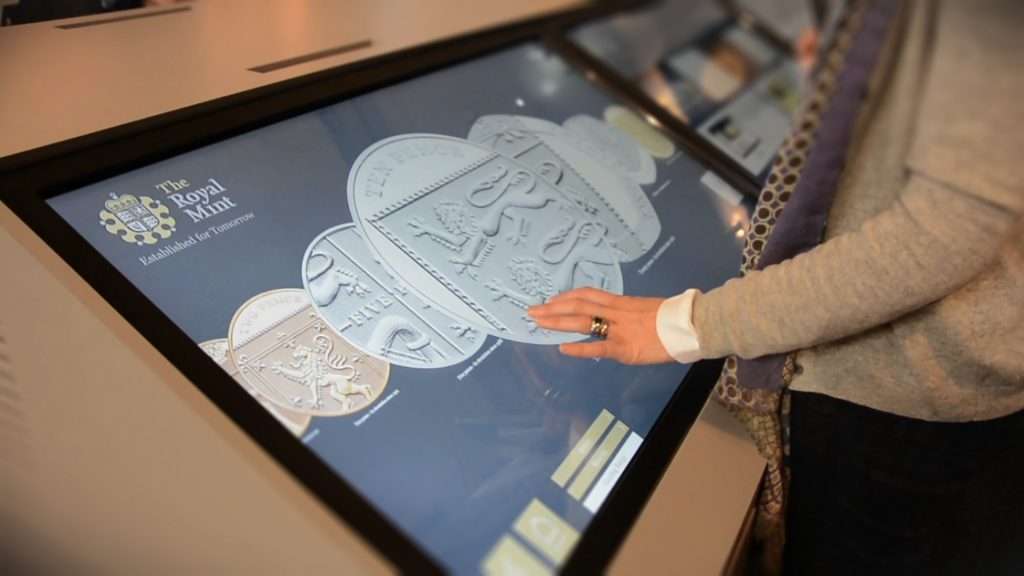
Interactive Touchscreens: Boost Customer Engagement | POPcomms
Read
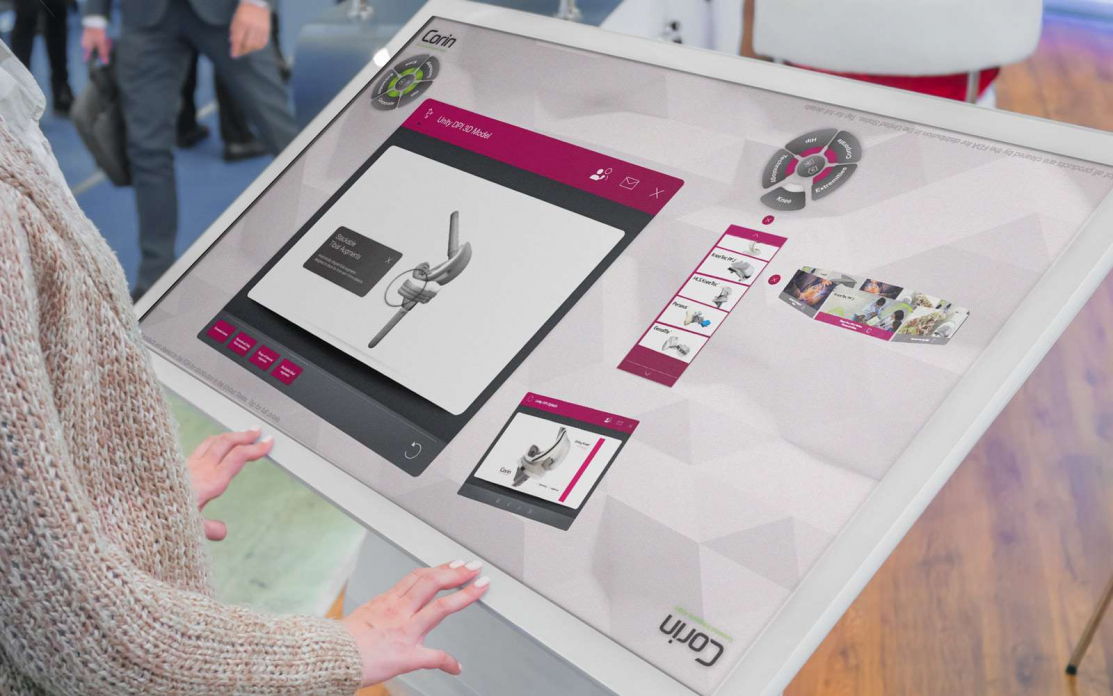
Showcasing Innovative Engineering Through Interactive Touchscreens
Read
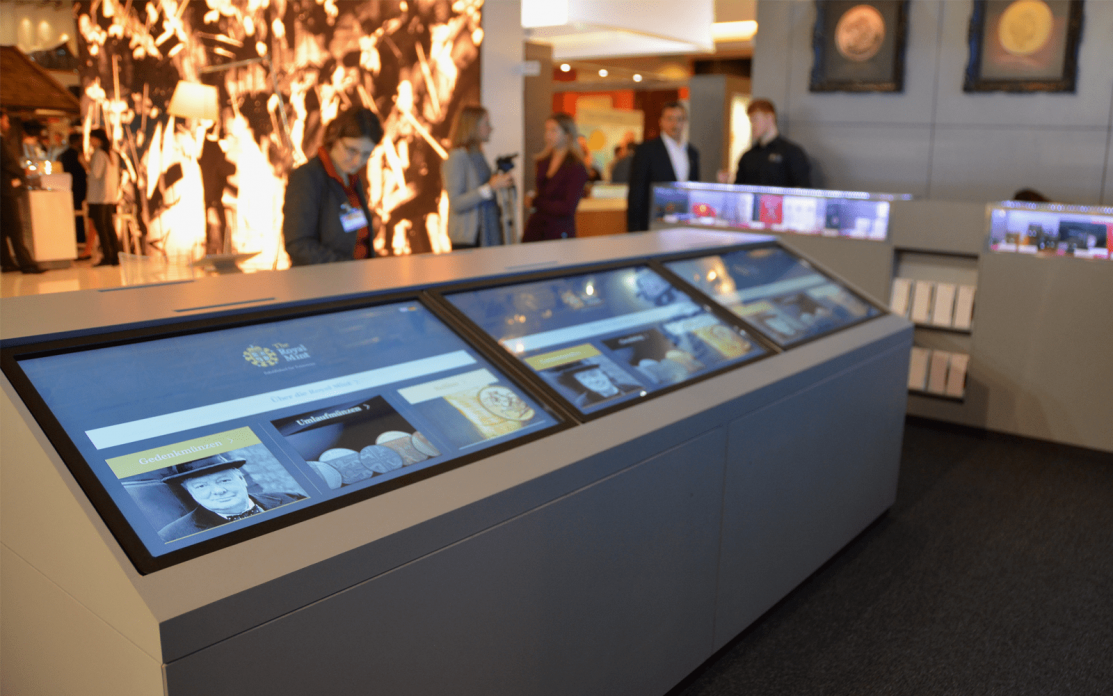
7 Ways to Increase Museum Accessibility | POPcomms
Read
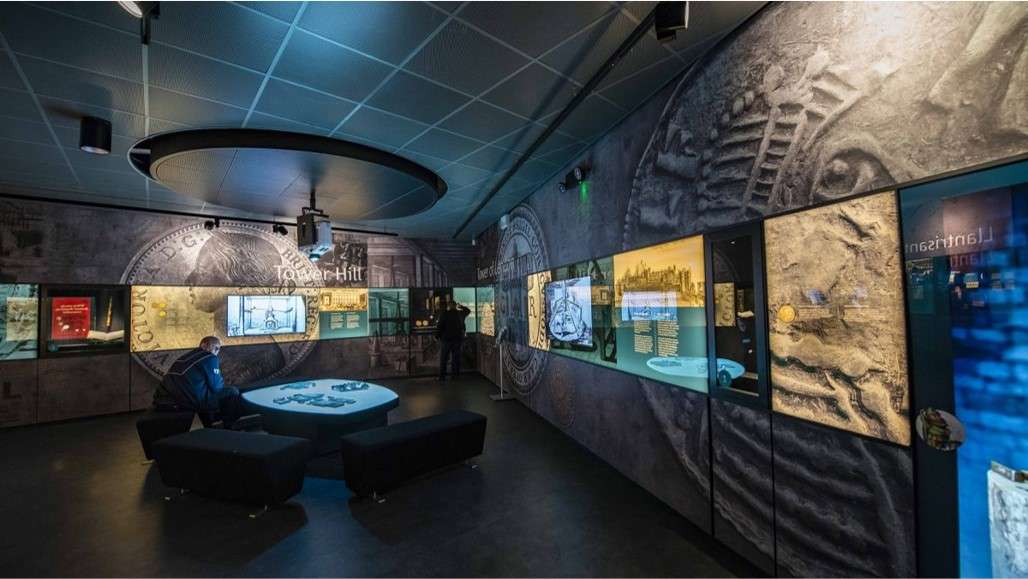
Interactive Touchscreens for Museums | POPcomms
Read