




B2B teams with complex offers often struggle to make things clear fast. When you sell industrial systems, healthcare solutions, or complex technology, there are long buying cycles, lots of people involved and tight budgets. Buyers want clarity, not more slide decks. This is where interactive presentation software can help, turning heavy content into simple, guided stories that buyers can explore on their own.
In this article, we will look at what interactive presentation software actually does, how it fits modern buying behaviour and how to judge if a platform is right for your organisation. We will also share key features to look for, questions to ask vendors and the types of metrics that show if your investment is paying off.
Turning Complex B2B Stories Into Buyer Clarity
For industrial, healthcare and technology businesses, every deal can feel like a project. Multiple teams, strict rules, technical detail; and long internal approvals. When budgets are tight, buyers want proof that your offer fits their world and will not create risk.
Static slide decks and PDFs often make this harder, not easier. They are:
- Linear, so you have to click through slides that may not matter
- Hard to tailor on the spot for different roles in the room
- Impossible to track once they are shared around the buying group
Interactive presentation software flips this. Instead of one long deck, you have a guided, clickable experience that adapts to the buyer. People can explore content in the order that makes sense for them, see data come to life and get a clear line from problem to solution.
At POPcomms, we see this as buyer enablement. The platform combines interactive experiences with detailed engagement analytics so teams can tell clearer stories and understand how buyers respond.
The New Role of Interactive Presentations in B2B Buying
Buyers now do a lot of research before they speak to sales. They want content they can explore at their own pace and then share internally. When the weather turns colder and planning season ramps up, that pressure for fast clarity gets even stronger.
Interactive presentation software supports this by giving buying groups:
- Branching paths for different roles, like clinical, technical or finance
- Embedded tools such as calculators or configurators
- Interactive diagrams that explain complex systems or workflows
- Self-serve demos that work the same way for everyone in the buying group
Rich engagement analytics then show which sections people spend time on, which tools they use and where they stop. You can see who is actually engaging and what is holding them back. For strategic accounts, that insight can shape your next conversation and your wider account plan.
Must-Have Features for Complex B2B Interactive Tools
When your story is complex, structure matters. Look for tools that support modular content, so you can build:
- Industry-specific journeys, for example for manufacturing or healthcare
- Product configuration paths, showing different options and trade-offs
- Scenario-based flows for different use cases
Personalisation and adaptability are also key. Teams need to adjust content quickly for different personas, regions, regulations and solution mixes, without re-building from scratch every time. Templates, shared components and simple content editors really help here.
You will also want strong engagement analytics. That means:
- Session-level tracking
- Heatmaps and click paths
- Stakeholder-level journeys where possible
- Integration with CRM or marketing tools to connect content use with opportunity data
For regulated sectors, governance and compliance are non-negotiable. Look for role-based access, version control, approval workflows and audit trails, so you can show who saw what and when.
Evaluating Vendors and Comparing Options
When you start speaking with vendors, it helps to ask about implementation and scale. How quickly can you go from first concept to a working interactive experience across several business units? How much support will your teams need from day one?
Integration is another big topic. Strong platforms connect with:
- CRM systems
- Digital asset management tools
- CPQ and other sales tools
- Marketing automation platforms
Field sales and hybrid selling also need attention. Offline use on tablets, laptops and touchscreens is important for trade fairs, factory visits and healthcare settings where Wi-Fi may be patchy.
Compared to traditional slideware and PDFs, interactive presentation software gives better navigation, personalisation, data capture and control of approved content. Generic demo tools or simple web pages often focus on straightforward product tours, which can fall short when you have complex solutions, multiple routes to value and stricter content rules.
When you compare options, think about:
- How well the tool fits your buyer journeys
- Who will own and maintain content internally
- How content will live and evolve over several years
- How the platform supports change in your products and markets
Metrics, ROI and Key FAQs
To prove value, it helps to track a mix of sales, marketing and enablement metrics. For sales, you might look at:
- Time to first meaningful conversation
- Sales cycle length for target solutions
- Conversion from discovery to proposal
- Average deal size where interactive content is used
Marketing and buyer insight metrics can include content depth, which modules are viewed most, how often content is shared inside an account and how that lines up with opportunity progress. For enablement, you can track how many custom decks are replaced by shared interactive content, how quickly new salespeople get confident and how often core assets are reused across teams and regions.
A simple pilot is often the best way to start. Baseline current performance, then pick a small number of use cases and measure before and after.
Here are some common questions we hear about interactive presentation software.
FAQ 1: How is interactive presentation software different from standard slide tools?
Standard slides are mostly linear and presenter-led. Interactive tools support non-linear paths, embedded tools like calculators, dynamic content and detailed analytics, which makes the experience more buyer-led and insightful for your teams.
FAQ 2: How long does it usually take to launch an interactive presentation for a complex B2B proposition?
It depends on how ready your content is and how many people need to be involved. With a focused scope and clear use case, many teams can launch an initial interactive experience within a short period, then build from there.
FAQ 3: Can interactive presentations work offline for field sales and trade shows?
Many platforms support offline use on devices like tablets and touchscreens, then sync analytics when they reconnect. It is wise to test this with your heaviest assets, such as large diagrams or technical visuals.
FAQ 4: How does interactive presentation software handle frequent product or regulatory changes?
Strong platforms use central content management so you update once and publish everywhere. Role-based permissions, approval flows and audit trails help teams stay aligned and compliant.
FAQ 5: Is interactive presentation software suitable for self-serve buyer journeys as well as live meetings?
Yes, a single interactive experience can support live meetings, showrooms, virtual workshops and self-serve access, with analytics joined up across all of those touchpoints.
As you turn your evaluation into an action plan, it can help to define your top three use cases, such as account workshops, trade exhibitions or executive briefings. Then build a small cross-functional team from sales, marketing, product, and IT to run pilots with a shortlist of vendors and see which platform turns your complex story into the clearest, most confident buyer experience.
Transform Your Sales Conversations With Truly Interactive Content
If you are ready to move beyond static slide decks, our interactive presentation software can help you create tailored, data rich experiences that genuinely resonate with your customers. At POPcomms, we work closely with your team to understand your goals and build presentations that support every stage of the sales conversation. To explore what this could look like for your organisation, simply contact us and we will walk you through the options.

Related Posts

Consolidation Scorecard: Retire Overlapping Sales Content Tools in B2B
Read
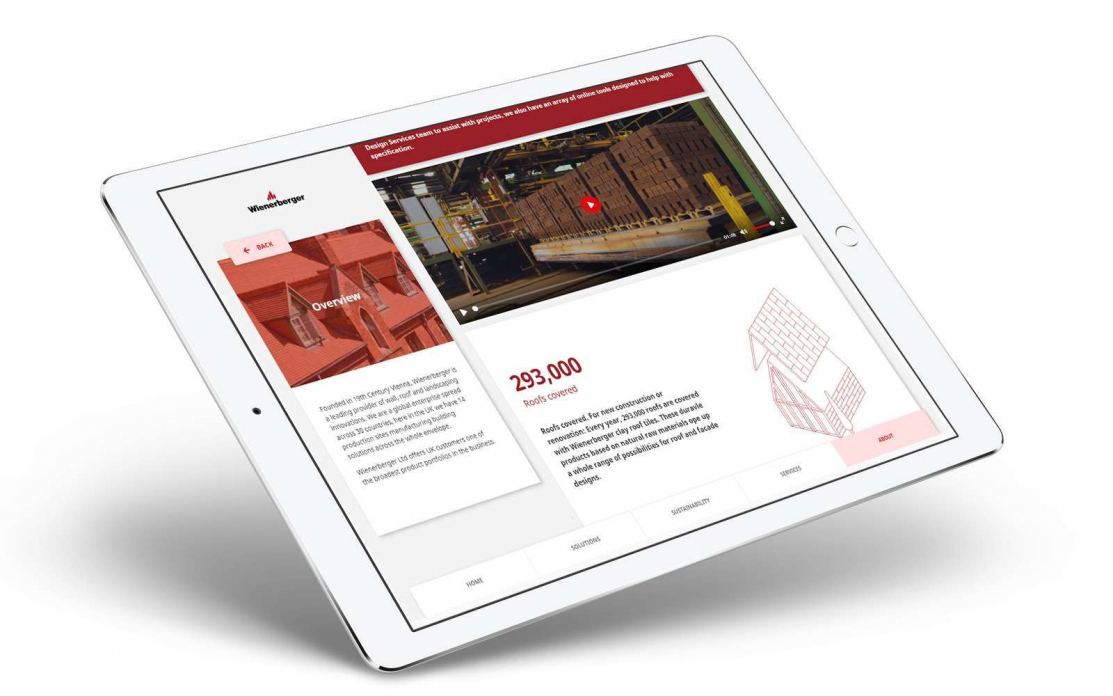
POP Scoops Construction Marketing Award for Excellence in Digital Sales Tool Development
Read
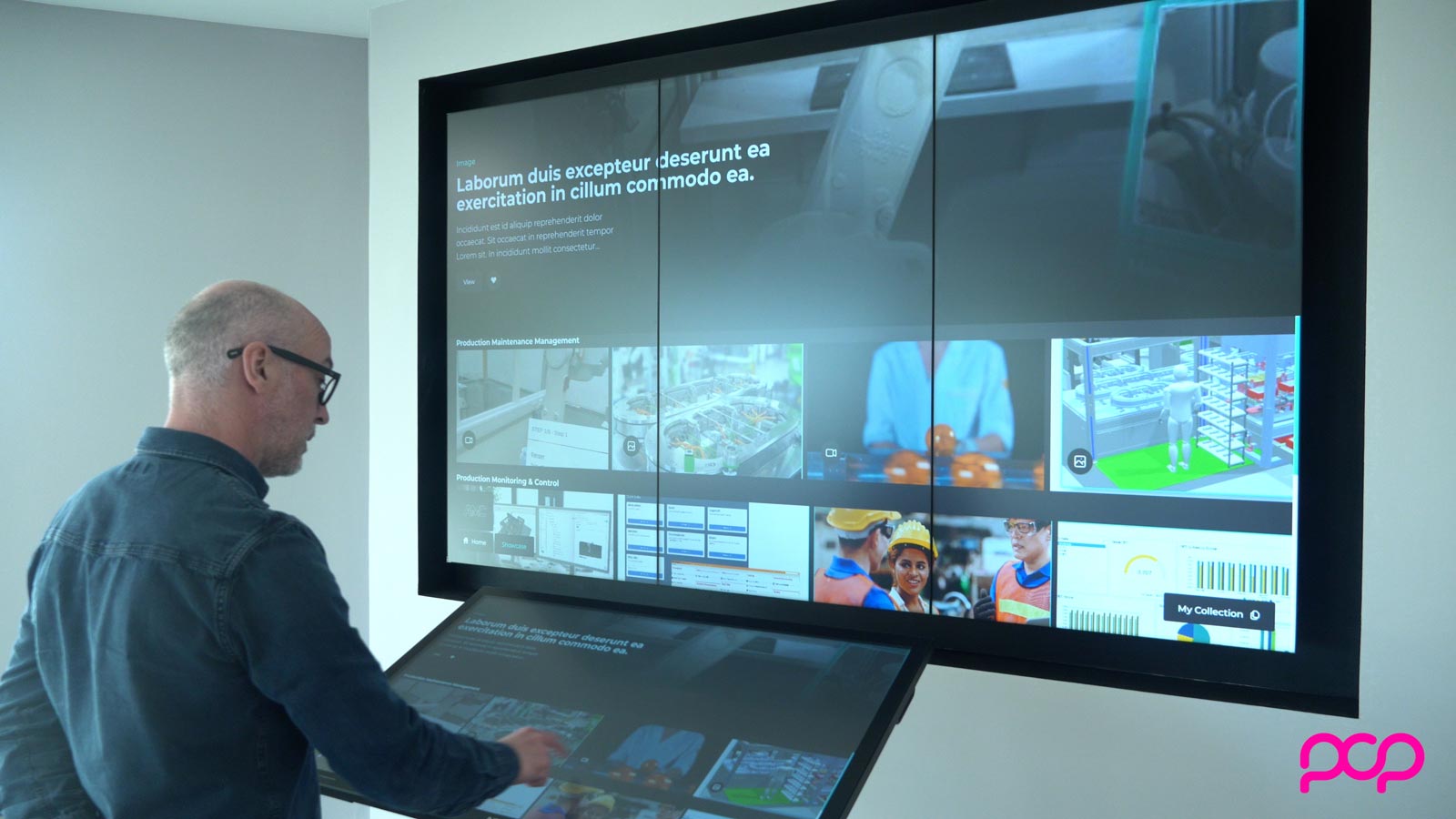
Designing a Sales Content Management Platform Buyers Actually Use
Read
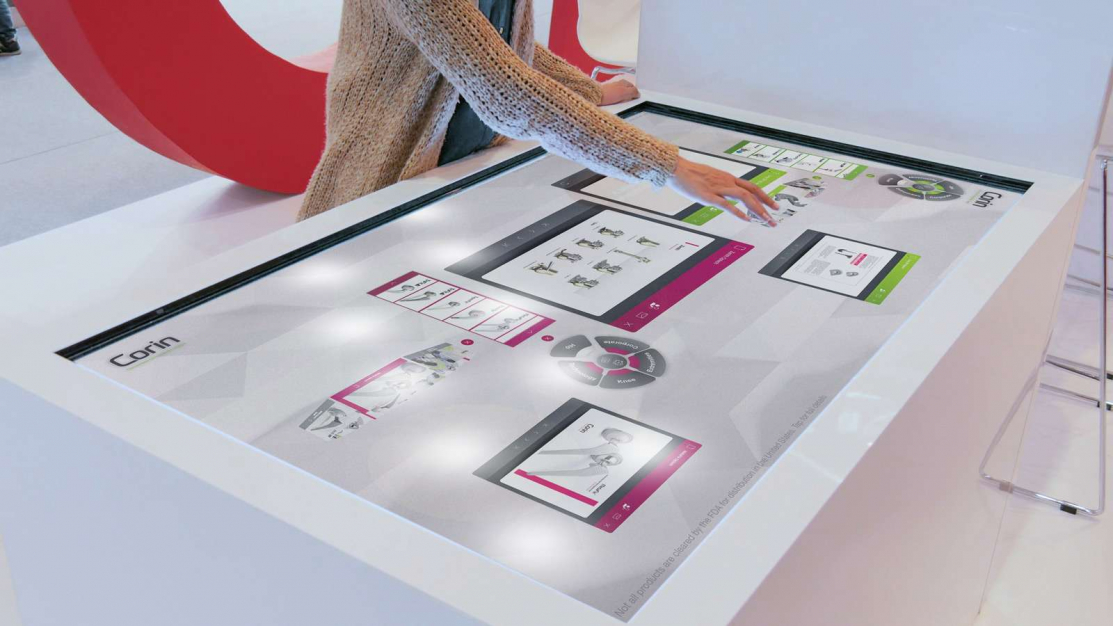
The Most Important Aspect of Winning New Business [AKA How Sales & Marketing Compare to Online Dating]
Read