




Infrared Touchscreen Display Software in 2026
Last updated: 12 May 2026
Attendees spend an average of 45 seconds at a passive booth display, yet booths featuring infrared touchscreen technology see dwell times of 5 to 12 minutes per visitor, according to EXHIBITOR Magazine. That’s a 10- to 15-fold increase in the time your team has to convert a prospect into a lead. If your trade show booth relies on static banners or printed materials, you’re leaving massive engagement and revenue on the table. The question isn’t whether interactive touchscreen technology works—it’s which infrared touchscreen display software will actually deliver the results you need without breaking your budget or requiring a tech team to operate it. In this guide, I’ll walk you through how to evaluate, compare, and implement infrared touchscreen solutions that will transform your booth from a passive information stand into an active lead-generation machine. By the end, you’ll know exactly which features matter, what questions to ask vendors, and how to avoid the most expensive mistakes teams make when deploying this technology.
Key Takeaways
- Infrared touchscreen booths draw 35% more visitors and achieve lead capture rates up to 35% higher than traditional setups.
- 81% of attendees remember booths with interactive touchscreens, and 84% feel more confident buying from brands that offer hands-on experiences.
- Modern no-code software like POPcomms eliminates the need for expensive custom programming, cutting deployment time from weeks to days.
- Offline capability is non-negotiable at trade shows where WiFi is unreliable, unrestricted, or prohibitively expensive to deploy.
Why Infrared Touchscreen Technology Matters for Your Booth
The shift from passive to interactive booth experiences isn’t a trend—it’s become an expectation. 68% of trade show attendees believe booths featuring innovative technology have limitless potential, signalling that visitors actively expect and reward tech-driven experiences. When someone walks past your booth, they’re making a split-second decision: does this look worth my time? A touchscreen is a visible, interactive invitation that says “engage with us at your own pace.”
Infrared touchscreen technology specifically offers superior reliability compared to older capacitive or resistive touch methods. Infrared sensors detect the interruption of light beams across the screen surface, which means they work with any input method—gloved fingers, styluses, or even hands covered in booth material—and they’re virtually immune to dust, reflections, or accidental touches from nearby objects. For the chaotic environment of a trade show floor, this robustness matters.
The self-service nature of touchscreens is a big part of why they work. Unlike static banners or brochures, interactive displays invite participation and transform passive observers into active leads. Attendees can browse content, explore products, and drill into detail at their own pace without needing to wait for a representative to become available. This creates a natural funnel: curious visitors interact, discover relevant information, and engage more deeply with your brand message. When a visitor does decide to speak with your team, they’re already warmed up with genuine interest rather than generic curiosity.
The numbers bear this out. Booths with interactive screens draw 35% more visitors compared to traditional setups, and interactive displays can increase booth dwell time by 30 to 40% and lead capture by up to 35%. Interactive elements boost engagement between visitors and exhibitors by around 50%, and our industry blog covers real case studies showing that 81% of attendees remember booths that feature interactive touchscreens, with 84% feeling more confident about brands that offer hands-on experiences.
Key Features to Compare in Infrared Touchscreen Display Software
Not all infrared touchscreen display software is created equal. When you’re evaluating options, focus on these core capabilities that separate tools that actually deliver from ones that create headaches.
No-Code Content Creation and Customization
Before 2024, building an interactive touchscreen experience meant hiring a developer or waiting months for a custom build. The most effective way to deploy interactive touchscreen experiences quickly is through no-code software that allows non-technical team members to create and edit content without programming knowledge. This is transformative because it means your marketing team can iterate on booth content in days rather than weeks, respond to feedback in real time, and make changes without waiting for a developer’s availability.
Look for software that offers drag-and-drop interfaces, pre-built templates, and the ability to incorporate multimedia—videos, PDFs, images, interactive maps—without touching a line of code. Our guide on customizing touchscreen interfaces for trade shows walks through exactly what to look for in terms of design flexibility and ease of use.
Offline Functionality Without Compromise
WiFi at trade shows is expensive, unreliable, and often restricted by venue policies. If your infrared touchscreen display software requires an internet connection, you’re building risk into your booth experience. The software must install directly onto the touchscreen device and function completely offline without any loss of functionality. This means your interactive content, video playback, PDFs, and engagement tracking all work seamlessly whether the venue has connectivity or not.
Some platforms offer a hybrid approach: software runs offline at the booth, but syncs data (like lead information or material downloads) to the cloud whenever a connection is available. This gives you the best of both worlds—complete independence from venue infrastructure plus automatic data capture and analytics after the show.
Lead Capture and Post-Show Analytics
A great booth experience is only half the battle. You need to know who interacted with your content, what they engaged with, and what materials were accessed or downloaded. Your infrared touchscreen software should include built-in lead capture that allows visitors to share contact information directly from the booth, plus detailed analytics showing which content was most popular, how long people spent on each screen, and which resources were requested or sent to attendees.
This data is gold for your sales team. It turns anonymous booth traffic into qualified leads with documented interest in specific products or services, making the follow-up conversation much more targeted and effective.
Responsive Design and Multi-Screen Coordination
Many booths deploy multiple touchscreens to create different experiences—one for product features, one for case studies, one for industry insights. Your software should allow seamless coordination across multiple screens, so that content feels cohesive and visitors understand how to navigate between screens. Responsive design ensures content looks professional whether displayed on a 43-inch vertical display or a large horizontal installation.
The Real Cost of Infrared Touchscreen Solutions
Pricing for infrared touchscreen display software typically falls into two categories: custom development and pre-built platforms.
Custom Development (The Old Way)
Before specialized no-code platforms emerged, companies had to hire developers to build custom applications. This approach typically cost $15,000 to $50,000+ per project, required weeks or months of development time, and created ongoing maintenance costs. If you wanted to change content, update messaging, or adapt for a different show, you’d need developer time again.
No-Code Platforms (The 2026 Standard)
Modern no-code infrared touchscreen display software eliminates expensive custom programming, allowing businesses to create professional interactive experiences without a dedicated development team. Platform pricing typically ranges from $300 to $2,000 per month, depending on features, support level, and number of screens you’re managing. For most mid-market exhibitors, this represents a 60-80% cost reduction compared to custom development, with the added benefit of unlimited iterations and updates.
One critical advantage: with no-code platforms, you own your content and can redeploy it across multiple shows or adapt it as your messaging evolves. You’re not locked into a one-off custom build. This flexibility compounds over time as you run multiple booth experiences throughout the year.
When evaluating pricing, ask these specific questions:
- Is the software included or are you paying separately for the hardware (the actual touchscreen display)?
- Are there per-screen licensing fees or is it unlimited screens on a single subscription?
- What’s included in technical support—is there a dedicated account manager or self-service only?
- Are updates and new features included, or do you pay extra for version upgrades?
- What happens if you need to use the software for a second show in the same year?
Offline Functionality: The Critical Requirement
This bears repeating because it’s where many teams run into problems: your infrared touchscreen display software must work completely offline without degraded functionality. Here’s why this matters in practice.
Trade show venues charge $200 to $500+ per day for booth WiFi connections. At a 3-day show, that’s $600-$1,500 just for connectivity. Beyond cost, shared venue WiFi is often oversaturated during peak hours, leading to lag, buffering, and timeouts that frustrate visitors and make your booth look unprofessional. Some venues restrict which devices can connect, adding security and compliance headaches.
Infrared touchscreen display software designed specifically for trade shows must be installed locally on the device and function without any internet dependency, because reliable WiFi connectivity cannot be guaranteed or controlled at event venues. This means your interactive content, video playback, lead capture forms, and analytics all work seamlessly whether the venue has connectivity or not. When connectivity is available, data syncs automatically so you have up-to-date lead information without any manual intervention.
When evaluating platforms, test the offline scenario explicitly. Ask the vendor: what happens if the internet drops mid-show? Can visitors still interact fully? Does the lead capture still work? Can you export the data afterward? A good platform handles this invisibly—your booth just keeps running.
Implementation and Support: The Hidden Differentiator
The best infrared touchscreen display software means nothing if you can’t get it set up in time or if you hit a problem with no support available. This is where the difference between a vendor and a true partner becomes clear.
Onboarding and Setup
Professional platforms offer guided onboarding that walks your team through content creation, device setup, and testing. Ideally, you should be able to get a basic booth experience running in 2-4 hours, not days. This matters because booth preparation timelines are always compressed, and you need buffer time to test, iterate, and handle unexpected issues.
Dedicated Support During Events
The worst time to discover a technical issue is 30 minutes before your booth opens. Top-tier platforms include dedicated support during the event—either on-site, via phone, or through a guaranteed response time. This is non-negotiable for shows where your booth is central to your lead generation and revenue goals.
Our services include end-to-end support, meaning your team has access to experts who understand trade show environments, tight timelines, and the business impact of booth performance. This level of partnership prevents small technical issues from becoming show disasters.
Content Strategy and Creative Assistance
Some vendors provide just the software. Better partners offer guidance on content structure, design best practices, and audience psychology. They can help you design interactive flows that keep visitors engaged, suggest which content works best on touchscreens versus static displays, and identify opportunities to capture leads more effectively.
As one director of marketing shared: “If you need a platform that lets you quickly create and customize interactive touchscreen content while having an experienced team to support and enhance your ideas, then POPcomms is for you.” This is the kind of partnership that transforms your booth from a tool into a competitive advantage.
Making Your Final Selection
Here’s a practical framework for comparing your options:
Step 1: Define Your Booth Goals
Are you primarily capturing leads, showcasing products, educating attendees, or doing all three? Different goals require different software configurations. A software vendor that understands this will ask questions and help you configure the right experience. A vendor focused only on selling you their platform will assume one-size-fits-all.
Step 2: Test in a Low-Stakes Environment
Before committing to a major show, request a trial or pilot with a smaller event. This gives your team hands-on experience with the software, lets you test offline functionality realistically, and reveals whether the vendor’s support matches their promises.
Step 3: Evaluate Total Cost of Ownership
Compare not just software subscription cost, but also hardware, setup time, support availability, and opportunity cost of delays. A platform that costs $500/month but gets you up and running in days will likely deliver better ROI than one that saves $200/month but requires three weeks of custom development.
Step 4: Verify Offline Capability Under Realistic Conditions
Don’t accept “yes, it works offline” as an answer. Ask to test it yourself without internet. Verify that video playback is smooth, that form submissions are captured, and that all your booth content functions as expected. Contact us to arrange a live demo where you can experience offline functionality firsthand.
The right infrared touchscreen display software for your 2026 trade shows will feel invisible when it’s working—your team won’t be managing technology, they’ll be having conversations with engaged prospects. That’s the standard to aim for.
Frequently Asked Questions
How does infrared touchscreen technology differ from capacitive touchscreens?
Infrared touchscreens detect light beam interruptions across the screen surface, making them work with any input method—gloved fingers, styluses, or pens—and immune to dust and reflections. Capacitive screens require conductive contact and fail with gloved hands, making infrared superior for unpredictable trade show environments where attendees may be wearing jackets or gloves.
What happens to my booth experience if the venue WiFi fails?
With proper offline-capable software, your booth continues operating without any interruption or loss of functionality. Interactive content, videos, PDFs, lead capture forms, and analytics all work locally on the device. When WiFi becomes available, data syncs automatically so you don’t lose any lead information. This is why choosing offline-capable software is non-negotiable for trade shows.
Can a non-technical team member create content for an infrared touchscreen?
Yes, with modern no-code platforms like POPcomms. Your marketing team can create, edit, and customize interactive content using drag-and-drop interfaces without any programming knowledge. You can incorporate videos, PDFs, images, and interactive maps directly, and make updates in hours rather than weeks.
How much does infrared touchscreen display software typically cost?
No-code platforms typically range from $300 to $2,000 per month depending on features, support level, and number of screens, representing a 60-80% cost reduction compared to custom development projects that historically cost $15,000 to $50,000+. Pricing varies based on whether you need single or multi-screen deployments and the level of dedicated support.
Should we buy or rent infrared touchscreen hardware?
Most exhibitors rent displays for individual shows because hardware costs are high ($3,000-$8,000 per screen), storage and transport are complex, and technology evolves quickly. Renting allows you to use the latest hardware, avoid maintenance headaches, and scale based on booth size without capital investment. Verify that your software is compatible with standard rental hardware.
Choosing the right infrared touchscreen display software is a decision that affects your entire booth performance—but evaluating options shouldn’t be complicated.
Take the next step today and see how POPcomms can transform your booth into an engagement machine.

Related Posts
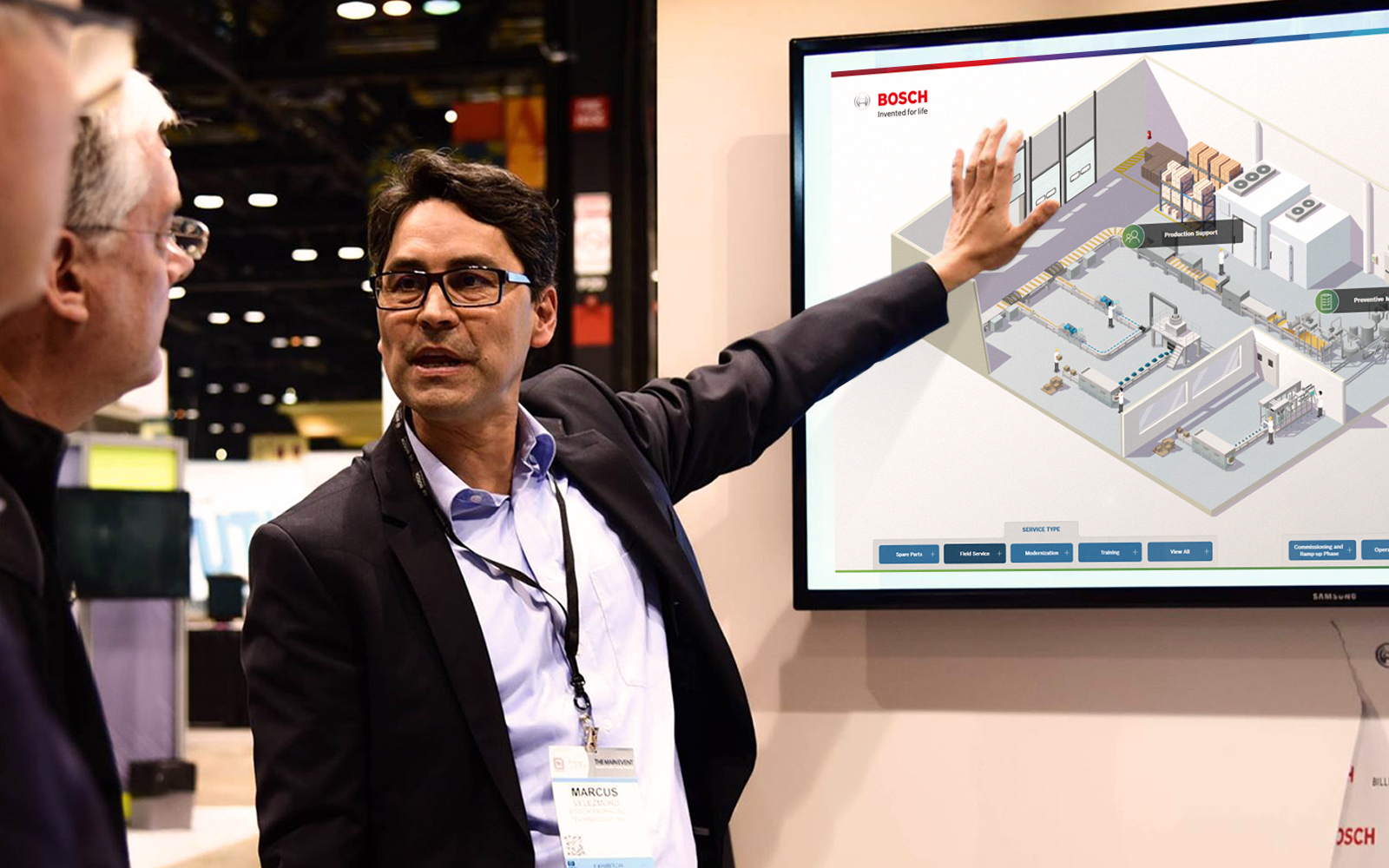
Network-Connected Touchscreen Kiosk Software
Read
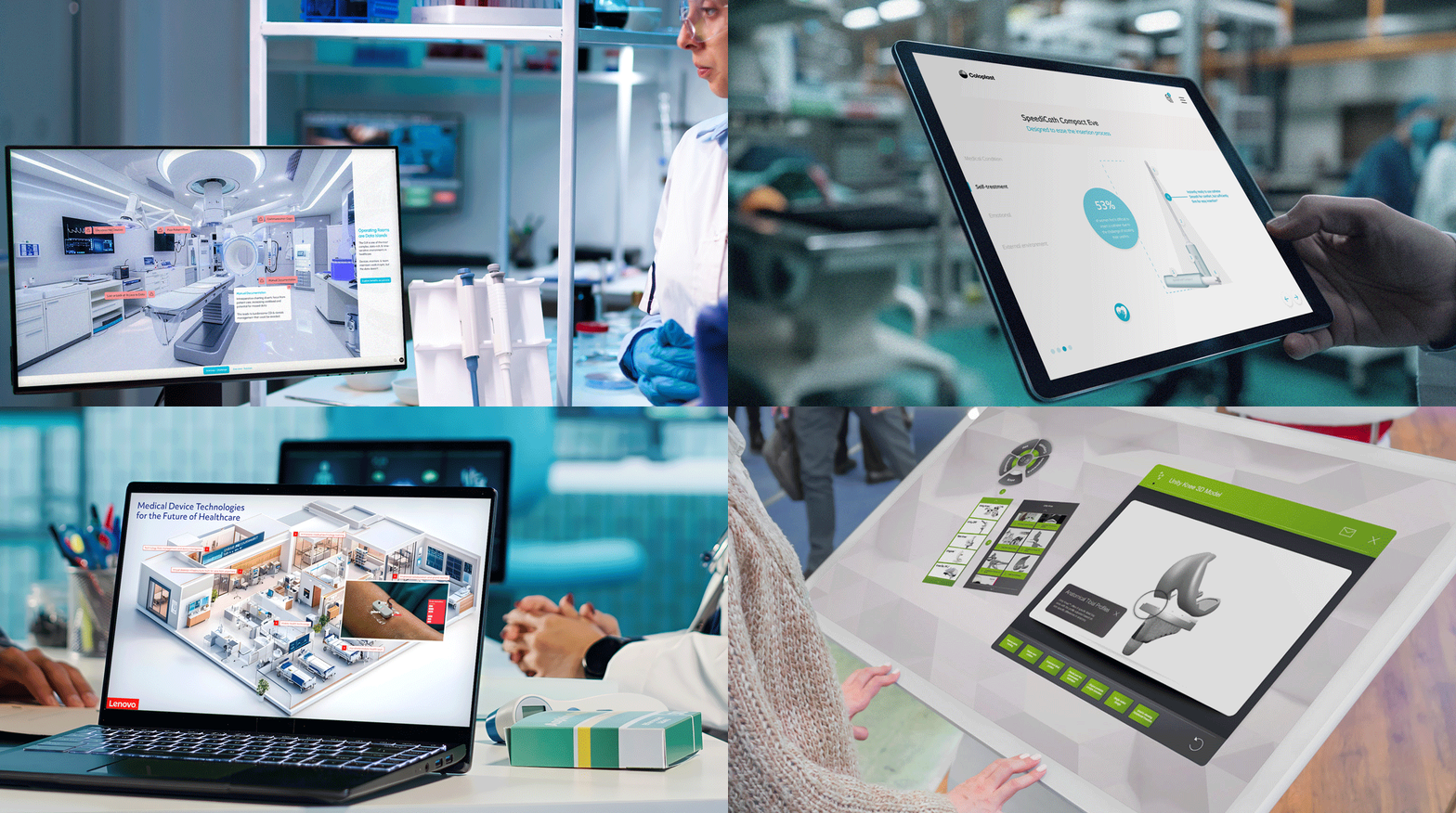
Buyer Enablement in Regulated Industries
Read
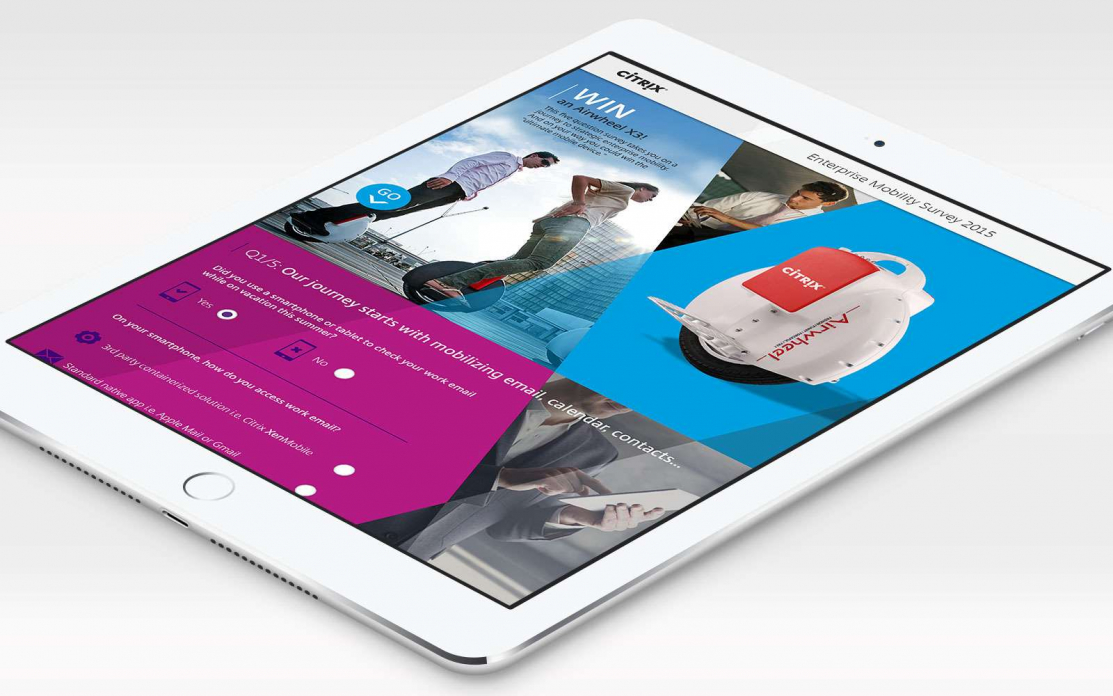
Why Immersive Technology & Brand Storytelling Are A Great Fit
Read
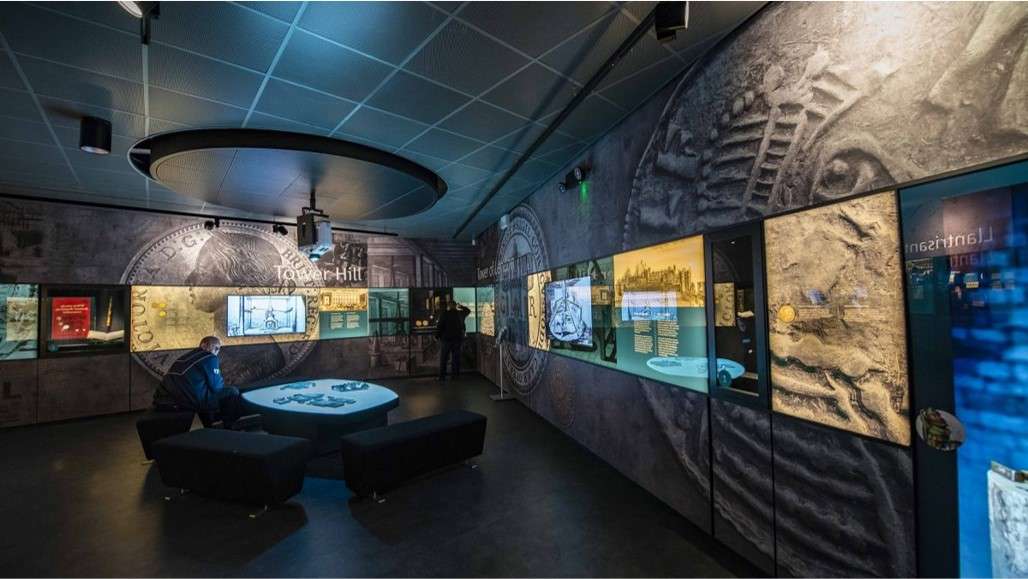
Interactive Touchscreens for Museums | POPcomms
Read