




Sales meetings for complex B2B solutions do not have to feel like a long speech with a slide deck. When buying groups get large and demands start to clash, the better move is to turn the meeting into a guided decision session where buyers ask, click, and choose what happens next. That is where question-led, interactive presentations and smart use of interactive presentation software come in.
Here, we will walk through a practical facilitator playbook you can use in your next Q3 roadmap review, strategy workshop, or solution deep dive. We will cover live branching, how to keep many stakeholders on track, and how to handle tough objections without losing the room.
From Sales Meeting to Co-Discovery Session
Being question-led starts with a simple shift: we begin with what buyers want to know, not with what we want to show. Instead of opening on “About us,” we open on “What is most important for you to solve today?”
This mindset matches how buying committees in industrial, healthcare, and advanced technology actually work. People research on their own, compare options, then come together to check risks, confirm fit, and build a joint case.
In that room, our job is less “a presenter” and more “a guide.” We are there to:
- Surface gaps in understanding
- Clarify requirements and constraints
- Help everyone see the same problem and the same path forward
Interactive presentation software gives us the structure to do this without losing control.
Designing Question Paths and Live Branching
Good sessions start on paper. We like to blueprint the main questions buyers ask across four buckets:
- Technical: architecture, integration, data, security
- Commercial: pricing structure, contract terms, ROI
- Operational: workflows, training, rollout, support
- Risk: uptime, compliance, vendor lock-in, change impact
Take the top 10 to 20 questions in each bucket and group them into clusters. Each cluster becomes a clickable path inside your interactive presentation software. Instead of slide 1, slide 2, slide 3, you have tiles like “IT Concerns,” “Clinical Workflow,” or “Finance & ROI.”
Then plan depth. Ask yourself:
- What stays high level for executives?
- Where do we need a deeper branch for IT or engineering?
- Which topics need an extra layer, like compliance or integration diagrams?
This way you only drill down when the room asks for it, which keeps the flow fast and relevant.
Running the Decision Tree and Orchestrating the Room
A live decision tree is a content map you can move through on the fly. It should feel natural, like a conversation, not like clicking through a maze. To do that, base your branches around outcomes buyers care about, such as:
- Reducing downtime in a plant
- Improving clinician or operator workflows
- Enabling predictive maintenance or remote monitoring
When someone raises a question, you jump straight into the outcome that matches their concern, then into the right detail branch if needed. Good interactive presentation software helps by giving you:
- On-screen menus or a story map you can hop around
- Visual cues so you know where you are in the narrative
- Quick “home” views to return to the main storyline
This is also how you tune what to show based on who is in the room. For example:
- Executives: business case, risk, timelines
- Technical teams: architecture, integration, security
- Procurement or finance: contracts, TCO, value proof
You can reveal or hide detailed paths so each group sees what matters to them, but you still hold the overall thread.
Moderating Stakeholders and Handling Objections Live
Industrial, healthcare, and advanced tech deals often have many voices: operations, IT, finance, clinical staff, risk, vendor management, and others. To avoid one person taking over, set the tone early:
- Agree that everyone gets space to speak
- Use quick “round-robin” prompts by role
- Keep a “parking lot” list for deep topics you note, then move to later
Interactive branching lets you “serially satisfy” each role. You might spend a few minutes in an operations path, then tap back to the shared roadmap, then move into a short IT branch, then return again to the main business outcome view. The screen becomes the shared anchor, so people do not feel lost when the topic shifts.
Objections are part of this. Before big Q3 and Q4 planning cycles, it helps to build an objection library around common themes, like:
- Integration risk and IT workload
- Change management and training effort
- Security, compliance, and data residency
- Vendor lock-in and long-term flexibility
- Price structure and budget timing
Each objection can become its own “card” in your interactive presentation software, linked to proof points, customer examples, and simple diagrams. When someone raises a concern, we first show we heard it, rephrase it in plain terms, and only then click into the objection branch. That keeps the tone calm and collaborative, not defensive.
From there, you can pick the right kind of branch:
- Story: how a similar customer handled this issue
- Technical: deeper architecture or security detail
- Third party: standards, certifications, analyst views
If the objection is central to the deal, stay there until the room is satisfied. If it is important but not blocking, you can address it, tag it for follow-up, and jump back to the roadmap. A simple visual cue, like returning to a “Decision Summary” screen, signals that you have closed that loop and are moving forward.
Learning From Analytics and Growing Your Playbook
One of the strongest parts of interactive presentation software is what happens after the meeting. You can see:
- Which paths you clicked most
- Where buyers stayed longer
- Which assets, like diagrams or PDFs, they opened
A simple workflow after the meeting might be:
- Export engagement data
- Tag by role, industry, and stage in the deal
- Update your question map, objection cards, and story flow
Over time, patterns show up. Some branches never get used, which tells you they can be simplified or removed. Others are “rescue slides” you hit when the story is not clear enough earlier, which is a sign to tune your main narrative.
Quarter by quarter, especially around mid-year budget shifts in July, you can clean up old content, add new objections you are hearing, and adjust flows for new priorities. Sales and business development teams can share playbooks across regions, building a library of proven flows for different sectors.
When we built POPcomms as a buyer enablement platform, this is the kind of work we had in mind: turning complex, high-stakes sales conversations into intuitive, interactive decision spaces. With question-led framing, flexible branching, clear moderation, and thoughtful objection handling, every complex meeting can feel less like a presentation and more like a group finally getting clear together.
Frequently Asked Questions About Interactive Presentations
1) How is interactive presentation software different from standard slide tools?
Interactive presentation software is built for non-linear use. Instead of one fixed slide path, you create clickable paths, menus, and tiles so you can move based on questions in the room. It also tracks engagement so you can see what buyers cared about most.
2) Does this approach work for early-stage discovery calls?
Yes. You can use a lighter map with mostly questions and a few flexible branches. That lets you learn what matters most, then click into only the content that fits, instead of running through a full demo too early.
3) Will interactive presentations slow down my meetings?
Used with a clear plan, they usually speed things up. You skip content that is not relevant, go straight to proof where it is needed, and keep objections from stacking up at the end.
4) How much prep time does a facilitator need?
Once the core flows and objection cards are built, prep is mostly about the audience. You review who is attending, mark likely paths, and practice a few jumps so you feel relaxed and ready to respond.
5) Can we adopt interactive presentation software gradually?
You can start with one key presentation, like your main solution overview or a high-stakes renewal. Turn that into an interactive flow, test it with a few accounts, then refine and scale to more teams as you learn what works best.
Turn Your Question-Led Presentations Into Confident Buying Decisions
If you are ready to turn your facilitator playbook into live, interactive conversations that keep every stakeholder engaged, our interactive presentation software is built for exactly that. At POPcomms, we help you bring branching paths, objection handling, and multi-stakeholder moderation into one intuitive experience for your business development and sales teams. To see how this could work for your specific deals, you can contact us and we will walk through your requirements together.

Related Posts
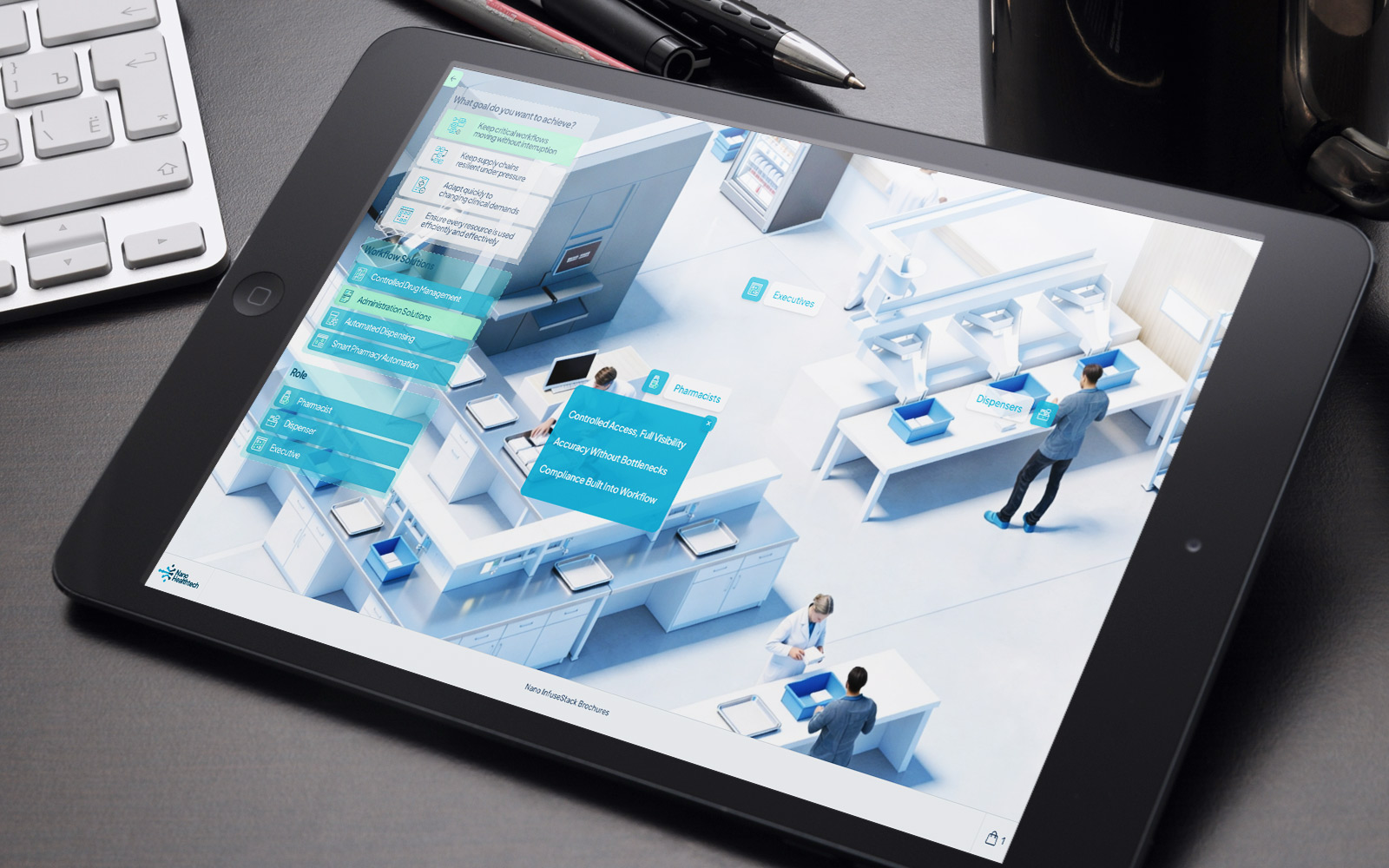
Decision Room Design Patterns for Buying Committees: Roles and Workflow
Read
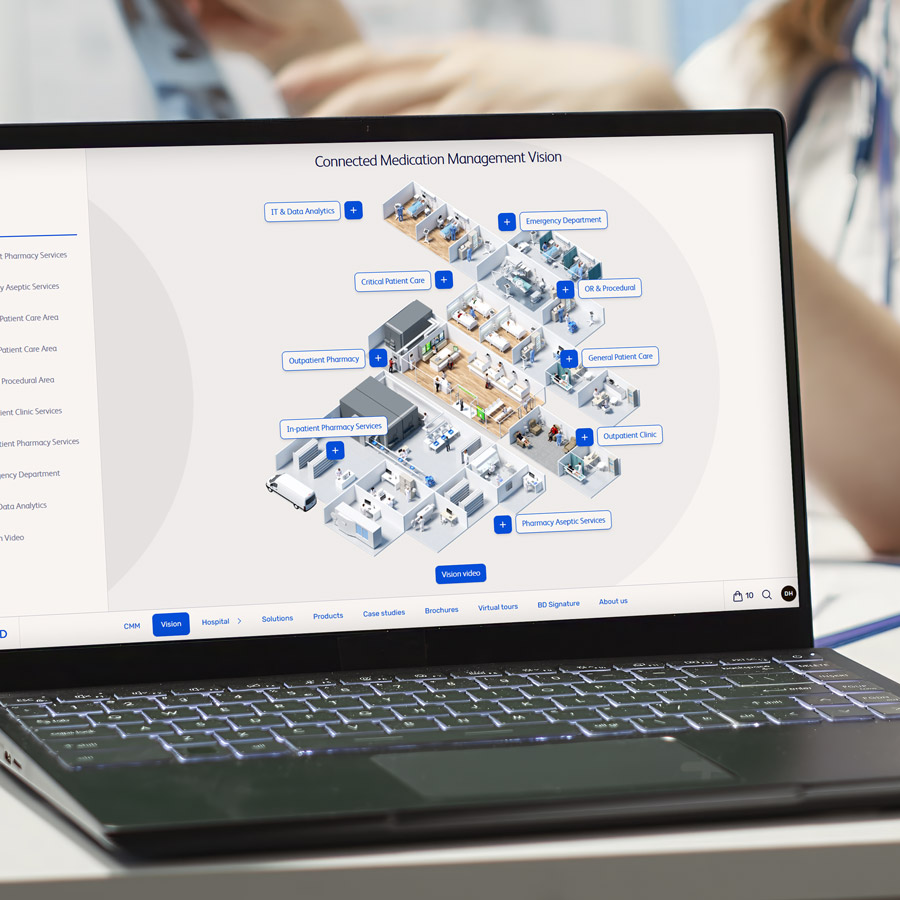
BD Platform Software for B2B Teams: Requirements Matrix + RFP Template
Read

Track every interaction and document share with analytics
Read

Audit Playbook: Validate Engagement Tracking Across Buyer Microsites
Read