




Buying committees want clarity, not more slides. When your solution is complex, a static pitch deck often stalls right when teams are locking in mid-year plans and shortlists. Question-led interactive presentations flip that script. They turn your meeting into a live working session where buyers choose the path, surface what matters, and reach real decisions together.
In this article, we will walk through practical design patterns for question-led interactive presentations, especially for industrial, healthcare, and advanced technology sales. We will look at branching logic, role-based paths, and ways to capture real-time consensus with the help of interactive presentation software so your mid-year committee meetings move faster and feel more confident.
Turning Questions Into High-Impact Buyer Dialogues
Buying committees are large, mixed, and often distracted. Each person cares about different risks, systems, and outcomes. When you push a linear deck at them, you usually end up talking past half the room, especially in late Q2 and early Q3 when plans and budgets are under pressure.
Question-led interactive presentations are different. Instead of marching through slides, you guide the meeting with questions like:
- What are your top three priorities for the next six months?
- Which sites or departments feel the most pressure right now?
- How ready is your team for a phased rollout?
As buyers answer, the presentation adapts. You open paths that match their priorities and skip entire sections that do not matter. This is the heart of our buyer enablement approach at POPcomms: use interactive presentation software to turn complex solutions into clear, shared decisions.
Core Design Principles for Question-Led Experiences
Good question-led design starts with the end in mind. Ask yourself, what does this committee need to decide by the end of the meeting? Then work backward.
You might design questions to reveal:
- Current challenges and gaps
- Risk and compliance concerns
- Success metrics and expected ROI
Internal blockers and dependencies
Keep the questions short and grounded in the buyer’s world. Avoid jargon and long chains of logic that make people hesitate. Each question should be answerable in the room without extra homework.
You also want to balance guidance and freedom. Give buyers options, but steer them toward the most relevant story. That might mean:
- A main menu of big topics
- Clear signposts for deeper dives
- Gentle prompts to return to the shared decision
Finally, decide what to track as engagement intelligence. Plan which answers become data points your sellers can use later in the CRM, account plans, and follow-up content.
Designing Branching Logic and Role-Based Paths
Branching logic should feel like a natural sales conversation, not a quiz. Think in terms of familiar paths:
- Discovery depth: how much context they already know
- Solution fit: which modules or workflows apply
- Risk and compliance: what needs to be proved safe and secure
- Value and ROI: where dollars, time, or outcomes improve
Use conditional reveals so different answers open different stories, visuals, and reference material. If IT flags security as a top risk, you can jump straight into that path. If operations is worried about rollout, you can show timelines and support models.
Avoid dead ends. Every branch should loop back to a core narrative and clear next steps. Micro-decisions help here. Small polls or sliders can ask buyers to rank challenges, then the presentation auto-updates to show the areas they rated highest.
Buying committees are not one audience. You have technical evaluators, economic buyers, clinical or operational leaders, IT and security, and frontline users, all in one room or online. Role-based paths keep everyone engaged without building separate decks.
Set up:
- Role-specific entry points from a simple home screen
- Fast tracks for executives that jump to impact, risk, and ROI
- Optional deep dives for technical teams when they ask
Use light personalization like role labels, familiar language, and industry examples that feel close to their day-to-day, while still running off one master interactive experience.
Capturing Real-Time Consensus in Buying Committees
A strong question-led experience does more than share information. It makes the room do the work together.
You can turn passive observers into active participants with:
- Live polls and rankings
- Dot-voting over a shared list of challenges
- Small sliders to score risk or readiness
Interactive presentation software can show results right away. Heatmaps, priority boards, and side-by-side comparisons make it clear where there is alignment and where there is friction.
Build in consensus checkpoints. These are planned moments when the group must agree on something before moving on: core problems, must-have requirements, or success metrics. At the end, the experience can auto-generate a short summary of what was agreed, what is still open, and suggested next steps. When that insight flows into your CRM, sellers do not lose what happened in the room.
Designing for Mid-Year Planning Cycles and Implementation
Late June and early summer are busy. Teams are setting H2 projects, fixing shortlists, and watching the calendar. Question flows should match that mindset.
Helpful paths often include:
- Readiness and timing questions for the second half of the year
- What-if views that show phased deployment across months or quarters
- Trade-off questions that compare quick wins against longer changes
Engagement intelligence from these mid-year meetings is gold. It shows which initiatives have real energy, where approvals may get stuck, and what kinds of deployment models feel comfortable. You can then tighten your interactive presentations before the end-of-year buying rush.
To build all of this, start simple. Use a workshop-style whiteboard session with sales, marketing, and subject-matter experts to map questions, branches, and role paths. Create a low-fidelity version first and test it with a few sellers. Notice where people get lost or where the conversation stalls, then adjust.
Train sellers to act as facilitators, not slide operators. They should know how to:
- Ask follow-up questions on the fly
- Switch paths smoothly when the room changes topic
- Use live data to frame choices and trade-offs
Analytics from your interactive presentation software will show which paths get used, where people drop off, and which roles engage the most. That feedback loop keeps the experience sharp over time.
FAQ: Making Question-Led Interactive Presentations Work
Q1: How is interactive presentation software different from a standard slide deck?
A1: A standard deck is linear. Interactive presentation software lets you build branching paths, role-based views, and live polling into one experience so you can adapt in real time instead of clicking through a fixed order.
Q2: Do I need technical skills to build branching and role-based paths?
A2: No. Platforms like POPcomms use visual editors and drag-and-drop logic, so sales and marketing teams can design and update complex flows without coding.
Q3: Will question-led presentations slow down my sales meetings?
A3: When designed well, they usually speed things up, because you skip what is not relevant and stay focused on the committee’s real priorities and decisions.
Q4: How does engagement intelligence actually help close deals?
A4: It records which roles followed which paths, what they cared about, and where they disagreed. Sellers can then tailor follow-ups, proposals, and proof stories to those exact signals.
Q5: Can this approach work for virtual and hybrid buying committees?
A5: Yes. Interactive presentation software supports remote-friendly polling, shared screens, and post-meeting summaries, which helps align distributed stakeholders in real time and after the call.
Turn Your Question‑Led Presentation Strategy Into Live Buyer Proof
If you are ready to turn branching logic, role-based paths, and real-time consensus into something your buyers can actually click through, our interactive presentation software is built for that. At POPcomms, we help industrial, healthcare, and advanced technology teams turn complex solutions into clear, data-rich buyer conversations. Share a bit about your sales process and we will show you how to translate it into a question-led experience that captures every decision and signal from your buying committees. If you have specific requirements or want to talk through a use case in detail, you can also contact us so we can walk you through what is possible.

Related Posts
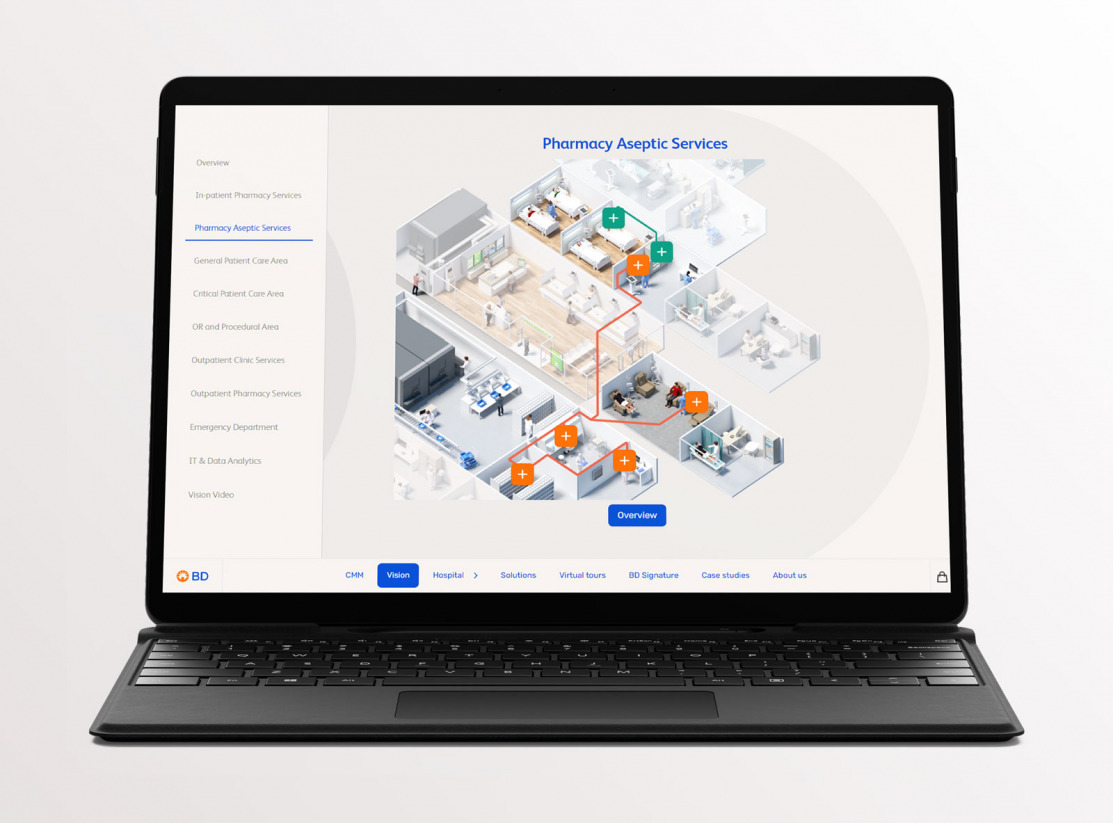
Complex B2B Platforms: Scoring BDR-to-Meeting Workflow vs Buyer Enablement
Read
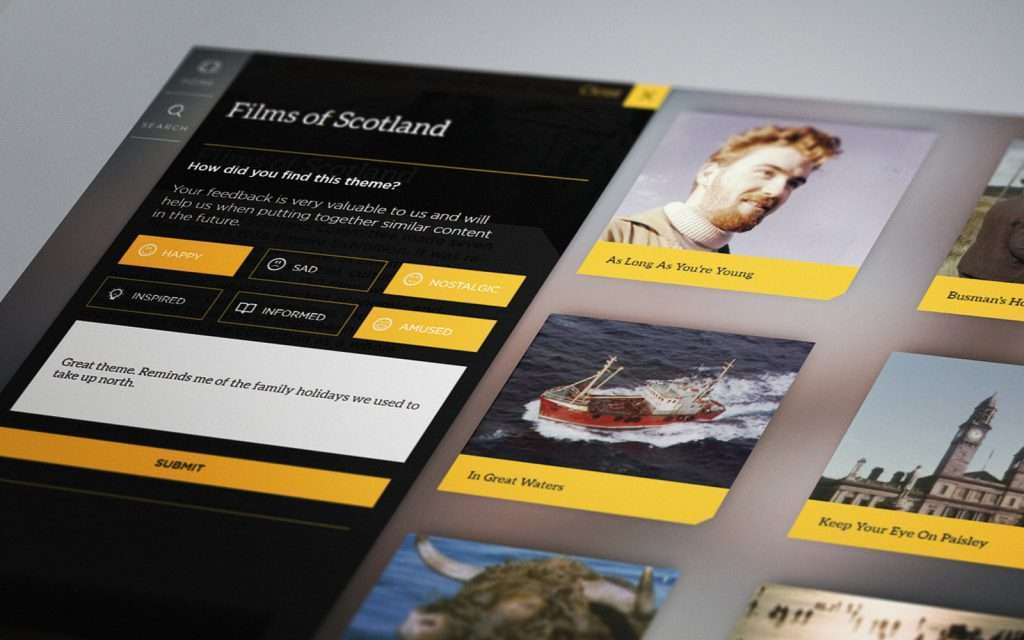
3 Valuable Brand Lessons for Success in the Experience Economy
Read
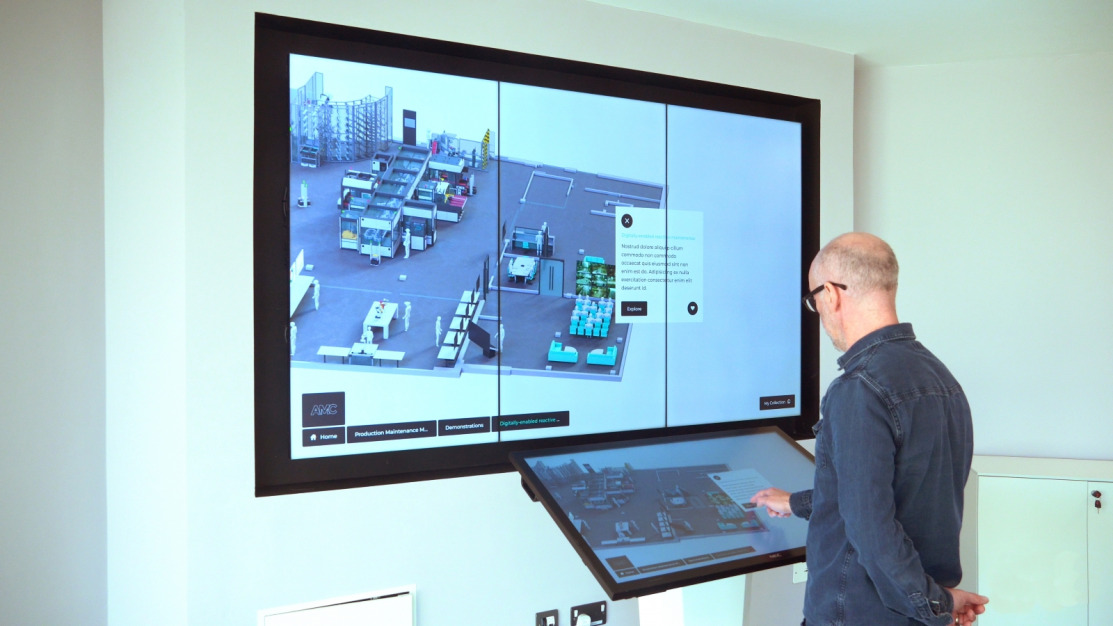
Pharmaceutical Event Touchscreen Platforms in 2026
Read
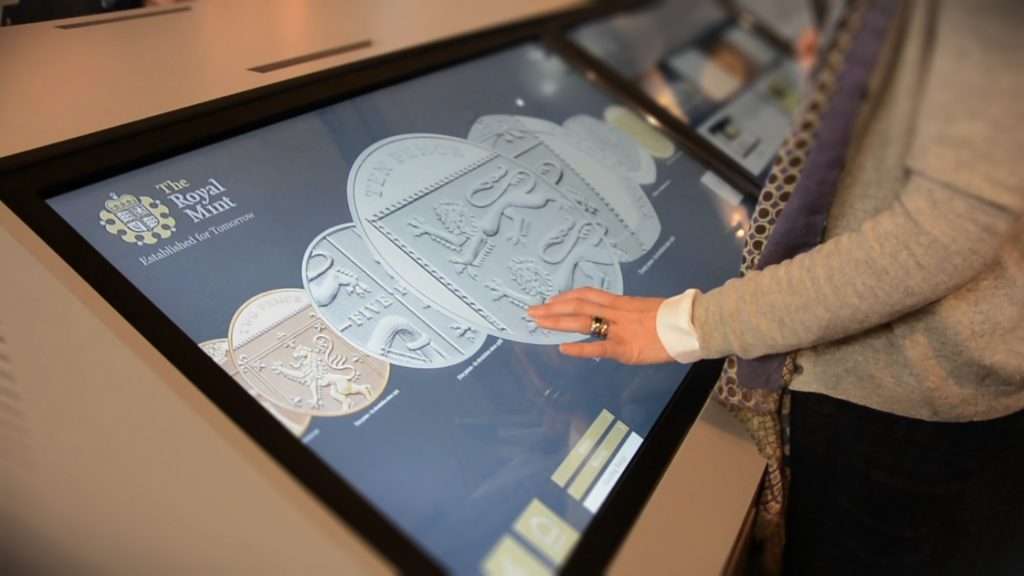
Interactive Touchscreens: Boost Customer Engagement | POPcomms
Read