




Touchscreen Software for Large-Scale Events
Last updated: 12 May 2026
Your booth sits next to twenty others. Visitors walk past at a steady clip. Then someone stops. They tap a screen. They swipe. They spend the next ten minutes exploring your products without needing a single word from your team. This is not science fiction, it is what happens when trade show organizers and exhibitors use purpose-built touchscreen software for large-scale events. Yet many marketing teams still rely on printed brochures, static banners, and passive displays that struggle to capture attention in crowded, competitive environments. The difference between a booth that draws a crowd and one that gets walked past comes down to one critical factor, engagement, and touchscreen software delivers that engagement at scale.
If you are planning a trade show, conference, or major event and wondering whether interactive touchscreens are worth the investment, this guide will show you exactly how these platforms work, what makes them effective, and how to choose one that fits your team’s needs and budget.
Key Takeaways
- Booths with interactive touchscreens draw 35% more visitors and increase dwell time by 10–15x compared to passive displays, creating longer windows for meaningful conversations.
- 68% of trade show attendees expect innovative technology at booths, and 81% remember interactive touchscreen experiences, making them essential for brand recall.
- Modern touchscreen software requires no coding, works offline without wifi, and can be created and deployed in a fraction of the time traditional programming once demanded.
- Lead capture, real-time analytics, and the ability to send materials directly from the booth to attendees transform touchscreen interactions into measurable business outcomes.
Why Touchscreen Software Works at Large Events
Touchscreen software for large-scale events succeeds because it inverts the traditional booth dynamic. Instead of waiting for a sales representative to become available, attendees take control. They explore products at their own pace, drill into the details that matter most to them, and move through the experience without friction. The self-service nature of touchscreen software is the primary reason it outperforms static booths, because it transforms passive observers into active participants. This shift from passive to active fundamentally changes how attendees perceive your brand and how much time they invest in your booth.
In a crowded event environment, this control matters enormously. Attendees can browse content, explore product categories, and dive into specifications without waiting. Unlike brochures or verbal pitches, there is no gatekeeping, no bottleneck where a busy rep is talking to someone else. This removes one of the biggest friction points at events and explains why interactive trade show booths achieve average dwell times of 5 to 12 minutes per visitor, compared to roughly 45 seconds for passive displays. That is a 10–15x increase in the window your sales team has to start a meaningful conversation and qualify a lead.
The psychology also matters. Many marketing teams discover through our blog that attendees who interact with a touchscreen feel they are discovering information themselves, not being sold to. This perception builds trust and makes them more receptive when a team member does step in. The experience feels collaborative, not transactional.
The Engagement and Lead Capture Advantage
Booths with interactive screens draw 35% more visitors compared to traditional setups, and interactive displays increase booth dwell time by 30–40% and lead capture by up to 35%. These are not marginal improvements. A 35% increase in foot traffic directly translates to more qualified conversations. A 30–40% increase in time per visitor gives your team more opportunity to qualify and convert. And a 35% lift in lead capture means you are walking away from the event with substantially more contact information and follow-up opportunities.
But the impact goes deeper than traffic and time. 68% of trade show attendees believe booths featuring innovative technology have limitless potential, signalling that visitors actively expect and reward tech-driven experiences. This is not a nice-to-have anymore. It is a baseline expectation, especially in industrial, healthcare, and technology sectors where your competitors are likely already using interactive solutions.
Memory and confidence matter too. 81% of attendees remember booths that feature interactive touchscreens, and 84% feel more confident about brands that offer hands-on experiences. In an event where hundreds of booths compete for attention, memory is currency. If attendees remember your booth and feel confident in your brand, your follow-up emails and calls have a dramatically higher conversion rate. This is where touchscreen software becomes a multiplier for your entire post-event sales process.
Key Features to Look For
Not all touchscreen software is the same. When evaluating platforms for large-scale events, several features separate effective solutions from generic kiosk displays.
No-Code Content Creation
One of the biggest objections we hear is, “Will this take forever to create?” The answer is no, if you choose the right platform. Purpose-built touchscreen software like POPcomms allows marketing teams to create rich, interactive experiences without writing a single line of code. Templates, drag-and-drop interfaces, and pre-built components mean you can launch a fully functional booth experience in days, not weeks. This speed is critical when you have a trade show in six weeks and limited developer resources.
Offline Functionality
Trade show wifi is notoriously unreliable and expensive. Many venues oversell bandwidth, leading to dropped connections during peak hours. Effective touchscreen software must work completely offline without any loss of functionality. Videos play, PDFs load, product demos run, and lead capture works, all without an internet connection. Once you sync back to wifi or ethernet, data uploads automatically. Touchscreen software with offline capability is not optional at large events, it is essential.
Integrated Lead Capture
A booth that generates engagement but does not capture leads is a missed opportunity. The best touchscreen solutions include native lead capture tools, email collection, and the ability to send materials directly from the booth to attendees. This transforms a passive interaction into a documented, trackable lead with context about what products or content the visitor explored. Touchscreen software with lead capture tools turns every interaction into a data point your sales team can act on.
Multi-Screen Coordination
Large booths often deploy multiple touchscreens, each showcasing different departments, product lines, or use cases. The ability to manage, update, and sync content across four, six, or even more screens from a single backend is not just convenient, it is necessary. One content update should flow to all displays simultaneously, eliminating inconsistencies and reducing manual configuration.
Analytics and Reporting
Our services include detailed guidance on what metrics matter most. You need to know which products were viewed most, how long visitors spent on each section, and what materials were downloaded or shared. Real-time dashboards let you see performance during the event and adjust your booth strategy on the fly. Post-event reports become the foundation for measuring ROI and planning next year’s event.
Addressing Common Objections
Cost and Complexity
Historically, touchscreen experiences required custom programming, dedicated development teams, and budgets that only large enterprises could justify. This barrier has fallen. Modern no-code platforms mean you do not need expensive developers or months of lead time. Solution cost has dropped substantially while capability has increased. For mid-market and smaller brands, touchscreen software is now accessible and affordable.
Wifi and Connectivity
We mentioned offline functionality already, but it bears repeating because this objection comes up in nearly every conversation. Yes, events have unreliable wifi. No, you do not need it. The best touchscreen software for large events is built to run completely offline, storing content locally on the display itself, with automatic data sync when connection is available. This removes one of the biggest perceived barriers to adoption.
Time to Launch
Another common worry, “Will we have time to build this before the show?” With specialist software, the answer is almost always yes. Templates, pre-built components, and intuitive interfaces mean a skilled marketer can build a functional booth experience in one to two weeks, not two to three months. Fast iteration is possible too, so if you want to update content a week before the event, you can do so without fear of breaking anything.
How to Implement Touchscreen Software Successfully
Start With Clear Goals
Before choosing software, define what success looks like. Are you optimizing for lead volume, engagement time, product awareness, or a combination? Are you launching one booth or five? Will you use the same content across multiple events or customize per show? Clarity on these points will guide your platform selection and feature prioritization.
Design for Your Audience
Healthcare buyers interact differently than technology buyers. Engineers want detailed specs and interactive demos. Executives want high-level overviews and ROI case studies. Design your touchscreen experience with your audience in mind. How to customize touchscreen interface for tradeshow covers practical design principles specific to event environments.
Integrate Video and Interactive Elements
Static lists of features do not drive engagement. Video testimonials, product demonstrations, interactive comparison tools, and lift-and-learn features (where attendees tap to reveal additional information) create memorable experiences. One marketer from CLD Inc noted, “The ability to incorporate videos, PDFs, and demos made our booth stand out. At the show, people were just coming up, interacting, and swiping through. They loved the lift and learn.”
Test Before the Event
Deploy your touchscreen experience in a test environment at least two weeks before the event. Load it on the actual hardware you will use at the show. Test all interactions, video playback, form submissions, and offline functionality. Walk through the experience as an attendee would, and time how long key journeys take. This testing catches issues before they cost you time on the show floor.
Measuring ROI and Event Performance
One of the most valuable aspects of touchscreen software is its built-in measurement capability. Unlike a printed brochure, every interaction can be tracked. Analytics from touchscreen software at events measure visitor behavior, content engagement, lead quality, and downstream conversion, transforming subjective impressions into objective data.
Track these key metrics,
- Total interactions and unique visitors to the booth
- Content engagement, such as which products or videos received the most views
- Lead capture quantity and quality, including email submissions and material downloads
- Dwell time per visitor and total booth traffic over the event duration
- Post-event follow-up, such as which leads opened materials sent from the booth or clicked links in follow-up emails
A client from GEA shared, “With four touchscreens, we could present four unique experiences across departments, which brought a lot of traffic and engagement to our booth. Tracking what materials were sent and opened afterward has been very useful for us.” This is ROI measurement in action. You know not just how many leads you captured, but which ones are genuinely engaged based on their post-show behavior.
Contact us for guidance on specific metrics and how to calculate event ROI based on your booth setup and business model.
Frequently Asked Questions
How long does it take to create a touchscreen booth experience?
With modern no-code software, a complete interactive booth experience can be created and deployed in 1 to 3 weeks, depending on complexity and content volume. Templates and pre-built components accelerate the process significantly compared to custom programming, which once took 2 to 4 months.
What happens if the venue wifi fails during the event?
Quality touchscreen software for events is designed to work completely offline. All content, videos, and lead capture functionality operate without internet, and data syncs automatically when connection is restored. Your booth continues running seamlessly regardless of venue connectivity.
Can we use the same touchscreen software across multiple events?
Yes, purpose-built platforms allow you to create reusable templates and content libraries, then customize for each specific event. This accelerates future deployments and ensures consistency while allowing flexibility for event-specific messaging or promotions.
How much does touchscreen software for events typically cost?
Pricing varies by platform and deployment scale, but modern solutions range from accessible monthly subscriptions for small deployments to custom enterprise packages for multi-booth, multi-event programs. Many vendors offer free trials or demo environments so you can evaluate before committing budget.
What kind of lead data can we capture with touchscreen software?
Touchscreen platforms capture emails, names, company details, and product interests based on what content visitors engage with. Many solutions also allow custom questions and can integrate with CRM systems for automatic lead routing and follow-up workflows.
Building a touchscreen experience for your next event takes research, planning, and access to software that actually delivers on its promises.
See how POPcomms helps event teams across industrial, healthcare, and technology sectors launch interactive booth experiences that drive traffic, engagement, and qualified leads.

Related Posts
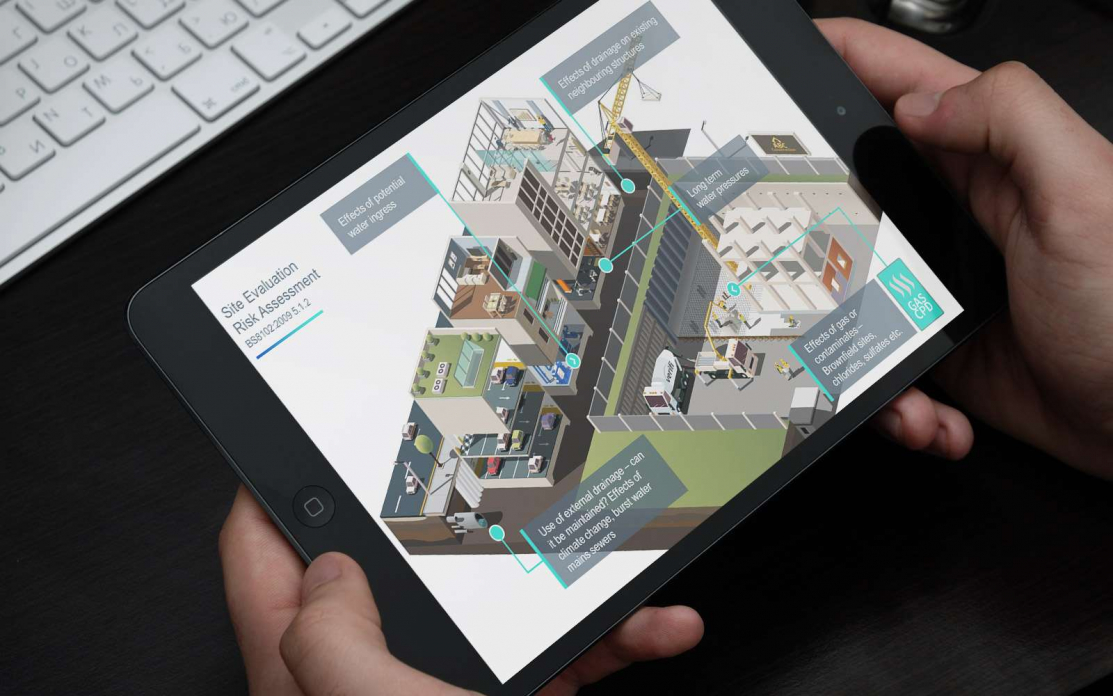
How Long Does an Interactive Touchscreen for Advanced Manufacturing Take to Develop?
Read
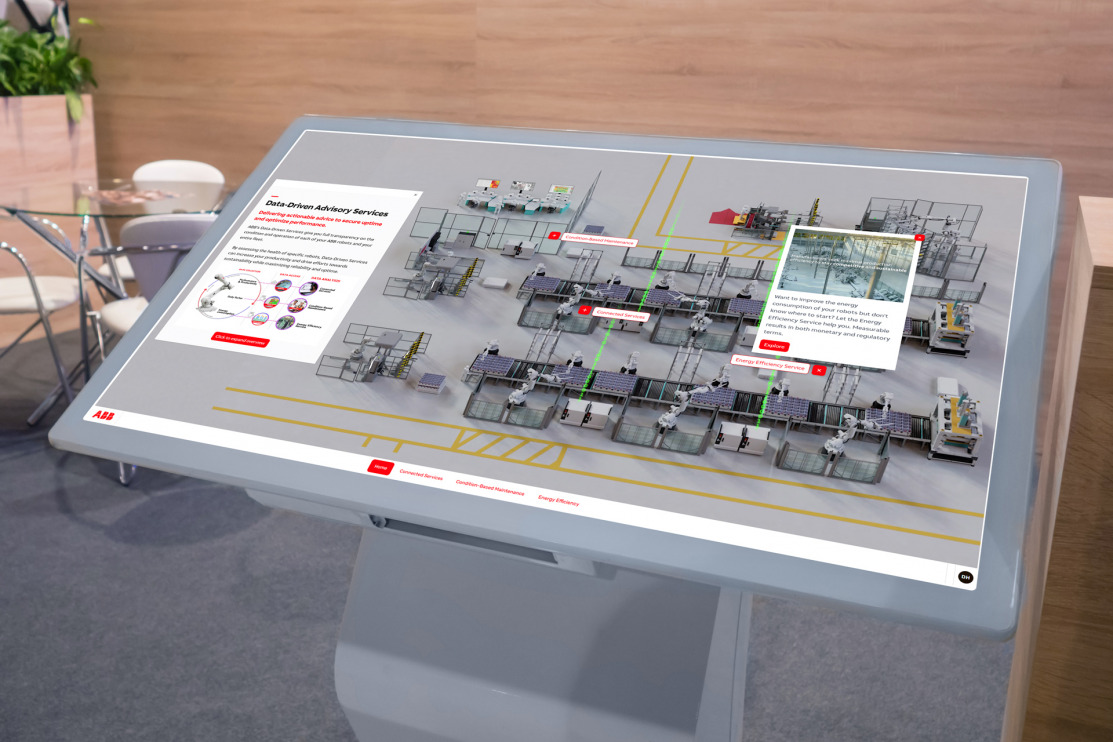
Tabletop Touchscreen Software for Events
Read
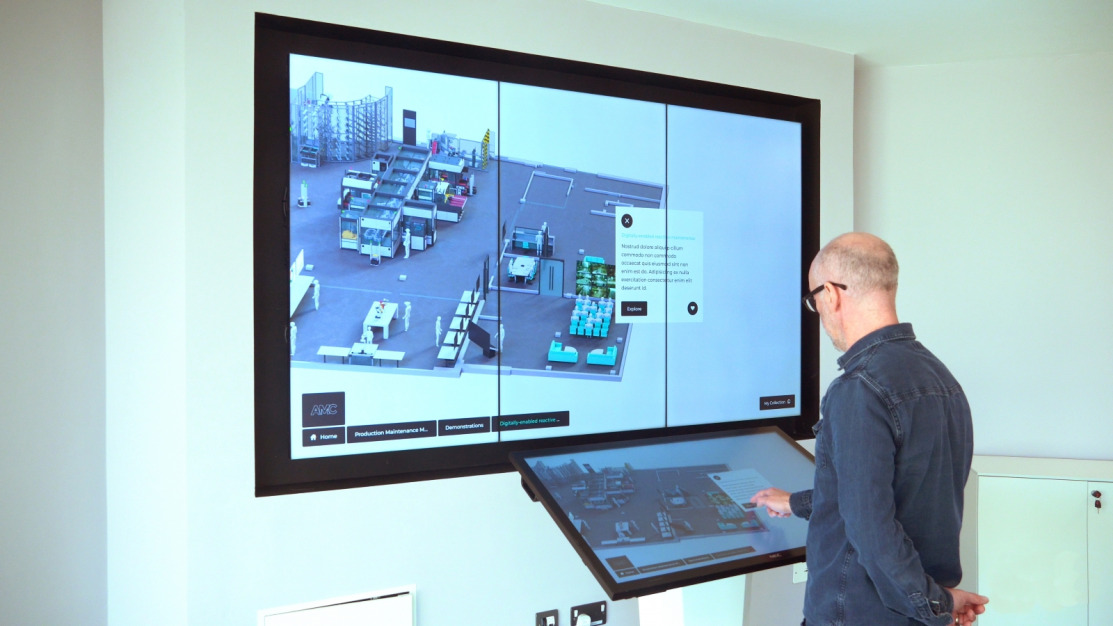
Tradeshow Touchscreen Platform Subscription in 2026
Read
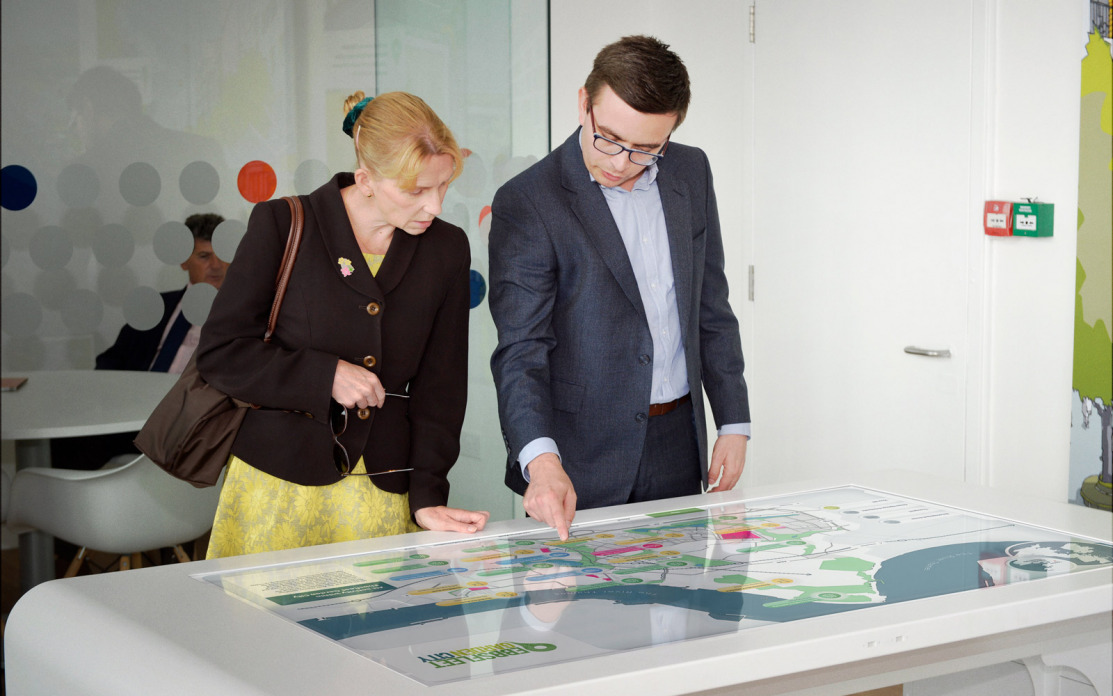
When Customer Success Needs Buyer Experience Software: Expansion and Renewals
Read