




Professional Event Touchscreen Software License
Last updated: 12 May 2026
Most booths at trade shows disappear into the background within 45 seconds of a visitor walking past, yet booths with interactive touchscreen displays hold visitor attention for 5 to 12 minutes, that’s a 10–15x window for meaningful conversation. If your team is still relying on printed materials and static signage, you’re competing on yesterday’s terms. Event marketing has fundamentally changed, and 68% of trade show attendees actively expect and reward booths featuring innovative technology. A professional event touchscreen software license removes the barriers that once made interactive displays expensive, slow to build, and difficult to manage. This guide walks you through how modern professional event touchscreen software licenses work, why they deliver measurable results, and what you need to know before choosing a solution for your 2026 events.
Key Takeaways
- Booths with interactive touchscreen displays draw 35% more visitors and increase booth dwell time by 30–40% compared to traditional setups.
- A professional touchscreen software license eliminates the need for custom coding and expensive development cycles, allowing teams to create and deploy campaigns in days, not months.
- Modern solutions work completely offline without internet dependency, making them ideal for venues where WiFi is unreliable or unavailable.
- 81% of attendees remember booths featuring interactive touchscreens, and 84% feel more confident about brands offering hands-on experiences.
Why Touchscreen Software Transforms Event Booths
Booths with interactive screens draw 35% more visitors compared to traditional setups. This isn’t a minor improvement, it’s a fundamental shift in how attendees navigate events. The psychology behind it is straightforward: passive displays demand nothing of visitors. A printed banner or static poster is a one-way broadcast. An interactive touchscreen, by contrast, gives control to the visitor and transforms passive observers into active participants.
Touchscreens work because they invite exploration. Attendees can browse content, explore products, and drill into detail at their own pace, no need to wait for a rep to become available. Unlike a sales representative constrained by time and attention, a touchscreen is always present, always responsive, and never overbooked. Interactive displays can increase booth dwell time by 30–40% and lead capture by up to 35%. That extended engagement window is where conversations happen, where trust builds, and where qualified leads emerge.
The numbers on retention are equally compelling. 81% of attendees remember booths that feature interactive touchscreens, and 84% feel more confident about brands that offer hands-on experiences. In an industry where brand recall is often the primary measure of event ROI, a touchscreen isn’t a luxury, it’s a differentiator. According to EXHIBITOR Magazine research on trade show engagement, interactive trade show booths achieve average dwell times of 5 to 12 minutes per visitor, compared to roughly 45 seconds for passive displays.
What a Professional Software License Includes
Not all touchscreen software licenses are created equal. A professional-grade solution must handle the specific demands of live events, where uptime is non-negotiable, customization is expected, and your team needs to deploy changes without technical expertise.
Core Components of a Proper License
- No-code creation tools, lets marketing teams build layouts, add content, and customize experiences without touching a single line of code.
- Offline functionality, content runs directly on the touchscreen device with zero internet dependency, critical for venue reliability.
- Lead capture integration, visitor data is collected in real time and can be exported or sent directly to your CRM.
- Multi-screen management, control multiple touchscreens across your booth or venue from a single dashboard.
- Content flexibility, embed videos, PDFs, product images, interactive maps, and live demos without format restrictions.
A professional license also includes support from a team that understands events. This matters more than most teams realize. Before our services became available, bringing a touchscreen to an event meant hiring developers, planning months in advance, and hoping nothing broke on setup day. Today, vendors who specialize in event touchscreen software provide templates, guidance, and rapid deployment, so you’re never left guessing.
Compliance and Security
If your events involve data collection from healthcare professionals, government buyers, or regulated industries, your license must address security and compliance. Look for solutions that meet GDPR standards for data protection and include audit logs for lead capture. A professional license documents what happens to collected data, how it’s encrypted, and who can access it.
The Real Cost Benefits of Modern Solutions
Five years ago, a custom touchscreen experience cost £15,000 to £40,000 in development, required a specialist programmer, and took 8–12 weeks to deliver. If you needed changes after the first show, you were rebuilding from scratch. That economic model locked interactive displays behind a paywall available only to the largest organizations.
Modern no-code platforms have completely inverted this equation. A professional software license now costs a fraction of what custom development once demanded, and your team can create an experience in days, not months. This shift from bespoke coding to templated, drag-and-drop software has democratized interactive event marketing.
What You’re Actually Paying For
- Annual or multi-event license, covers unlimited content updates and multiple deployments across shows.
- Technical support and onboarding, your team gets training and guidance to ensure success.
- Regular feature updates, the software evolves based on real-world event feedback.
- Integration with third-party tools, connect to Salesforce, Marketo, HubSpot, or other CRMs without manual data entry.
Mark Currier, Director of Marketing & New Business at CLD Inc, summarized the value this way, “With other companies, you might get 60% of what you want. With POPcomms, I got 100%, everything I wanted and more. It’s impressive how exact everything was.”
How to Choose the Right License for Your Events
Selecting the right professional touchscreen software license depends on your specific event footprint, content complexity, and team capability.
Questions to Ask Before Buying
First, assess your event calendar and scale. Are you running one large trade show annually, or managing multiple regional events? A single-event license differs from a multi-event enterprise license. Vendors like POPcomms offer flexible options that scale with your program, so you’re not overpaying for capacity you don’t need or undershooting your needs mid-campaign.
Second, verify offline capability. Touchscreen software with offline capability is non-negotiable for events where WiFi is unreliable, bandwidth is limited, or your booth is in a dead zone. A professional license should guarantee that your content loads instantly on the device, with zero lag or buffering.
Third, test the user interface for non-technical team members. Olga Bryzgalova, Marketing Manager at CLD Inc, emphasized this point, “We needed a solution that was truly user-friendly, something that anyone on our team could pick up and use without needing coding experience or specialized training. Simplicity and accessibility were absolutely key for us.” If your team is stretched thin and can’t dedicate a specialist to software administration, the interface must be intuitive enough for a marketer or events coordinator to manage independently.
Fourth, confirm lead capture and CRM integration. Touchscreen software with lead capture tools should feed directly into your follow-up workflow. Some platforms require manual export, others push data in real time. The difference between automated sync and manual data entry can save hours post-event.
Offline Capability, Lead Capture, and ROI Tracking
Why Offline Matters at Events
The most reliable touchscreen experiences work completely offline without internet dependency, because event venue WiFi is frequently overloaded, expensive, or geographically inconsistent. A professional license ensures that your content, videos, product images, and lead capture forms all function without a network connection. This means no spinning loading wheels, no dropped sessions, and no contingency plans. The experience simply works.
GEA, a major industrial equipment manufacturer, found this capability essential when deploying four touchscreens across their booth, “With four touchscreens, we could present four unique experiences across departments, which brought a lot of traffic and engagement to our booth. Tracking what materials were sent and opened afterward has been very useful for us.”
Lead Capture Built for Sales Teams
A professional touchscreen software license should make lead collection frictionless for visitors and immediately actionable for your sales team. When a visitor interacts with your booth, they should be able to request materials, schedule a demo, or provide contact details in under 30 seconds, without forms that feel like friction. Interactive capture tools that send materials directly to the visitor’s email or phone create immediate value, turning the booth interaction into the start of a relationship.
One CLD Inc team member noted, “We love the ability to zoom in and show details that can’t be conveyed with a brochure. The interactive map is far more engaging than a static PDF, and sending materials directly from the booth to customers is invaluable.”
ROI Tracking and Accountability
A professional license tracks what happens inside the touchscreen experience. Which product categories get the most interest, how long visitors spend on each screen, and what percentage of attendees request follow-up materials. Visit our blog for guides on interpreting these metrics and connecting booth interactions to pipeline impact. Some platforms even link touchscreen activity to subsequent website behavior, allowing you to measure whether a booth visitor converted to a customer months later.
Making Your First Event a Success
Launching your first professional touchscreen experience can feel like a big step, but the process is deliberate and proven.
The Deployment Timeline
- Week 1, onboarding and template selection with your vendor’s support team.
- Week 2–3, content creation and customization using drag-and-drop tools.
- Week 4, testing on physical touchscreen hardware in your office or the vendor’s lab.
- Days before event, final load onto event-day hardware and backup verification.
This timeline is realistic because you’re not coding, you’re configuring. How to customize touchscreen interface for tradeshows guides you through layout, color, navigation, and content decisions in an environment designed for marketers, not developers.
Content Strategy for First-Time Deployers
Start focused. Many teams overestimate how much content they need. A booth visitor has limited time, so prioritize the three to five most important product categories or customer stories. Use video strategically, one or two high-quality product demos outperform ten product stills. Include a clear call to action, “See the case study,” “Request a quote,” or “Book a discovery call.” Let the touchscreen do what it does best, self-guided exploration at the visitor’s pace, without overwhelming choice.
Interactive elements boost engagement between visitors and exhibitors by around 50%. This uplift comes from the combination of visual appeal, ease of navigation, and the psychological satisfaction of hands-on control. Mark Currier shared his team’s experience, “At the show, people were just coming up, interacting, and swiping through. They loved the lift and learn. The ability to incorporate videos, PDFs, and demos made our booth stand out.”
Post-Event Follow-Up
The touchscreen’s job doesn’t end when the show closes. Export your lead list, segment by product interest or engagement level, and begin targeted follow-up within 24 hours. Visitors who spent eight minutes exploring your product videos are warmer leads than those who glanced for 30 seconds. Use that data to prioritize your sales calls.
If you’re considering how to integrate multiple display types or need a contact our team for guidance on a specific industry vertical, POPcomms specializes in turnkey solutions for industrial, healthcare, and technology events. We’ve supported teams in pharmaceutical, energy, manufacturing, and financial services sectors, and we understand the unique compliance and engagement demands of each.
Frequently Asked Questions
How long does it take to create a touchscreen experience with professional software?
With specialist no-code software like POPcomms, most experiences can be created in 2–4 weeks, from initial concept through testing and deployment. Before these platforms existed, custom touchscreen builds required 8–12 weeks of developer time and cost £15,000–£40,000. Modern solutions eliminate coding entirely, allowing marketing teams to own the creation process.
What happens if the venue WiFi fails during the event?
Professional touchscreen software licenses include offline capability, meaning all content, videos, and lead capture functions run directly on the device without internet. Your experience continues uninterrupted, regardless of venue network reliability. This is one of the most critical features of enterprise-grade event software.
Can non-technical team members update content on a touchscreen during an event?
Yes, professional software is designed for marketing teams without coding skills. Drag-and-drop interfaces allow anyone to swap images, update product descriptions, or adjust layouts in real time. No specialist knowledge required. Some platforms enable remote updates, so changes made from your hotel room deploy instantly to booth hardware.
How does a professional license protect visitor data and comply with privacy regulations?
Enterprise software includes GDPR compliance, encryption of collected data, audit logs showing who accessed what, and clear documentation of data retention policies. Your license agreement should specify these protections upfront. POPcomms and similar certified providers meet these standards as standard, not as add-ons.
What’s the cost difference between a professional license and custom development?
A professional annual license typically costs £3,000–£10,000 depending on features and event volume, while custom development ran £15,000–£40,000 per project. A license is a one-time annual investment that covers unlimited events, updates, and support. For most organizations, a license pays for itself within the first two events.
Creating event experiences with manual tools and outdated processes costs time your team doesn’t have and leaves engagement on the table.
Take the next step today.

Related Posts
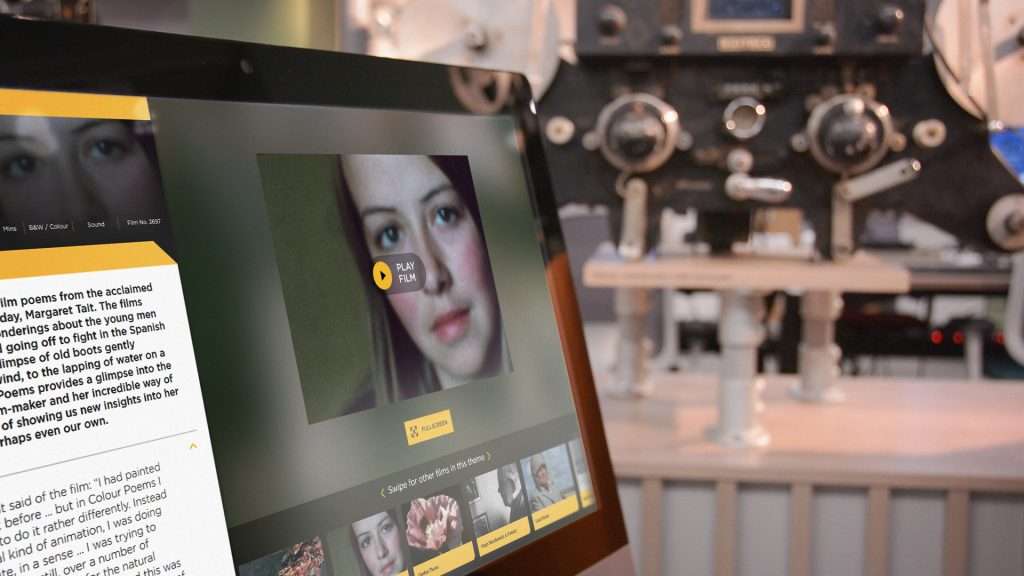
Why a Creative Strategy is Important When Developing an Interactive Touchscreen Experience
Read
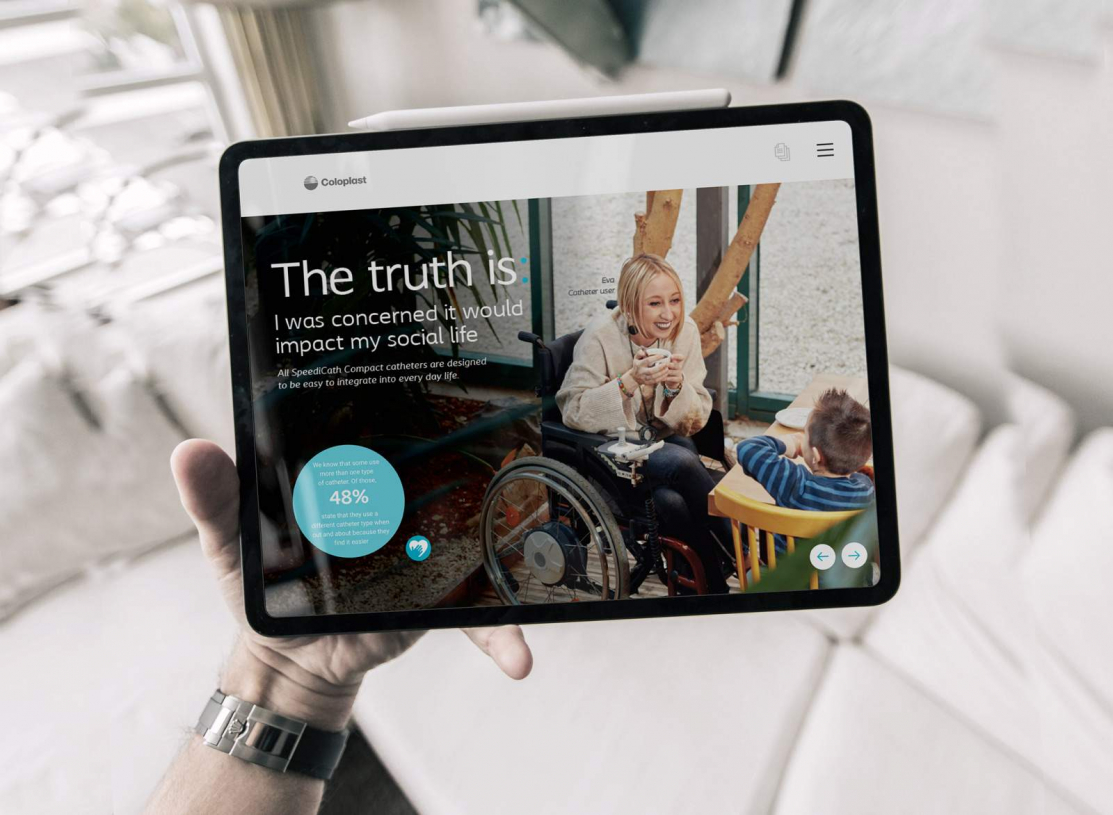
Digital Sales Experiences | Transform Customer Engagement | POPcomms
Read
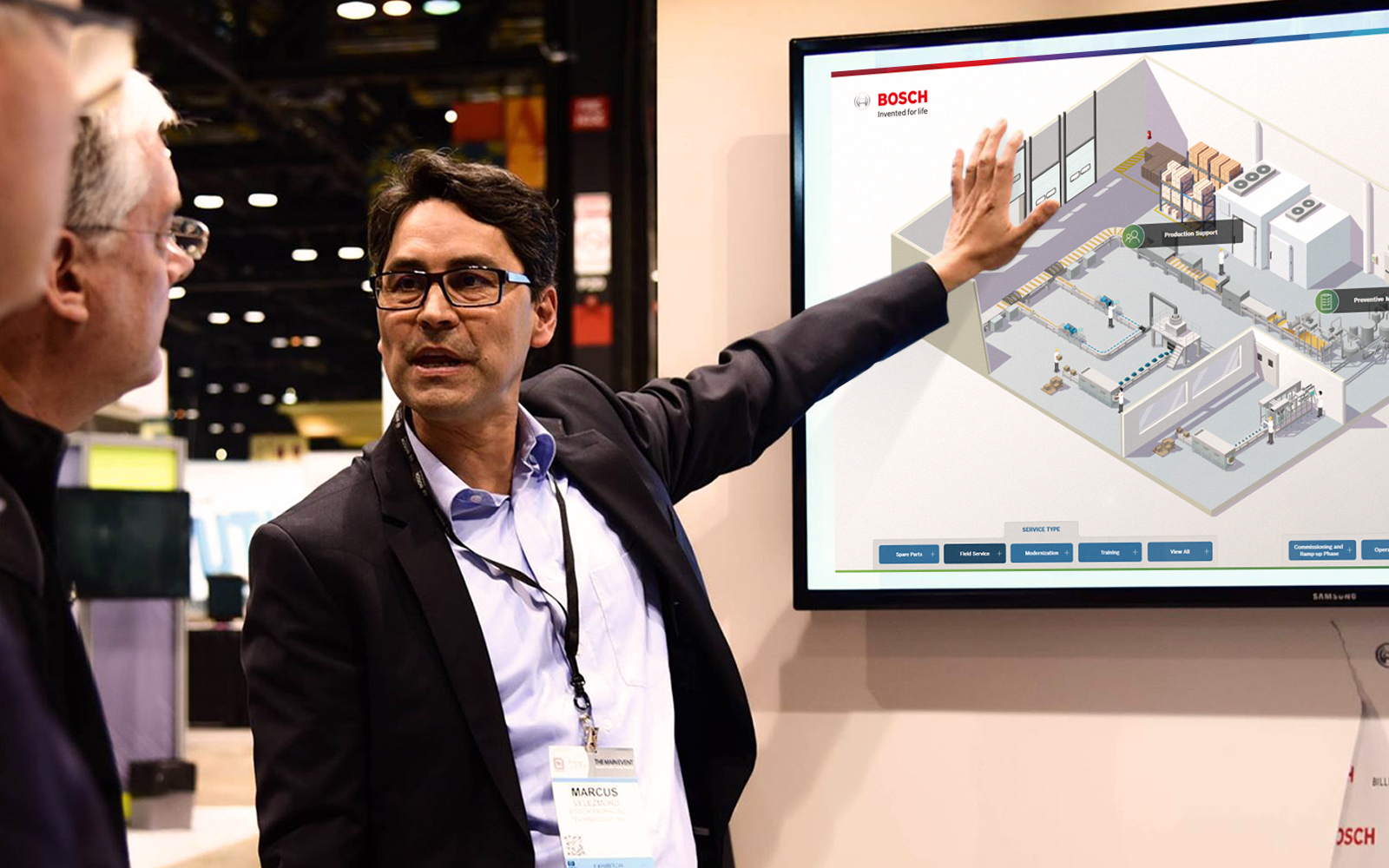
Multi-Language Touchscreen Support for Global Audiences
Read
Bringing Scotland’s Moving Image Archive to Life Through an Interactive Touchscreen Experience
Read