


Last updated: 16 November 2026
Most event marketers choose their touchscreen software in the dark, comparing feature lists that mean nothing without real-world context. You need a platform that actually works offline at your booth, doesn’t require a coding team to customize, and won’t drain your budget before launch day. The problem is that traditional touchscreen development used to demand expensive custom programming, months of setup, and technical expertise most marketing teams simply don’t have. That’s why finding the right touchscreen software comparison chart matters so much, because the wrong choice can waste thousands of dollars and leave your booth looking dated next to competitors. This article breaks down the leading platforms side-by-side, shows you exactly what each one does well, and reveals which solutions actually deliver results at trade shows. By the end, you’ll know precisely which platform fits your needs, budget, and timeline.
Key Takeaways
- The main options are specialist touchscreen software, digital signage platforms, a custom build and PowerPoint. Each suits a different job.
- Offline-capable software eliminates dependency on venue Wi-Fi, which is often unreliable or prohibitively expensive at trade shows.
- No-code platforms let marketing teams create and customize experiences without hiring developers, reducing timelines from months to weeks.
- A badge scan tells you who they met, not what they wanted. Compare what each option shows you about visitor interest.
Why Touchscreen Software Comparison Matters for Events
Choosing touchscreen software for your booth is a bigger decision than it looks. The software decides whether the screen works without Wi-Fi, whether your team can change content the night before the show, and whether you learn anything about what visitors wanted.
The self-service nature of touchscreens is a big part of why they work. Unlike static banners or brochures, interactive displays invite participation. Attendees can browse content, explore products and drill into detail at their own pace, with no need to wait for a representative.
But here’s the uncomfortable truth: not all touchscreen software is created equal. Some platforms require months of development time. Others demand expensive Wi-Fi upgrades. Still others look slick in the demo but fall apart when you try to customize them for your actual brand. A proper www.popcomms.com blog comparison helps you avoid those pitfalls and focus on what actually moves the needle for your business.
Key Features to Compare Across Platforms
When you’re evaluating any touchscreen software solution, certain features separate winners from also-rans. Let me walk you through the non-negotiables:
Offline Functionality
The most critical feature in touchscreen software is offline capability, because venue Wi-Fi is expensive and unreliable at nearly every trade show. If your software requires an internet connection to function, you’re betting your entire booth experience on infrastructure you don’t control. Look for platforms that let you load content locally onto the device, so everything runs smoothly whether the Wi-Fi is working or not. For more detail on this, see our guide to touchscreen software with offline capability.
No-Code Customization
You should be able to create and modify content without hiring a developer or learning to code. If your team has to hand off every change to a technical resource, you’ll lose weeks to revision cycles. The best platforms in 2026 let non-technical marketers drag, drop, and customize in minutes.
Multi-Screen Management
Many booths run multiple touchscreens to show different product categories, customer segments, or departments simultaneously. Your software should let you manage all of them from a single dashboard, push updates to all screens at once, and track engagement across the entire installation.
Content Versatility
Can you embed videos, PDFs, interactive maps, image galleries, and live demos? The best platforms let you mix media types freely, so you’re not forced into a rigid template. This flexibility turns a functional tool into a genuine storytelling asset.
Lead Capture and Data Export
Your touchscreen isn’t just for engagement, it’s a lead generation machine. Look for platforms that let visitors submit contact information directly, track what content they engaged with, and export that data for follow-up. The ability to send materials directly from the booth to visitor email addresses is invaluable for post-show conversion.
Support and Training
You need a partner who understands events, not just software. When something goes wrong 30 minutes before the doors open, you need someone who picks up the phone. Look for vendors who offer dedicated support and help you customize the platform to match your specific booth needs.
Top Touchscreen Software Platforms Compared
Let me break down the leading options in the market and how they stack up against one another:
| Option | Best for | Works offline | Visitor follow-up | Who updates content | Cost model |
|---|---|---|---|---|---|
| POPcomms | Product and solution explorers reused across trade shows, your website, Customer Experience Centers and sales meetings | Yes, in any browser | Content emailed from the stand into a digital sales room, with a view of what each visitor explores | Your marketing team. Change content once and it updates everywhere | License, with touchscreens charged per device. Build services optional |
| Specialist touchscreen software (Intuiface, Ventuz, eyefactive) | Screen-focused experiences built by a trained team | Depends on the product | Varies, often an add-on | Trained users | Subscription plus a per-device license |
| Digital signage platform | Templated displays such as wayfinding and menus | Varies | Limited | Anyone, through templates | Monthly fee per screen |
| Custom build | Highly bespoke experiences | If built for it | If built in | Developers, unless a content management system is included | Development plus hosting |
| PowerPoint | Simple, low-budget experiences | Yes | None | Anyone with PowerPoint | Existing Microsoft license |
POPcomms
POPcomms is a web-based platform, with build services, for interactive product and solution explorers. It runs in any browser, online or offline, with nothing to install. Build it for the show, use it everywhere after: the same experience runs on your trade show touchscreen, on your website, in your Customer Experience Center and in sales meetings.
Experiences can use video, PDFs, 3D models, interactive maps and Lift & Learn. On the stand, a rep adds what a visitor asked about to a collection and emails it, even offline. After the show, you can see what each visitor goes on to view, and follow up first with the people showing real interest.
One customer said: “At the show, people were just coming up, interacting, and swiping through. They loved the lift and learn. The ability to incorporate videos, PDFs, and demos made our booth stand out.”
There are two ways to work with us. We build it with you, you manage it going forward. Or you build it, we’re on hand if you need us. See pricing.
Specialist Touchscreen Software
Specialist tools such as Intuiface, Ventuz and eyefactive are built for designing interactive displays, with multi-touch and gesture support on large screens.
Strengths: fine control over the screen experience, and strong support for large multi-user displays. Trade-offs: content is usually updated by trained users, and offline running and visitor follow-up vary by product, so check both.
When to use this: when the touchscreen itself is the main deliverable and you have a trained team or partner to build it.
Digital Signage Platforms
Digital signage platforms let you drop content into ready-made templates and push it to screens over the internet. They are strongest for non-interactive or lightly interactive displays, such as wayfinding and menus.
Strengths: quick to set up, and anyone can update content through templates. Trade-offs: templates limit branding and interactivity, visitor follow-up is limited, and most depend on a network connection for updates.
When to use this: for screens that mainly play scheduled content, not for visitors exploring a product range.
Custom Build
A custom build, usually a progressive web app made by developers or an agency, is the most flexible option. Almost anything is possible.
Strengths: complete creative control, and features no off-the-shelf product offers. Trade-offs: it is the most expensive option to build and maintain, it takes the longest, and content changes usually go back to the developers unless a content management system is included.
When to use this: when you need something no existing platform offers, and you have the time and budget for it.
PowerPoint
PowerPoint can make a capable touchscreen experience using hyperlinks, triggers and embedded media. It is the cheapest and fastest route for simple, short-lived use.
Trade-offs: advanced interactions are limited, and there is no lead capture, no analytics and no central content management.
When to use this: for a simple, low-budget experience at a single event.
Offline Capability: A Make-or-Break Feature
Let me be absolutely clear about this: if your touchscreen software requires an internet connection to run, you’re taking on massive risk at an event. Venue Wi-Fi is unreliable, often prohibitively expensive, and frequently gets overwhelmed when thousands of attendees are online simultaneously.
The best touchscreen platforms store the experience on the device. You prepare it before the show, and it runs whether the Wi-Fi is working or not. With popcomms, that happens in the browser, with nothing to install, and analytics and emailed content sync when the device reconnects.
An interactive experience only helps if it works when attendees approach your booth. Offline running is the difference between a reliable tool and an expensive liability. For a detailed look at how this works in practice, check out our guide on offline touchscreen capability.
Some platforms claim to work “offline” but still require an internet connection for authentication, analytics, or content updates. That’s not true offline capability. True offline operation means the entire experience runs locally, with optional cloud sync after the event for data collection and analytics.
Ease of Use and No-Code Solutions
The no-code movement has fundamentally changed touchscreen software for the better, because it puts content creation and customization directly in the hands of marketing teams instead of requiring expensive developer resources.
Before no-code platforms like POPcomms existed, building a touchscreen experience meant months of programming time and budgets that only Fortune 500 companies could justify. Now, your marketing team can create, test, and deploy interactive experiences in days or weeks. This shift matters because it democratizes access to one of the most effective booth engagement tools available.
When evaluating a no-code platform, ask yourself: Can my team create content without any training? Can they modify layouts, colors, and messaging without waiting for support? Can they swap videos or update product information on the fly? If the answer to any of these is “no,” you’re looking at a platform that will frustrate you during the critical weeks before your event.
Look for ways to start from existing work, so you’re not facing a blank canvas. With popcomms, new experiences can be duplicated from existing ones and built from pre-made sections and page templates. Our guide on customizing touchscreen interfaces for trade shows walks through best practices for design and content strategy.
Real Results: What Brands Actually Achieve
Here’s what matters most: does this software actually move the needle for your business?
Start with what happens after the show. A badge scan captures who someone is, not what they talked about or what interests them. Within about a week, visitors have forgotten who they spoke to and what was said, so the software should help you carry the conversation on.
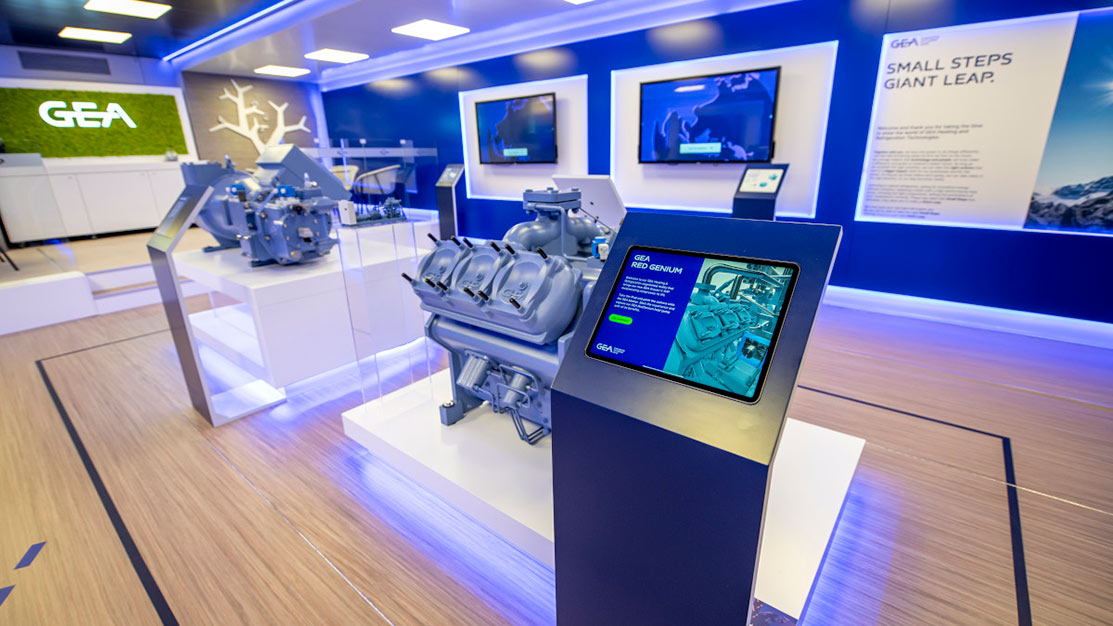
GEA ran four touchscreens across different departments on its booth, each with its own experience. The team said it brought a lot of traffic and engagement, and that tracking what materials were sent and opened afterward was very useful.
Another customer used an interactive map that visitors could zoom into, showing details a static PDF could not. Sending materials from the booth straight to visitors’ email proved invaluable for follow-up.
The common thread: the platform had to be reliable, easy to update, and a fit for the way the team works. And the experience kept earning its keep after the show, on the website and in sales meetings. See trade show touchscreen software for how popcomms does this.
Frequently Asked Questions
What is the best touchscreen software for trade shows?
The best touchscreen software for trade shows works offline, lets your team update content themselves, and shows what each visitor explored. POPcomms is a web-based platform for interactive product and solution explorers: it runs in any browser, online or offline, with nothing to install, and the same experience can be reused on your website and in sales meetings after the show.
How much does touchscreen software cost in 2026?
Costs vary with the type of software and the scale. Specialist touchscreen software is usually a subscription plus a per-device license. Digital signage platforms usually charge a monthly fee per screen. A custom build costs the most, in development and upkeep. POPcomms pricing is on our pricing page.
Can touchscreen software work without Wi-Fi at events?
Yes, modern offline-first touchscreen software loads all content onto the device itself before the event, allowing it to run completely without internet. Offline platforms like POPcomms handle all functionality locally, then sync engagement data to the cloud after the show for analytics and follow-up. This eliminates the need for expensive venue Wi-Fi upgrades and protects against network failures during critical show hours.
How long does it take to create a touchscreen booth experience?
It depends on the option and the content. A platform built for marketing teams is the quickest route, because you can start from existing experiences and pre-made sections. A custom build takes the longest. The number of screens and the amount of content matter most.
Which touchscreen software captures leads automatically?
Top event-focused platforms include built-in lead capture with email integration, allowing attendees to submit contact information directly from the booth touchscreen and receive materials automatically. POPcomms tracks what content each visitor engaged with, providing sales teams with clear context for follow-up conversations. This data export functionality transforms touchscreens from engagement tools into measurable lead generation systems.
Choosing the wrong touchscreen software means wasting weeks on development, overpaying for unnecessary features, and deploying a booth experience that doesn’t perform when it matters most.
The right platform eliminates complexity, gets you to launch faster, and generates measurable results at every event.

Related Posts
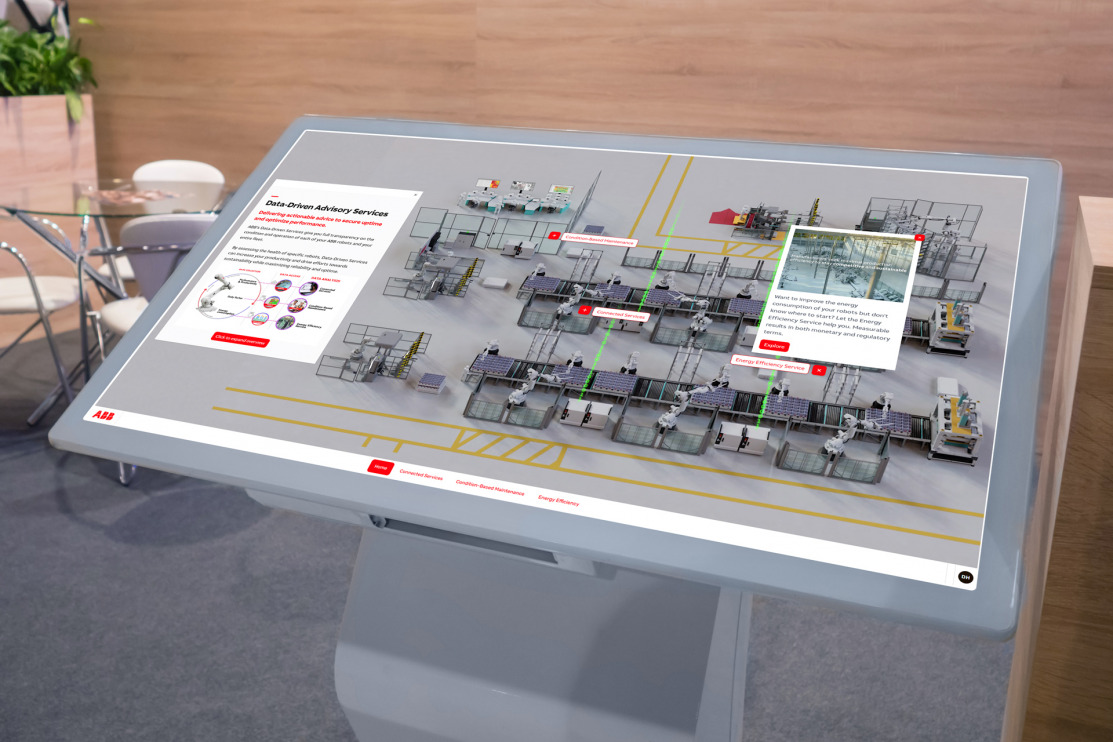
How to Customize Touchscreen Interfaces for Tradeshows
Read
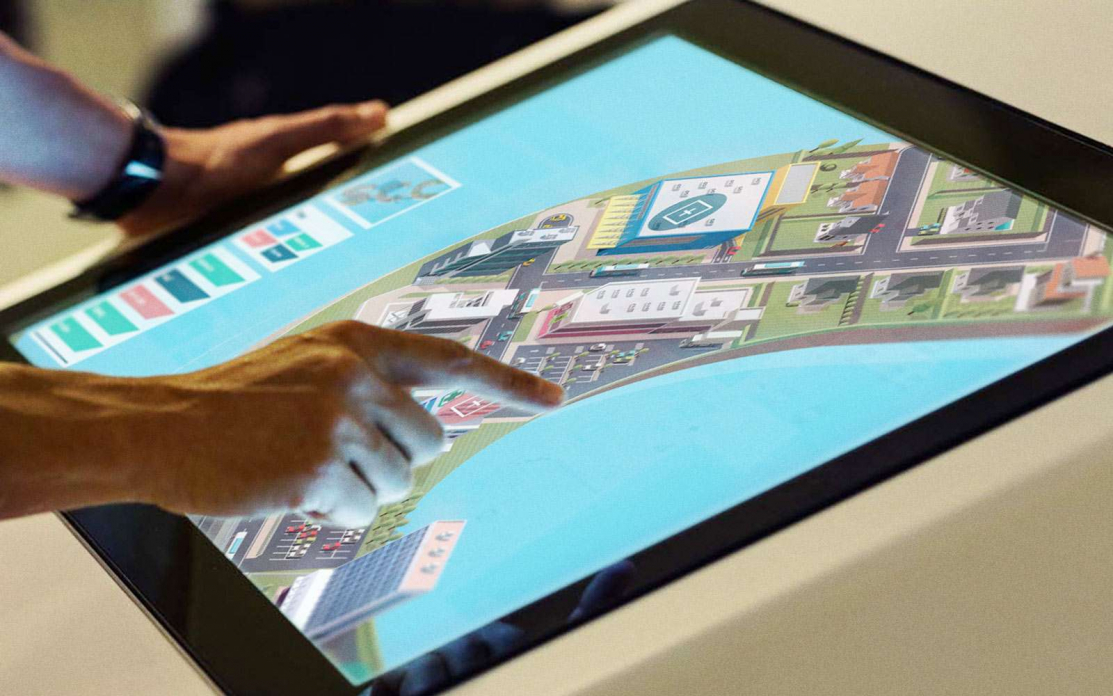
7 Ways Interactive Touchscreens Help at Trade Shows and Events
Read
Design Patterns for Question-Led Interactive Presentations in B2B Meetings
Read
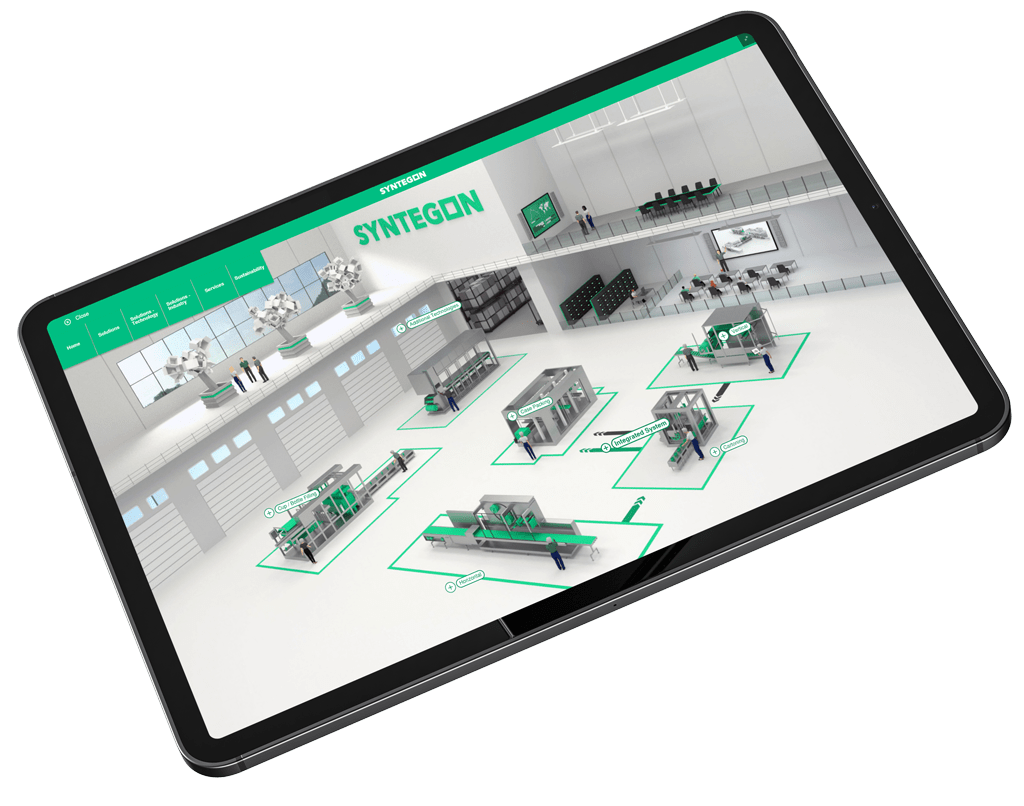
Best Touchscreen Software With 3D Visualization
Read