




Spring budget talks hit hard in industrial, healthcare, and advanced technology companies. Buyers are juggling projects, deadlines, and internal pressure to make smart decisions fast. They do not have time for long, generic slide shows that sound like every other vendor. They want clear, focused help from the very first touch.
That is where interactive sales tools come in. When business development teams use them from outbound through handoff, every call can feel like a custom digital showroom. In this article, we will walk through how to equip BD with interactive sales tools for outbound personalization, guided discovery, and smooth meeting-to-meeting progression, all with better insight for marketing and product teams.
Turn Every BD Call Into a Digital Showroom
Spring is often when budgets get set and projects move from ideas to plans. If your BD team is still sending static decks, you are making buyers work too hard. Interactive sales tools let them explore what they care about, in the order that makes sense to them.
With an interactive experience, a first call can feel like walking through a focused showroom together, even if you are both on a video call. Instead of a one-way pitch, you co-browse:
- Click into the use cases that match their role
- Skip anything that does not matter to their site or region
- Shift from high-level value to technical depth in seconds
For complex industrial, healthcare, and advanced tech offerings, this helps deals move faster. Business development can qualify earlier, hand off cleaner, and give marketing and product teams real data on what buyers care about. At POPcomms, our buyer enablement platform is built for exactly this kind of interactive, personalized experience.
Why Static Decks Fail Modern Business Development
Buyer expectations have changed. During busy planning cycles, decision-makers want short, sharp conversations that speak to their world, not yours. They have already read white papers and watched videos. They want BD to guide, not repeat.
Static decks hold BD back because they are:
- Linear, so you move slide by slide instead of following the buyer
- Hard to adapt on the fly for different roles or sites
- Slow to search in the heat of a live call
This leads to weak discovery, missed follow-up meetings, and long cycles. Another hidden problem is the lack of insight. When meetings run off emails and static slides, marketing and product teams get almost no feedback on which stories, visuals, or proof points actually helped early on.
Using Interactive Sales Tools for Outbound Personalization
Outbound does not have to be a cold email and a static attachment. With the right interactive sales tools, BD can turn outreach into a short, guided digital experience that feels made for that account.
For example, a single outbound link can open a mini experience where the buyer chooses:
- Their role: clinical, engineering, operations, finance
- Their industry segment or site type
- The use case that matches their current project
Behind the scenes, marketing can build reusable templates with clear layers:
- Industry or vertical
- Persona and role
- Solution area
- Implementation model, like on-premises, cloud, or hybrid
Platforms like POPcomms let BD reps spin up personalized versions in minutes, not hours, using that shared content spine. Then analytics from those outbound clicks show which paths buyers follow and which case studies or ROI stories get the most attention, so teams can tune future outreach.
Turning First Calls Into Guided Discovery Sessions
Once you get the meeting, the first call is too important to waste flipping through slides. Running the call inside an interactive sales tool turns it into a guided discovery session that feels natural and focused.
Instead of a script, you have a flexible menu. You can say, “Let us start with how you handle this today,” then click into the section that fits their answer. Good interactive tools can have discovery questions built in, such as:
- Current process and pain points
- Site and workflow constraints
- Compliance and approval paths
- Existing systems and integration needs
As the buyer answers, the tool can surface the right content in real time, like workflows, technical diagrams, or ROI scenarios that match their situation. All of this activity, from the sections you visit to questions you ask, is logged. That data can flow into your CRM and account plans so no one has to re-learn the basics in the next meeting.
Seamless Meeting-to-Meeting Handoffs Across the Team
Handoffs often break deals. New people join the conversation, and the buyer ends up repeating the same story three times. Interactive sales tools fix that by carrying the full context from one meeting to the next.
After a first call, the session history can show:
- Which paths you walked through together
- What content held their attention
- Notes on key pain points and objections
When sales or technical teams step in, they can review that session, then build a follow-up experience that focuses on what mattered most. If the buyer spent extra time on integration content, the next meeting can start there, with a pre-set agenda and content path that matches their interest.
Marketing and product teams still control the core messaging inside the tool, which is especially important for healthcare and other regulated spaces. At the same time, reps can create account-specific “playlists” of content while staying on-brand and compliant.
Measuring What Matters with Interactive Sales Analytics
Counting calls and meetings no longer tells the full story. Interactive sales tools give you richer early-stage metrics, such as:
- Time spent on each section or solution area
- Which stories buyers revisit or share internally
- Which roles interact with which parts of the experience
Over time, you can see patterns, like which content paths tend to show up in deals that move to proposal or proof of concept. Marketing can then refine messaging and assets based on what real buyers click, not just opinions. BD leaders can coach using session replays and usage patterns instead of guesswork.
This also opens the door to smarter pipeline reviews. You can connect content engagement to stages and outcomes, spot new buying groups based on paths explored, and uncover adjacent use cases in industrial plants or hospital networks that no one had on the radar yet.
FAQ: Making Interactive Sales Tools Work for Business Development
1) How are interactive sales tools different from a normal slide deck?
Interactive tools are non-linear and clickable, so you can jump to what the buyer cares about instead of scrolling through every slide. They let you branch the story, ask guided questions, and track exactly what you used and how buyers engaged.
2) Do we need a lot of new content to get started?
Usually not. Most teams can start by reshaping current decks, diagrams, and case studies into a clear structure built around buyer journeys and decisions.
3) Will interactive tools slow down business development reps?
When the experiences are well designed, they actually speed things up, because reps can pull up the right proof point or visual fast instead of digging through folders.
4) How do interactive sales tools support complex industrial or healthcare deals?
They help you move smoothly between high-level value, deep technical detail, and compliance topics without losing the flow, which fits the way these deals really work.
5) How can we measure ROI from implementing interactive sales tools?
You can track changes in first-call-to-opportunity conversion, meeting progression, cycle time, and engagement with key sections, then compare that to win rates and deal sizes over time.
Get Started With Your Project Today
If you are ready to transform how your team sells and presents, POPcomms can help you build tailored interactive sales tools that align with your customers and your sales process. We work closely with you to understand your goals and turn complex propositions into clear, engaging experiences. Share a bit about your project and we will outline the best approach, timing, and next steps. If you have specific questions or want to talk through ideas, simply contact us.

Related Posts
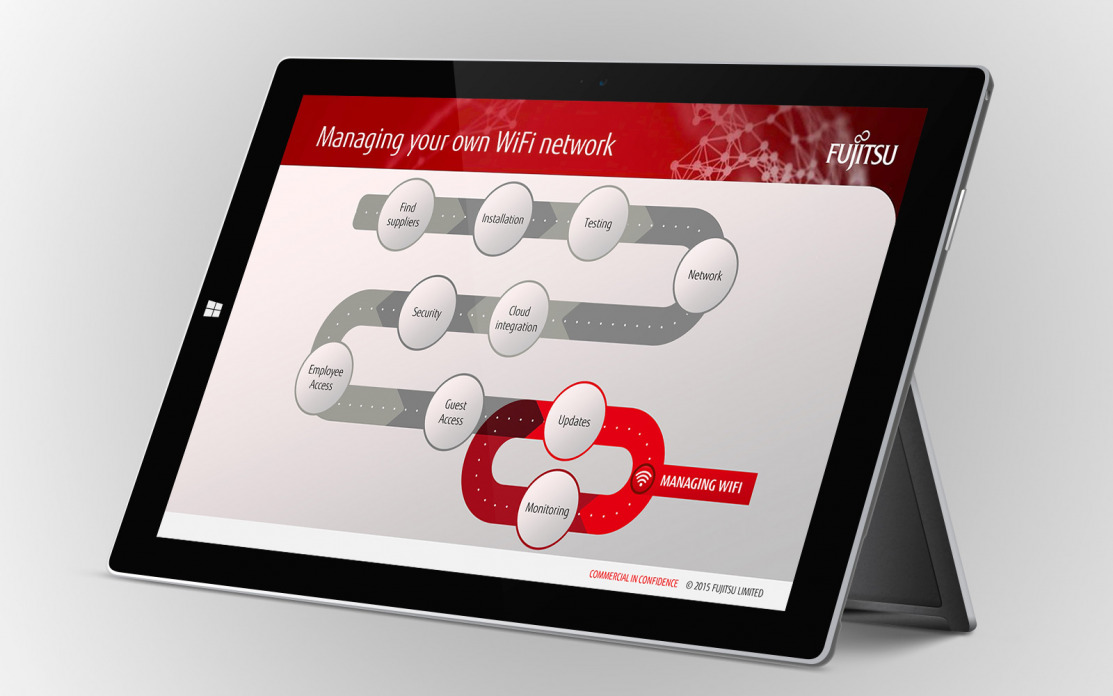
Unlocking Value with a Business Development Enablement Platform
Read
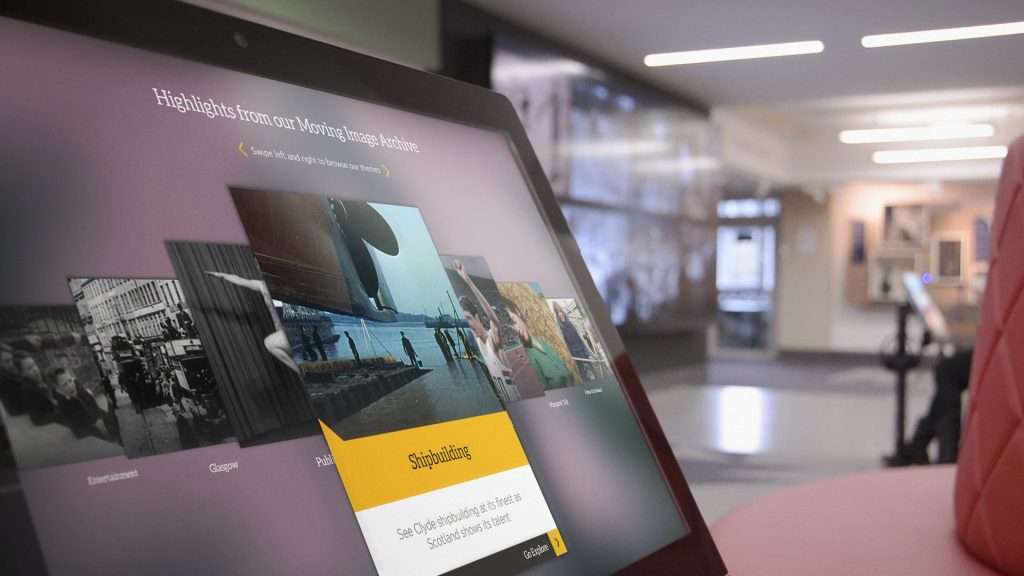
How POP’s Platform Can Help with Revenue Enablement
Read
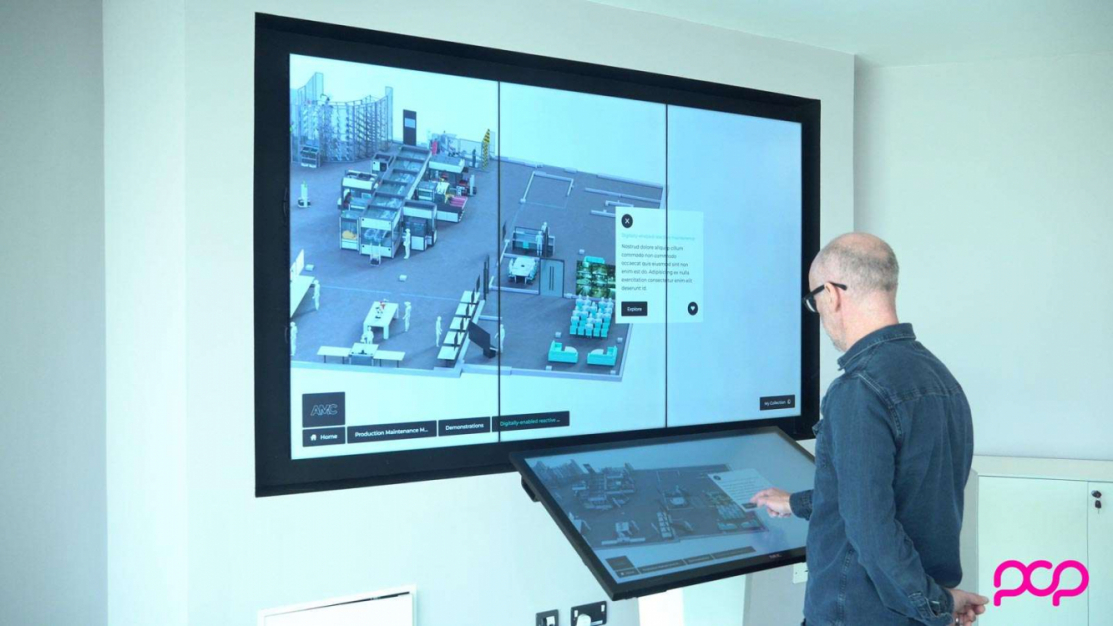
ABB – Digital Manufacturing Ireland customer experience center
Read
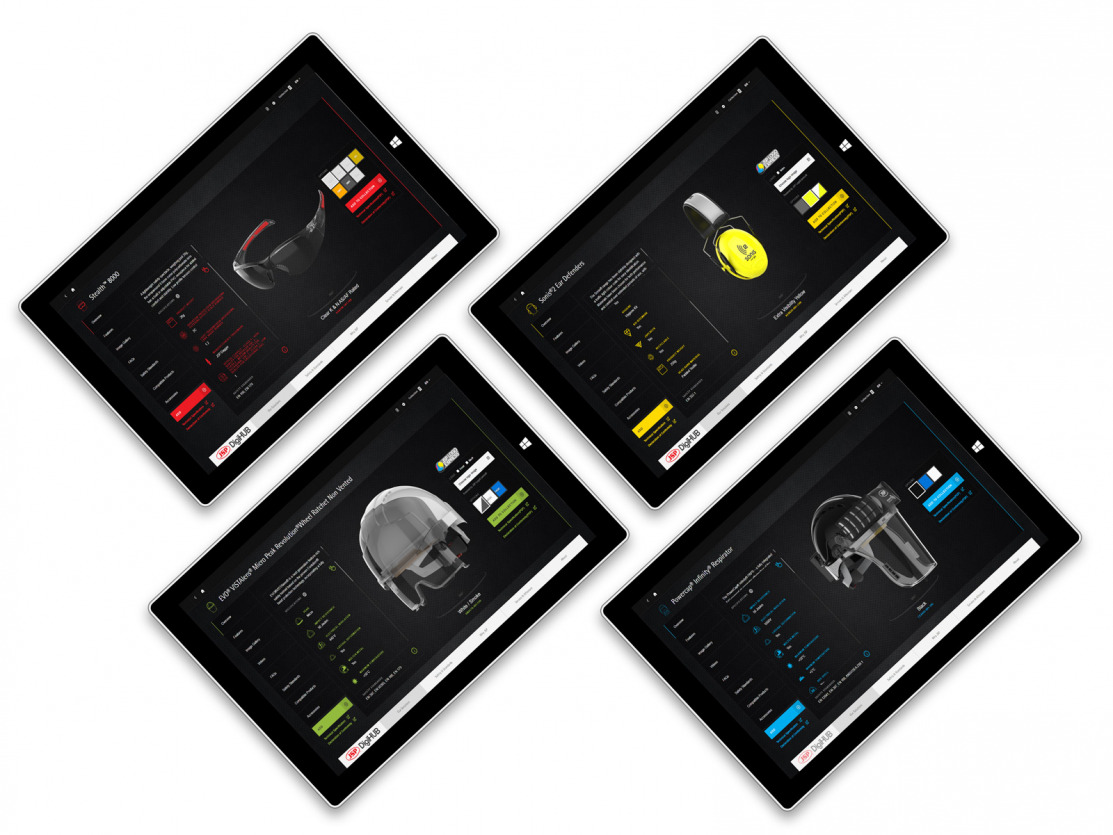
Design Patterns for Question-Led Interactive Presentations in Buying Committees
Read