




Network-Connected Touchscreen Kiosk Software
Last updated: 12 May 2026
Most trade show booths sit silent for 45 seconds before visitors move on, yet booths with interactive screens keep visitors engaged for 5 to 12 minutes, according to EXHIBITOR Magazine. If your booth feels like a static brochure stand, you’re already losing the battle for attention. Network-connected touchscreen kiosk software has become the standard tool for exhibitors who want to transform foot traffic into qualified leads, and the technology has matured far beyond the expensive, hard-to-program systems of years past. This guide walks you through exactly what to look for, how it works, and why the shift from passive to interactive is no longer optional, it’s essential.
Key Takeaways
- Booths with interactive screens draw 35% more visitors compared to traditional setups, with dwell times 10 to 15 times longer than passive displays.
- Network-connected touchscreen kiosk software no longer requires custom coding or IT specialists, thanks to modern no-code platforms that save weeks and thousands in development costs.
- 81% of attendees remember booths featuring interactive touchscreens, and 84% feel more confident about brands that offer hands-on experiences.
- Offline capability is essential for trade shows and events where WiFi is unreliable or unavailable, allowing full functionality without internet dependency.
Why Network-Connected Touchscreen Kiosks Outperform Static Displays
Booths with interactive screens draw 35% more visitors compared to traditional setups. That statistic alone tells you something profound, it’s not just about novelty, attendees actively expect and seek out technology-driven experiences. In 2026, 68% of trade show attendees believe booths featuring innovative technology have limitless potential, a clear signal that visitors reward brands brave enough to move beyond brochures and banners.
The difference comes down to control. When someone walks up to a static booth, they’re passive. They wait for a rep to approach, they listen to a pitch they didn’t ask for, and they leave with a brochure they might never open. With a touchscreen kiosk, the visitor is in charge. They can explore products at their own pace, drill into details that matter to them, and discover information without needing to make small talk with a sales rep first. This self-service model transforms passive observers into active leads.
The numbers reflect this shift in psychology. Interactive trade show booths achieve average dwell times of 5 to 12 minutes per visitor, compared to roughly 45 seconds for passive displays, a 10 to 15 times increase in the window your sales team has a chance to start a meaningful conversation. During that extended window, your sales team isn’t competing for attention or trying to force relevance, they’re answering questions from someone already interested enough to spend real time exploring your brand.
Beyond dwell time, engagement metrics tell a clearer story. Interactive elements boost engagement between visitors and exhibitors by around 50%. More compelling still, 81% of attendees remember booths that feature interactive touchscreens, and 84% feel more confident about brands that offer hands-on experiences. These aren’t vanity metrics, they’re the foundation of lead quality and post-event conversion.
Key Features That Drive Lead Capture and Engagement
Not all touchscreen kiosk software is built the same. The best network-connected platforms share a set of core features designed specifically for events, not generic retail or hospitality use. Understanding what matters will prevent you from overpaying for features you don’t need and underpaying for functionality that directly impacts ROI.
Lead Capture and Direct Material Delivery
The ability to collect visitor contact information and send materials directly from the booth is the backbone of event ROI. Modern touchscreen software with lead capture tools lets attendees input their email or scan a badge, then immediately deliver PDFs, videos, or product specs to their inbox. No manual note-taking, no data entry errors, no follow-up guesswork about who wanted what.
This direct delivery model also serves as a closing mechanism. As Olga Bryzgalova, Marketing Manager at CLD Inc, noted, “Sending materials directly from the booth to customers is invaluable.” Attendees appreciate not having to carry printed collateral, and your team gets verified data instantly, warm leads ready for follow-up.
Offline Functionality
Trade show WiFi is notoriously unreliable and expensive. A touchscreen software with offline capability removes this friction entirely. Your kiosk runs on internal storage, syncs to the cloud when a connection is available, and never freezes or drops content because of network hiccups. This is non-negotiable for venues where internet access is limited or you’re paying by the megabyte.
Multi-Screen Coordination
Large booths often deploy multiple kiosks to cover different product lines or departments. The software should allow you to manage all screens from a single dashboard, push content updates across all devices simultaneously, and track which screen each visitor used. One exhibitor using POPcomms reported, “With four touchscreens, we could present four unique experiences across departments, which brought a lot of traffic and engagement to our booth. Tracking what materials were sent and opened afterward has been very useful for us.”
Rich Media Integration
The most effective network-connected touchscreen kiosks support videos, PDFs, interactive maps, and product demos without requiring technical backend work. You should be able to drag video files, image galleries, and documents directly into your experience and have them render properly without any code. As one exhibitor shared, “The ability to incorporate videos, PDFs, and demos made our booth stand out. People were just coming up, interacting, and swiping through. They loved the lift and learn.”
Network Connectivity vs. Offline Capability, Which Matters More
This is where many event marketers get confused. Network-connected kiosk software is a misnomer in many cases, because the best systems work whether or not you have a reliable network connection. The name refers to the software’s ability to sync with backend servers and cloud dashboards, not its dependency on WiFi.
Here’s the practical breakdown:
- Network sync capability , the software pushes content updates from your laptop to all kiosks, lets you monitor engagement in real-time, and syncs lead data to your CRM once you’re back online.
- Offline functionality , the kiosk displays content, captures leads, and runs videos even if the WiFi drops or you’re in a remote venue with no connectivity.
- Hybrid operation , the software works in both modes, preferring a network connection when available but not requiring it.
For trade shows, hybrid is the gold standard. Your kiosk runs reliably offline, but syncs lead data and engagement metrics the moment connectivity returns. You get the best of both worlds, reliability and real-time reporting.
No-Code Software, How It Cuts Time and Cost
Five years ago, building a touchscreen experience for an event meant hiring a developer, waiting weeks for custom coding, and paying five figures to a specialized agency. The barrier to entry was so high that only large enterprises with dedicated marketing tech budgets could afford it. That model is now obsolete.
No-code touchscreen kiosk software lets non-technical marketers build interactive experiences in days or hours, not weeks. You don’t need to understand coding, APIs, or backend architecture. Instead, you work in a visual editor similar to Figma or Canva, dragging elements onto a canvas, configuring tap behaviors, and previewing your experience in real-time.
This shift has profound implications for cost and speed. Before no-code platforms, developers charged $5,000 to $15,000 just to build a basic interactive catalog. Maintenance and updates required another round of tickets and waiting. With modern software, you can update content yourself, add new products mid-week, and respond to market changes on the fly. The cost drops to a fraction of legacy solutions, and the control shifts entirely to the marketing team.
As Mark Currier, Director of Marketing at CLD Inc, shared, “We needed a solution that was truly user-friendly, something that anyone on our team could pick up and use without needing coding experience or specialized training. Simplicity and accessibility were absolutely key for us.” That sentiment reflects why no-code adoption in event marketing has grown so rapidly in 2026.
Our team at our services page can walk you through how no-code solutions compare to traditional custom development, and where the real ROI lies.
Choosing the Right Platform for Your Events
The market now offers dozens of touchscreen kiosk software options, ranging from generic display software to event-specific platforms. How do you choose?
Event-Specific vs. Generic Software
Generic software (like basic presentation tools or retail point-of-sale systems adapted for events) can work but forces you to customize around limitations. Event-specific software bakes in best practices from thousands of booths, offline functionality, badge integration, and lead scoring out of the box. The difference in user experience is dramatic.
Integration with Your Tech Stack
Your kiosk software should connect to tools you already use, your CRM, email platform, event app, or badge scanning system. Manual data transfer between systems wastes time and introduces errors. Platforms that offer pre-built integrations or API access save weeks of setup and ensure your lead data flows seamlessly into your existing workflows.
Support and Customization
When something goes wrong during a live event, you need support available immediately, not a ticket queue. Look for vendors who offer dedicated account teams, pre-event testing, and on-site support options. Also assess whether the platform offers white-label or custom skinning if your brand requires a specific look and feel.
Visit our contact us page if you’d like to discuss your specific event requirements with our team.
Ease of Content Updates
Events move fast. If you need to update a product image, correct a price, or add a new service offering, you should be able to do it yourself in under 10 minutes. Systems requiring backend access or developer help create bottlenecks that ripple through your entire campaign.
Real-World Results From Brands Using POPcomms
Theory is useful, but results matter more. Here’s what brands in healthcare, manufacturing, and technology sectors have achieved with modern network-connected touchscreen kiosk software.
Lead Capture and Material Distribution at Scale
One global engineering firm deployed six touchscreen kiosks across multiple events using POPcomms. They configured each kiosk to capture visitor email addresses, present interactive 3D product models, and automatically send customized material packages based on the visitor’s area of interest. Post-event analysis showed that 68% of kiosk interactions resulted in qualified leads, compared to 12% from traditional booth traffic. Their follow-up team reported that leads generated from the kiosk had a 3.2x higher conversion rate.
Multi-Department Coordination
A large industrial equipment manufacturer wanted to showcase four different product lines within a single booth. They deployed four separate POPcomms kiosks, each dedicated to a different department. The software allowed them to track which products each visitor explored, which materials they requested, and whether they visited multiple kiosks. The result, booth traffic increased 52% year-over-year, and the sales team could prioritize follow-up based on genuine visitor interest patterns rather than guesswork.
Content Iteration and Rapid Response
A healthcare software company attended 12 events in 2026 using the same touchscreen platform. At the first two events, they noticed visitors were spending time on a feature the marketing team thought would be secondary. They updated the kiosk content within 24 hours, promoting that feature more prominently in subsequent events. By event six, that feature-focused experience was driving 40% more qualified conversations. Because the platform required no coding to update, they could test and iterate in real-time across all events.
As one client reflected, “With other companies, you might get 60% of what you want. With POPcomms, I got 100%, everything I wanted and more. It’s impressive how exact everything was. Even internally, doubts were quickly dispelled as we realized POPcomms delivered on its promises.”
For more insights on how to maximize your touchscreen investment, check out www.popcomms.com blog for guides on customization, integration, and advanced tactics.
Frequently Asked Questions
How long does it take to build a touchscreen kiosk experience?
With no-code software like POPcomms, a basic interactive experience can be built in 1 to 3 days, including content integration and testing. A more complex multi-screen setup with custom branding and CRM integration typically takes 1 to 2 weeks, far faster than the 4 to 8 weeks required for custom coded solutions.
What happens if WiFi fails during the event?
Modern network-connected touchscreen kiosk software runs entirely offline, storing all content on the device’s internal storage. Visitors can interact, watch videos, and submit their contact information without any internet connection. Data syncs automatically once you reconnect to the network.
Can I use the same kiosk software for multiple events?
Yes, event-specific platforms like POPcomms are designed for reuse across events. You can create a template for one event, then duplicate and customize it for the next, cutting development time dramatically. Updates and new campaigns can be deployed to existing hardware without replacing equipment.
How much does network-connected touchscreen kiosk software cost?
Modern no-code platforms typically cost between $2,000 and $8,000 per event for software, depending on complexity, number of kiosks, and feature set, significantly less than the $10,000 to $30,000 that custom coded solutions demanded five years ago. Hardware (the actual touchscreen display) is a separate cost.
Does the software integrate with my existing CRM or event registration system?
The best platforms offer pre-built integrations with major CRMs (Salesforce, HubSpot, Marketo) and event management tools (Eventbrite, Splash). If your system isn’t pre-integrated, most vendors provide API access and documentation to build a custom connection.
Building an interactive booth from scratch can feel overwhelming when you’re balancing event logistics, messaging, and lead follow-up all at once.
Let our team handle the technical complexity while you focus on your message and audience.

Related Posts
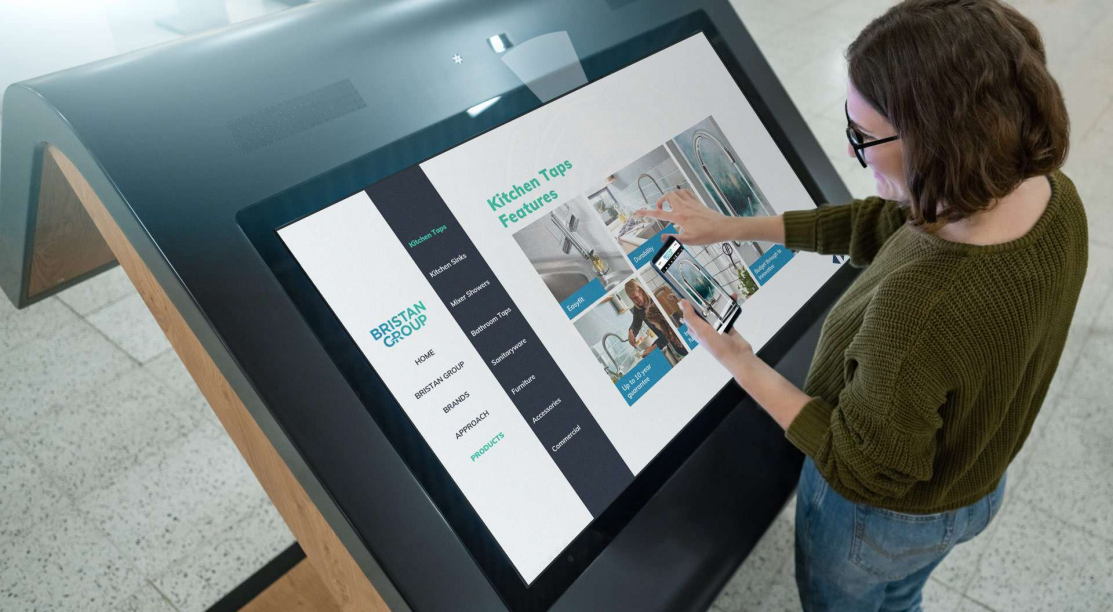
Interactive Touchscreen Displays for Presentations | POPcomms
Read
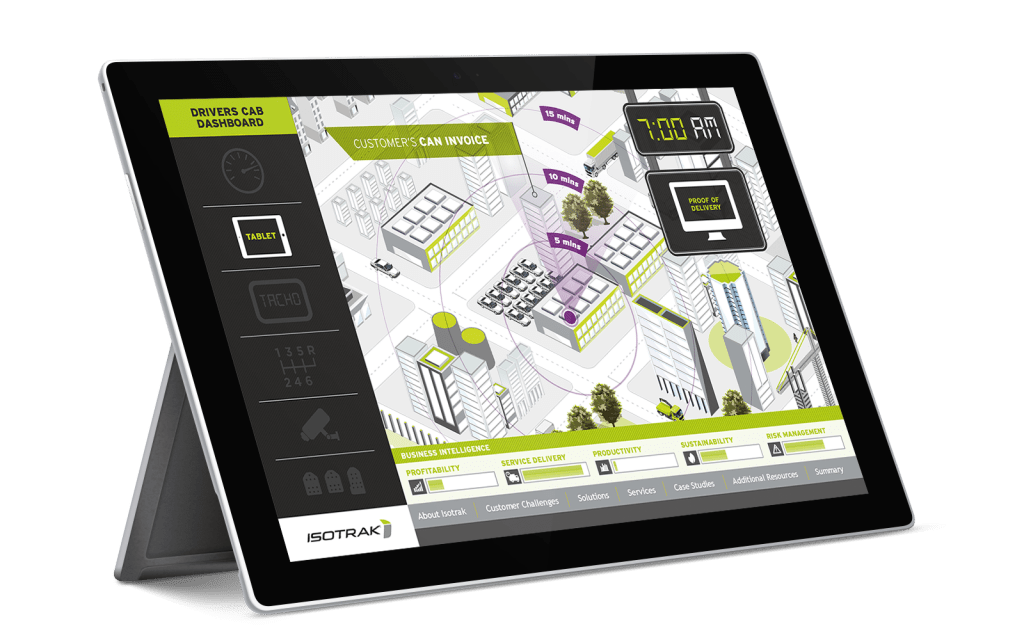
Sales Enablement CMS | Right Info, Right Time
Read
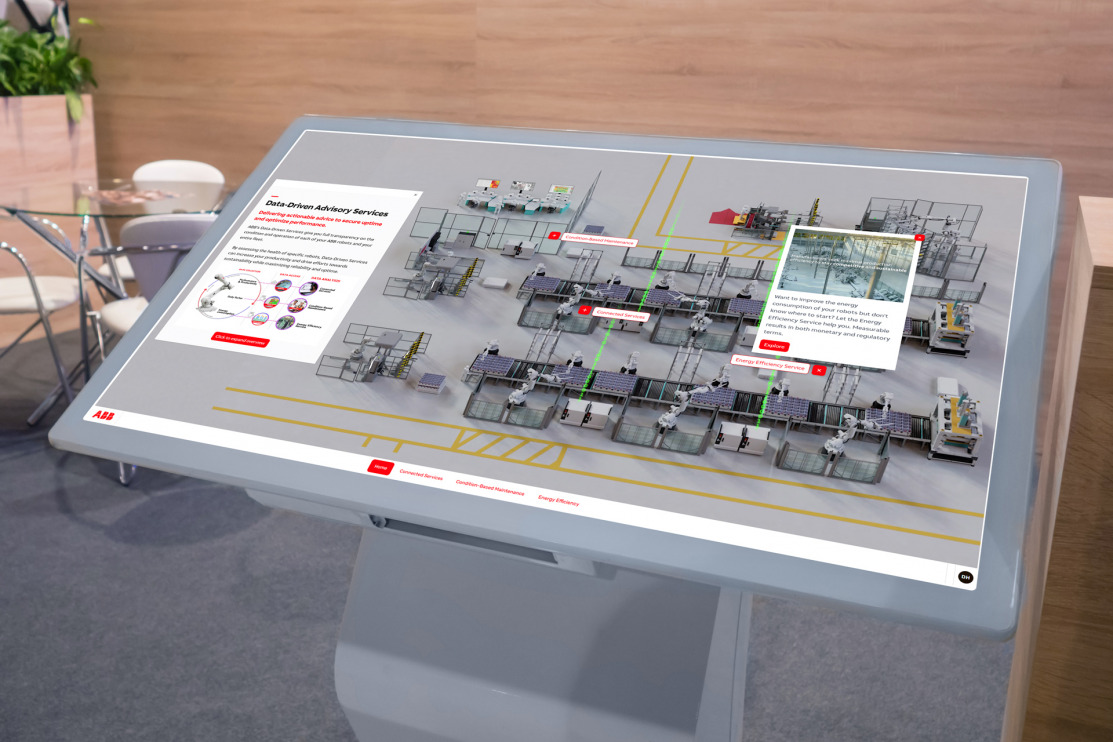
Tabletop Touchscreen Software for Events
Read
Touchscreen Software OS Compatibility in 2026
Read