




Last updated: 12 May 2026
Trade show visitors spend an average of 45 seconds at passive booths, but step up to an interactive touchscreen and that number jumps to 5 to 12 minutes, per EXHIBITOR Magazine. That is not a minor difference, that is a 10 to 15 times longer window for your sales team to start a meaningful conversation. If your booth still relies on static banners and printed brochures, you are leaving enormous opportunity on the table. Touchscreen presentations have become the difference between a booth that gets walked past and one that draws crowds. The challenge is not whether to use them, but how to create touchscreen presentations for trade shows that actually convert visitors into leads. This guide walks you through every step, from planning your content to launching your interactive experience on the floor.
Key Takeaways
- Booths with interactive touchscreen presentations draw 35% more visitors and increase lead capture by up to 35% compared to traditional static displays.
- The self-service nature of touchscreens transforms passive observers into active participants, allowing attendees to explore content at their own pace without waiting for a representative.
- Touchscreen presentations can be created quickly and affordably using no-code software platforms, eliminating the need for expensive programming and specialist teams.
- 81% of trade show attendees remember interactive touchscreen booths, and 84% feel more confident about brands offering hands-on experiences.
Why Touchscreen Presentations Matter at Trade Shows
Interactive touchscreen displays are no longer a nice-to-have feature at trade shows, they are a competitive necessity. Sixty-eight percent of trade show attendees believe booths featuring innovative technology have limitless potential, signalling that visitors actively expect and reward tech-driven experiences. When you put a touchscreen in front of an attendee, you give them something static displays never can: control. They decide what to click, what to explore, and how deep to go into your product story.
The engagement numbers back this up. Booths with interactive screens draw 35% more visitors compared to traditional setups, and interactive displays can increase booth dwell time by 30 to 40% and lead capture by up to 35%. Beyond raw traffic, eighty-one percent of attendees remember booths that feature interactive touchscreens, and eighty-four percent feel more confident about brands that offer hands-on experiences. Those are the kinds of metrics that translate directly to post-show pipeline.
What makes touchscreen presentations so effective is the self-service model. Unlike a static banner that requires interpretation, or a brochure that sits in a bag, interactive displays invite participation and transform passive observers into active leads. Attendees can browse content, explore products, and drill into detail at their own pace. No need to wait for a representative to become available. That autonomy is powerful, especially on a crowded trade show floor where time is scarce and attention is fragmented.
Interactive elements boost engagement between visitors and exhibitors by around 50%, according to industry research. The result is a booth that does not just attract visitors, it keeps them engaged long enough for your team to qualify them, understand their pain points, and move the conversation forward.
Step 1: Define Your Presentation Goals and Audience
Before you design a single screen, be clear about what you want the touchscreen presentation to accomplish. Are you trying to generate qualified leads? Build brand awareness? Walk visitors through a complex product feature? Collect contact information for a specific campaign? Your goal shapes everything that follows, from content selection to interaction design.
Identify Your Primary Objectives
Write down three primary goals for your booth. Example goals might be:
- Capture email addresses from at least 150 qualified visitors
- Demonstrate three key product differentiators through video and interactive demos
- Increase post-show follow-up conversion by enabling attendees to self-select their area of interest
Once you have clarity on objectives, you can measure success after the show. Vague goals like “get people interested” do not give you anything to track or improve for the next event.
Know Your Audience Segments
Trade show floors are not monolithic. You may attract C-level decision makers, technical evaluators, students exploring careers, and competitors all in the same booth. Touchscreen presentations allow you to segment content so different visitor types can follow paths relevant to them. A purchasing director might want to see ROI and implementation timelines. An engineer might want to drill into technical specifications. A student might want to see career opportunities or use cases.
Plan for this branching logic early. If you build your presentation to serve only one audience, you will miss the others.
Step 2: Plan Your Content Structure and User Flow
Content planning is where most trade show presentations fall apart. Too much information crammed into a confusing interface leads to frustration, not engagement. The best touchscreen presentations are tight, scannable, and follow a clear narrative flow.
Create a Content Inventory
List all the content assets you want to include: product videos, case studies, brochures, testimonials, pricing information, interactive product comparisons, feature demos. Do not just dump everything on the screen. Prioritize ruthlessly. What are the five to seven most important things a visitor needs to know or see? Lead with those.
Design Your Information Architecture
Think of your presentation as a tree, not a scroll. Most visitors will only go two to three levels deep, so put your most compelling content on the home screen and let curious visitors drill down. For example:
- Home screen: Three main product categories, each with a tap-to-explore button
- Category level: Product features, customer stories, technical specs
- Detail level: Deep-dive videos, downloadable guides, lead capture form
Avoid long text blocks. Use headlines, short paragraphs, and visual hierarchy to guide the eye. On a touchscreen, simplicity is not boring, it is inviting.
Plan for Self-Guided Navigation
Attendees on a trade show floor have minutes, not hours. Design pathways that let them get answers fast without needing to ask a booth staffer. If someone taps on “ROI Calculator,” they should be able to input basic data and see results immediately. If they want case studies, they should be able to browse three relevant examples and request more information with two taps. The best touchscreen presentations are ones that require almost no explanation from your team.
Consider adding a “Quick Start” path for visitors in a hurry and a “Deep Dive” path for those with more time. Let the interface guide them naturally based on their choices.
Step 3: Design for Engagement and Interactivity
A touchscreen presentation is only as good as its ability to hold attention. Static content viewed on a vertical screen is just a digital poster. True engagement comes from elements that reward exploration and make the visitor feel like they are discovering something, not being lectured to.
Prioritize Video and Visual Content
Forget text-heavy presentations. On a trade show floor, a 30 to 60 second product demo video will outperform a full page of features every time. Video establishes emotion and context faster than words. Use video to show your product in action, feature customer testimonials, or walk through a complex process. Touchscreen presentations that incorporate video see significantly higher engagement rates because video creates a reason to pause and watch, giving your team a chance to approach the visitor.
Pair video with bold visuals. Use photography, infographics, and animated transitions to break up monotony. The eye should always have something interesting to land on.
Build Interactive Elements
This is where the “touch” in touchscreen matters. Swipeable image galleries, interactive product comparisons, clickable timelines, and tap-to-reveal sections all make the experience feel responsive and fun. When a visitor taps something and gets immediate visual feedback, they feel in control. They are no longer consuming information passively, they are exploring.
Some of the most effective interactive elements include:
- Lift-and-Learn overlays, where tapping reveals hidden details under product images
- Interactive product configurators where visitors can customize a product and see the result in real time
- Comparison charts that let users filter by features or price
- Location-based content, like interactive maps showing your global presence or regional offices
Each interaction should feel purposeful, not gimmicky. The goal is to serve the visitor, not to show off technology for its own sake.
Optimize for Lead Capture
Every presentation should have a natural moment where the visitor provides their contact information. This might be at the end of a product demo, after they request more information, or as part of an interactive experience like a quiz or configurator. Keep the form short, three to five fields maximum. The longer the form, the more people abandon it. Touchscreen software with lead capture tools can integrate directly with your CRM, so you do not have to manually enter data after the show.
Make the benefit of sharing information clear. Instead of a generic “Sign Up” button, try “Get Your Custom ROI Report” or “Request a Demo” so the visitor understands what they will receive.
Step 4: Build, Test, and Deploy Your Presentation
This is where the timeline concern often surfaces: Creating a touchscreen presentation used to require weeks of programming and a dedicated development team, but modern no-code platforms have eliminated that barrier entirely. With specialist software, experiences can be created in a fraction of the time they used to take.
Choose the Right Touchscreen Software
Not all touchscreen platforms are built for trade shows. You need software that allows you to:
- Build and iterate quickly without coding experience
- Work offline without requiring WiFi or internet at the venue
- Integrate with your CRM for automatic lead capture and routing
- Support multiple hardware setups and screen sizes
Look for platforms that prioritize user-friendliness. You need your entire team, from marketers to sales reps, to be able to update content or troubleshoot issues without needing specialized training. One of our services is helping teams like yours design presentations that are both visually stunning and simple to manage. Many companies using modern touchscreen software report that they received 100% of what they wanted, not just the 60% compromise they had expected with legacy solutions.
Gather Your Assets
Collect all videos, images, PDFs, and copy before you start building. Make sure all videos are compressed for fast loading and all images are high resolution but optimized for screen display. If any assets are missing, create them now rather than scrambling at the last minute. How to optimize touchscreen software for fast loading covers best practices for ensuring your presentation runs smoothly on the day.
Build Your Presentation in Stages
Start with your home screen and primary navigation. Get that right, then add content depth. Build section by section, not all at once. This iterative approach lets you test and refine as you go rather than discovering problems at the end.
Test Extensively Before the Show
Test your presentation on the actual hardware that will run it at the show, if possible. Test every button, every link, every video. Does it play smoothly? Do long load times create awkward pauses? Test with people unfamiliar with your booth, are the instructions intuitive? Can someone figure out how to request more information without asking a team member?
Also test scenarios like:
- Power interruptions and recovery
- Multiple visitors using the screen at once (can the interface handle rapid taps?)
- Offline performance if you are relying on that capability
- Data export and lead capture integration
The last thing you want on day one of the show is to discover that your video does not play or your lead form does not save data.
Plan for Offline Capability
Trade show WiFi is notoriously unreliable and expensive. The reality is that depending on the venue’s internet connection is risky. The best touchscreen software for trade shows is built to work offline without any loss of functionality. Your presentation, videos, and lead capture should all function perfectly even if the internet drops. This removes a huge variable from the equation and lets you focus on visitors instead of troubleshooting connectivity.
Step 5: Train Your Team and Monitor Performance
A beautiful, functional touchscreen presentation is only half the equation. Your booth team has to know how to use it, how to step in when a visitor gets stuck, and how to transition from the screen into a real conversation.
Train Your Team Before the Show
Run a training session at least one week before the show. Every team member should be able to:
- Navigate the presentation confidently so they can answer questions about how to use it
- Restart the application if something goes wrong
- Explain what the lead capture form does and why you need the information
- Hand off from the touchscreen to a face-to-face conversation naturally
Teach your team to watch for visitor behavior cues. If someone is hovering over the screen but not tapping, they may be confused, that is your cue to step in with a quick explanation. If someone is deeply engaged in exploring, step back and give them space, you can engage when they reach the lead capture screen.
Set Up Live Monitoring
Real-time insights during the show are gold. If your touchscreen software supports it, monitor which content sections are getting the most engagement, which forms are being completed, and any technical issues as they happen. If you notice that a particular product video is getting heavy engagement, your sales team can pivot their conversations to emphasize that feature. If a form is not converting, you can simplify it on the fly.
After the show, dive deeper into the data. Which sections attracted the most engagement? Where did visitors drop off? What was the average dwell time? Use these insights to refine your presentation for the next event.
Follow Up Fast
Capture is only the first step. The real payoff comes from immediate follow-up. One of the advantages of touchscreen lead capture is that you can send materials directly to visitors from the booth while they are still standing there, with their permission. Sending a video, spec sheet, or custom proposal link instantly while you are fresh in their mind dramatically increases engagement rates. If your software allows, send a follow-up email within an hour of the show ending, before the visitor’s interest cools.
One marketing manager shared that the ability to send materials directly from the booth was invaluable for her team. It transformed the booth from a one-way broadcast into a two-way conversation with trackable outcomes.
Frequently Asked Questions
How long does it take to create a touchscreen presentation for a trade show?
With modern no-code software, a basic presentation with five to seven key sections can be built in three to five days. More complex presentations with custom interactions and integrations may take one to two weeks. Legacy programming approaches used to take months and cost tens of thousands, but specialist platforms have made the process dramatically faster and more affordable.
What should I include on the home screen of my touchscreen presentation?
Your home screen should feature your primary value proposition, three to five main content categories or product lines, and clear visual hierarchy that guides the eye to the most important information. Keep text minimal, use bold visuals, and include a clear call-to-action like “Explore Our Solutions” or “See How It Works.” The home screen is your first impression, make it count.
Can a touchscreen presentation work without WiFi or internet at a trade show?
Yes, absolutely. Modern touchscreen software designed for trade shows is built to function completely offline. Your presentation, videos, images, and lead capture forms all work without any internet connection. This is actually preferable because it eliminates reliance on the often unreliable and expensive venue WiFi, ensuring a smooth experience for every visitor.
How do I capture leads from a touchscreen presentation?
Build a lead capture form directly into your presentation at a natural transition point, typically after a visitor views key content or requests more information. Keep the form short, three to five fields, and make the benefit clear (for example, “Get Your Free Product Guide”). Integrate the form with your CRM so leads are automatically routed to the right sales rep without manual data entry.
What type of content drives the most engagement on trade show touchscreens?
Video and interactive elements outperform static text consistently. Short product demo videos (30 to 60 seconds), customer testimonial videos, and interactive elements like lift-and-learn overlays, product configurators, and comparison charts see the highest engagement and dwell time. Pair visual content with minimal text and clear navigation to keep visitors engaged.
Creating touchscreen presentations for trade shows is no longer a complex, expensive undertaking reserved for massive corporations with dedicated development teams. With the right software and a clear strategy, you can build engaging interactive experiences that draw 35% more visitors, keep them engaged for 10 to 15 times longer than traditional booths, and capture qualified leads at scale.
The key is to start with clear goals, prioritize user experience and interactivity, test thoroughly, and prepare your team to turn screen engagement into real conversations. When you get those pieces right, your touchscreen presentation becomes a lead generation machine that works for you even when you are helping another visitor.
If you need a platform that lets you quickly create and customize interactive touchscreen content while having an experienced team to support and enhance your ideas, contact us to learn how we help companies like yours stand out on the trade show floor.
Building a touchscreen presentation from scratch takes research, asset gathering, and careful design, yet many marketing teams end up managing it all manually without proper tools or support.
Take the next step today.

Related Posts
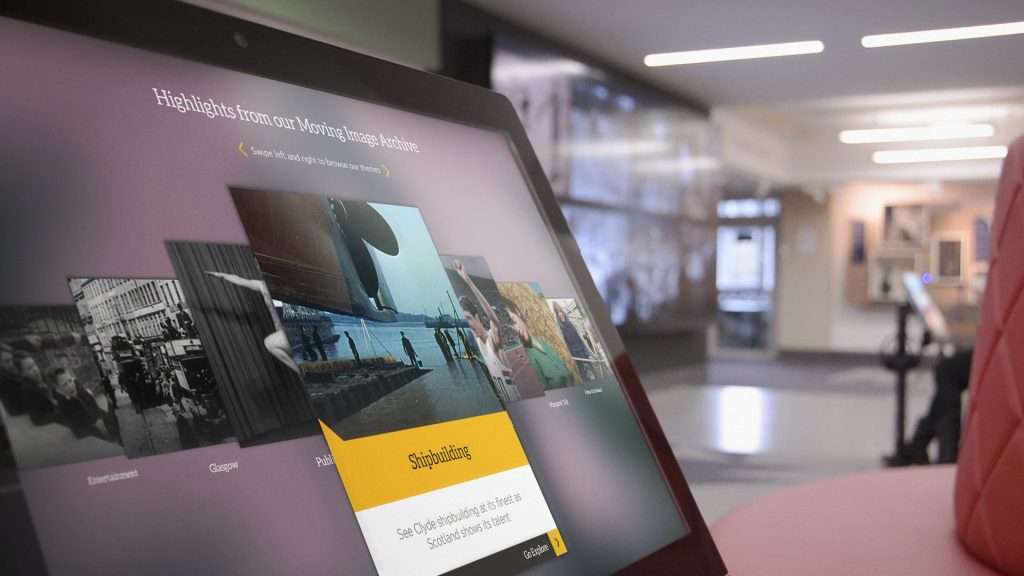
Will an Interactive Touchscreen Solution Be Bespoke to My Brand?
Read
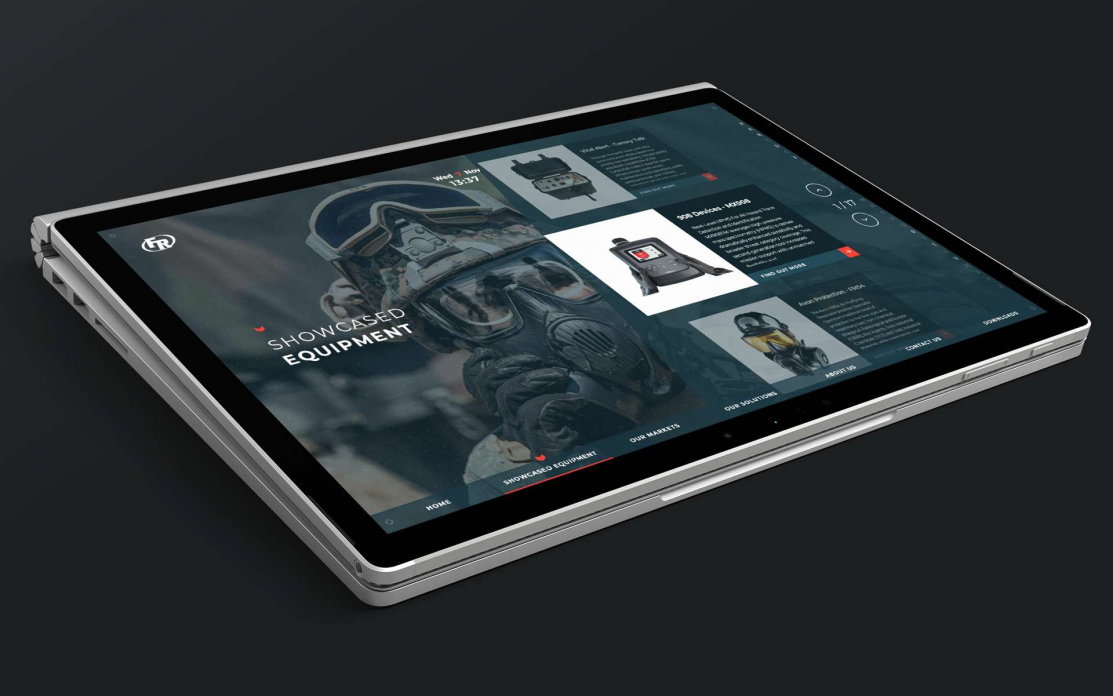
How Interactive Touchscreens at Events Benefit Engineering Firms
Read
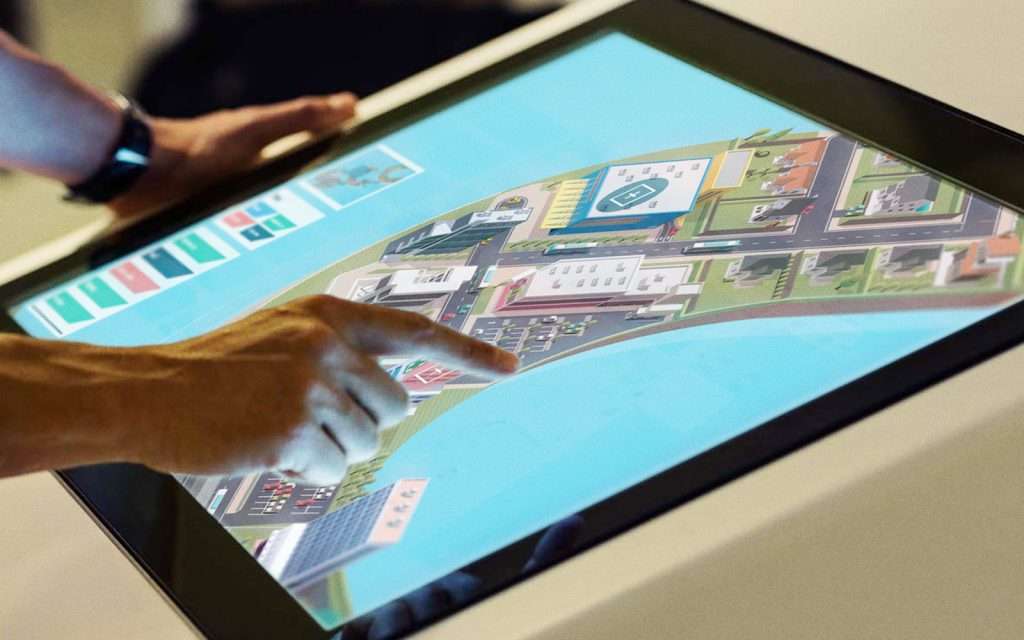
3D Modelling Made Easy | POPcomms
Read
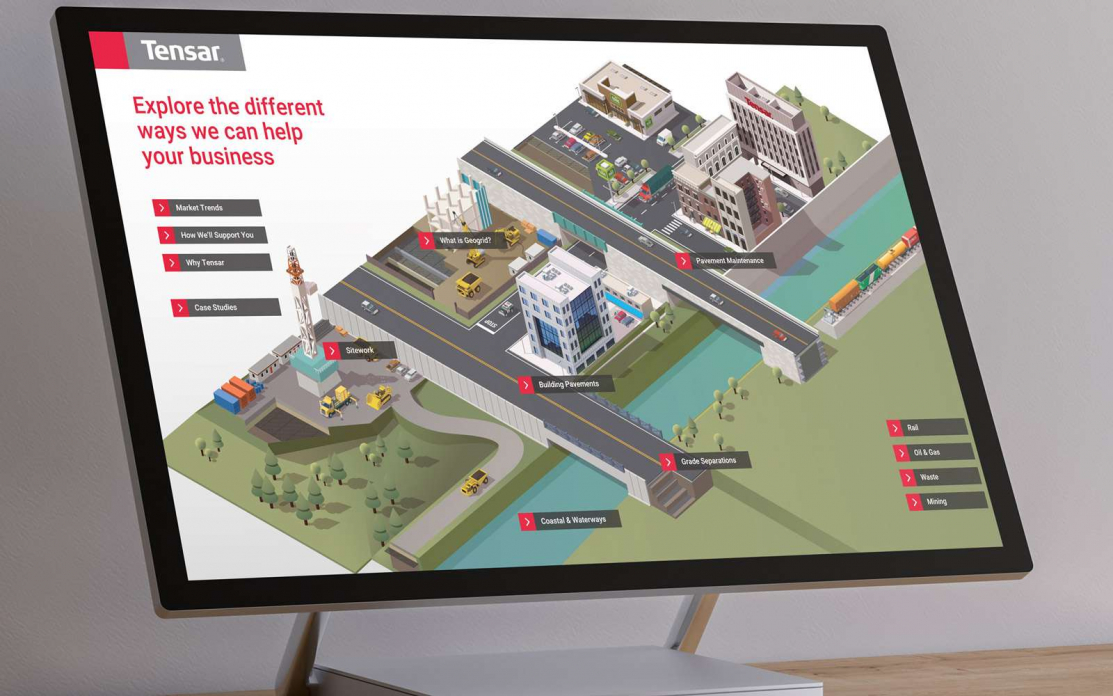
How to Impress Customers With a World Class Sales Enablement Tool
Read