


Turning Complex B2B Stories Into Clear, Interactive Journeys
Complex B2B stories do not fit neatly into a slide deck. When you sell industrial, healthcare, or technology solutions, you deal with systems, workflows, and risks, not simple products. Static slides are linear, hard to adapt in the moment, and usually end with, “We’ll follow up with more details.”
Interactive presentation software flips that. Instead of marching through 40 slides, your teams can sit with buyers, click into what matters to them, and skip what does not. The goal is a guided, buyer-led conversation that feels clear, visual, and practical. In this article, we want to share a simple way to evaluate platforms so you can plan ahead for future budgets with confidence.
Understanding Your Complex B2B Buying Journey
Before you compare tools, it helps to map how your buyers actually decide. In complex B2B, there is rarely a single decision maker. You often have technical experts checking feasibility, procurement testing cost and risk, operations or clinical teams worried about disruption, and leadership focused on ROI and long term fit.
The buying path is long, with proof of concept, site visits, trials, and a lot of internal debate. Interactive presentation software can support the journey at several practical touchpoints, including:
- Trade shows and industry events
- Remote demos and online workshops
- Executive briefings and board updates
- Field sales visits in factories, hospitals, or on-site
- Partner enablement and distributor meetings
Then get clear on what success looks like. Useful metrics might be:
- Faster time to clarity for new prospects
- Fewer follow up emails asking for the same diagrams
- Less time from sales engineers on repeat explanations
- Higher reuse of content across regions and teams
- Better alignment between stakeholders inside each account
Core Features Every Interactive Platform Should Offer
Not all interactive presentation software is built for complex B2B. Some tools are great for simple slides but struggle with deep product ecosystems. For complex environments, you should look for three core feature sets: content structure and navigation, content management, and analytics and integration.
On content structure and navigation, you want the freedom to run a buyer-led conversation rather than a fixed slide order. The platform should support:
- Non-linear pathways so you can jump around based on questions
- Drill-downs for technical detail only when needed
- Interactive diagrams and schematics that show systems, not just products
- Calculators, ROI tools or configurators that respond to buyer inputs
On content management, the goal is to keep teams aligned and reduce risk from outdated or inconsistent material. Look for:
- A central content library that everyone pulls from
- Version control so no one shows old specs by mistake
- Role-based access, so sensitive or early content is controlled
- Offline access for field teams working in remote plants or wards
- Strong brand consistency across countries and partner teams
Finally, analytics and integration matter because complex deals depend on many stakeholder interactions over time. Strong platforms offer:
- Engagement analytics at account and individual user level
- Clear insight into which content moves deals forward
- Simple integration with your CRM and marketing systems
- Activity data your teams can use in account reviews and planning
Evaluating Interactive Software for Your Real Use Cases
Once you know what you need, test how each platform behaves in your real world, not a tidy demo. In industrial, healthcare, and technology settings, the platform should be able to handle both technical complexity and practical constraints like connectivity, regulation, and localisation.
As a starting point, check that the platform can:
- Visualise complex systems, workflows and environments
- Respect regulatory limits on claims and content
- Support multilingual and regional variations of the same story
- Run smoothly in low-connectivity areas like basements or remote sites
You also want a strong buyer enablement focus, because the best interactive experiences help different stakeholders align around the problem, the options and the plan. Look for support for:
- Guided discovery workshops where you map current and future states
- Interactive needs assessments that capture inputs from different roles
- Collaborative roadmaps that show phased rollouts or integration steps
- Simple, shareable takeaways that internal champions can use later
A practical evaluation process should mirror real selling conditions and adoption realities, rather than being driven by a small group of specialists. It usually includes:
- A pilot based on real deals, not a side project
- Hands-on use by non technical sales and marketing users
- Clear implementation support and training for your teams
- A view of total cost of ownership over at least one full sales cycle
User Experience, Design and Trust
Even the best content fails if it feels clumsy. Good UX helps buyers feel confident in you and your solution, because it keeps attention on the story and the decisions rather than on how to operate the tool.
Key UX points to check include:
- Intuitive navigation that works with a mouse, touchscreen and trackpad
- Clear visual hierarchy so people know where to look first
- Simple interaction patterns, no hidden gestures or tiny hit areas
- Accessibility options for different needs and settings
For complex information, design should do more than look polished, it should make depth feel optional and controlled. In practice, strong design support includes:
- Progressive disclosure, with simple overviews first and detail on tap
- Interactive schematics that explain flows, not just parts
- Before-and-after scenarios that make change feel real
- Data-led storytelling that makes ROI and risk reduction obvious
Seasonal and event readiness also matters. Many teams in the UK, where we are based, face tight autumn trade show schedules and year end reviews, so it helps if the platform makes it easy to:
- Build reusable templates for events and board packs
- Update content quickly when products, pricing or rules change
- Reuse the same core story across events, remote calls and on-site visits
Security, Compliance, Scale and FAQs
For enterprise teams, especially in healthcare and industrial sectors, security and compliance are non negotiable. You will want to see:
- Single sign-on and clear user permissions
- Audit trails that show who changed what and when
- Data residency options that match internal IT policies
Compliance means more than a legal tick box. Strong platforms support:
- Workflows for medical, legal and regulatory approval
- Locked content for regulated claims so no one edits the wrong part
- Clear separation between global master content and local versions
To scale successfully across teams and geographies, the platform should support multi-region deployment and time zones and offer partner portals that give controlled access to distributors. It should also provide ongoing vendor support and a clear product roadmap, and allow you to grow from a pilot to a global rollout without starting again.
Frequently asked questions about interactive presentation software:
Q: What is interactive presentation software in a B2B context?
A: It is software that turns static sales content into interactive, non linear experiences that can be tailored in real time to each stakeholder’s role, sector and level of technical depth, while feeding engagement data back into your sales and marketing systems.
Q: How is interactive software different from standard slide tools?
A: Standard slide tools are linear and static. Interactive software supports branching journeys, embedded tools like calculators and configurators, centralised content control and analytics that reveal what prospects engage with across long, complex deals.
Q: Is interactive presentation software suitable for regulated industries?
A: Yes, if the platform supports role-based access, clear approval workflows, locked content for regulated claims and audit trails, it can fit healthcare, manufacturing and other heavily regulated spaces.
Q: What should we budget for an interactive presentation platform?
A: Costs usually include licences, implementation and design, content migration and ongoing optimisation. It is helpful to judge value by the reduction in sales effort, faster deal cycles and better stakeholder alignment, not by licence fees alone.
Q: How long does it take to implement an interactive solution?
A: Timelines range from a few weeks for a focused pilot to several months for global rollouts. The speed depends on content complexity, integration needs, internal approvals and the level of support available from the vendor you choose.
Transform Your Customer Conversations With Truly Engaging Presentations
If you are ready to move beyond static slide decks, our interactive presentation software gives you the tools to create conversations, not lectures. At POPcomms, we work closely with you to design experiences that reflect your brand and support real sales and stakeholder discussions. To explore what is possible for your team, simply contact us and we will walk you through the next steps.

Related Posts
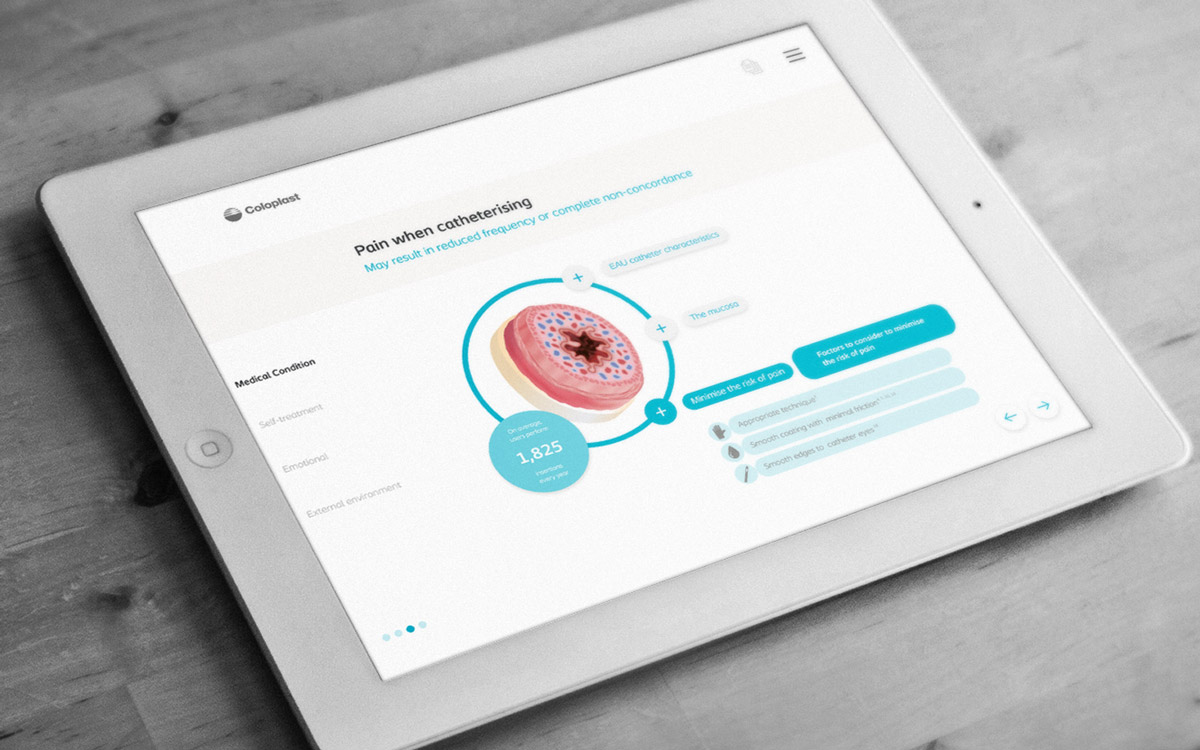
How to Map Complex Solutions with Interactive Product Presentation Software
Read
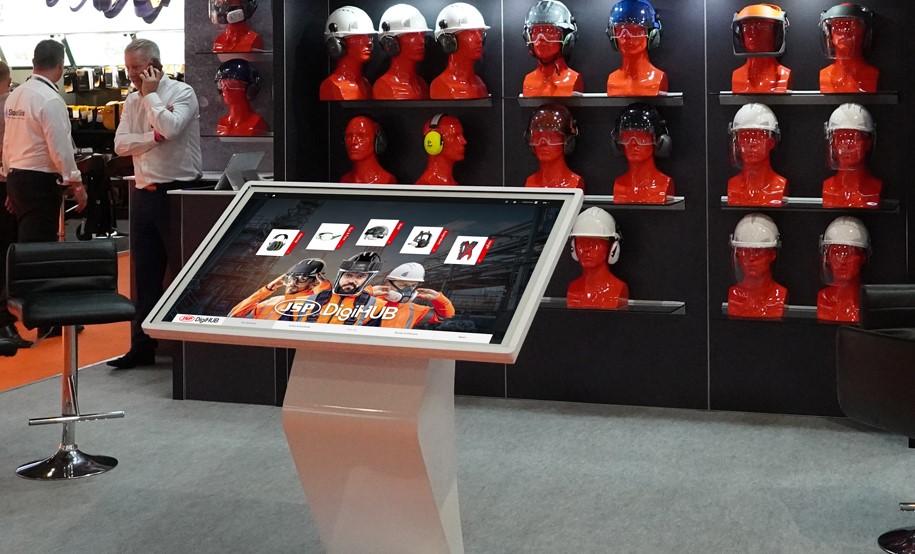
Proving Buyer Confidence: Metrics Framework Using Interactive Sales Analytics
Read
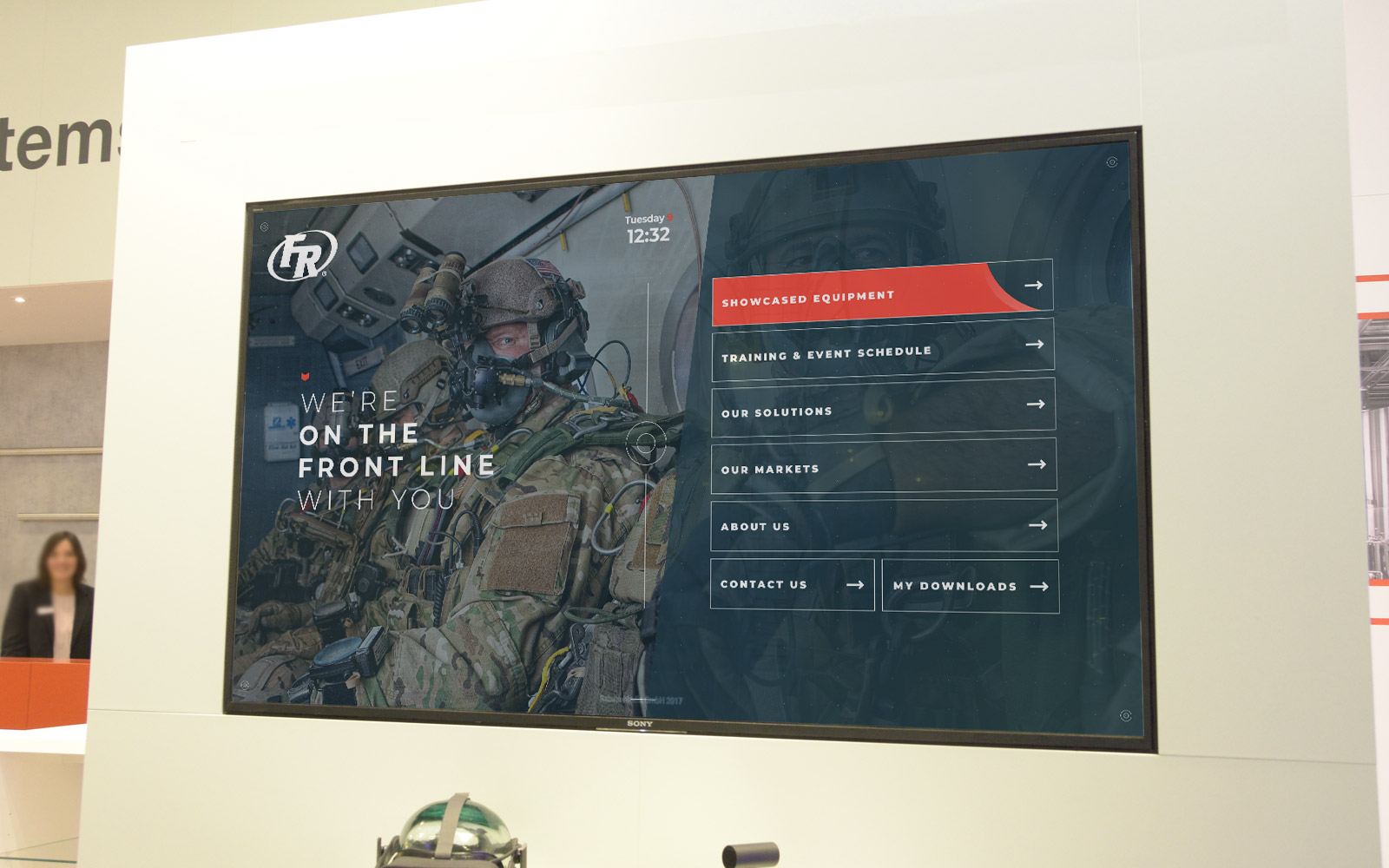
Can Interactive Proposal Software Prevent Late-Stage Deal Drift
Read
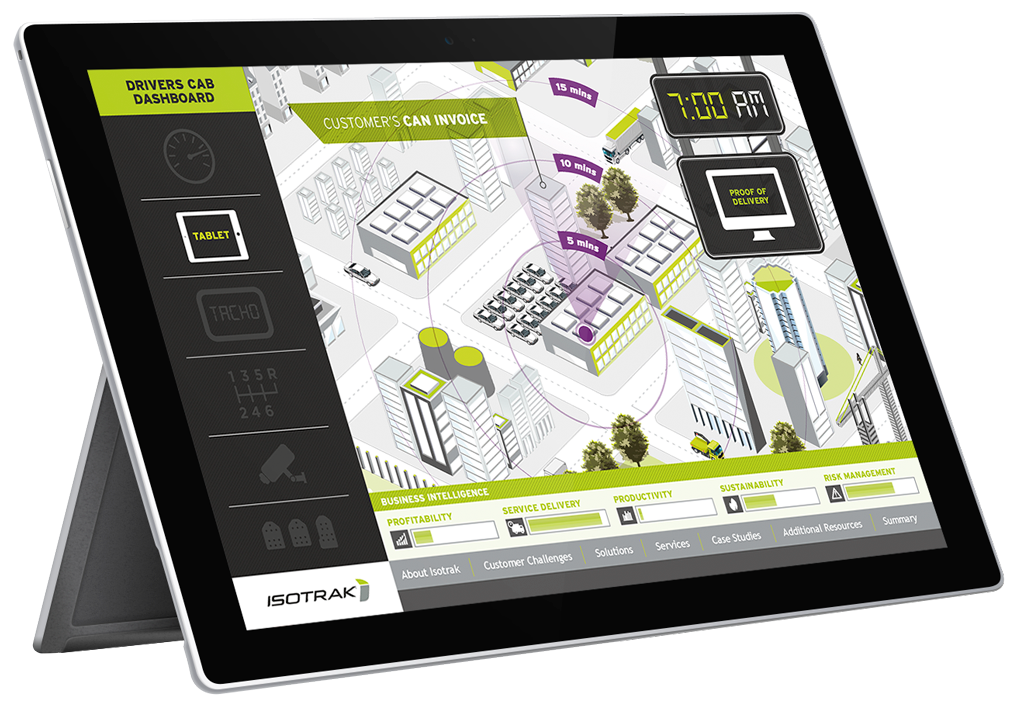
How Touchscreen Kiosk Content Software Extends Booth Conversations
Read