




Turn Complex B2B Solutions Into Interactive Clarity
Complex industrial, healthcare, and advanced technology solutions are hard to explain with static slides. Buyers get buried in acronyms, diagrams, and long lists of features, and meetings end with more questions than answers.
No-code interactive presentations change that. Instead of marching through a fixed deck, your sales team can click into what each stakeholder cares about, skip what they do not, and show different paths on the fly. It feels more like a conversation and less like a lecture.
At POPcomms, we focus on helping teams turn dense technical content into simple, visual, interactive buyer experiences backed by engagement intelligence. In this article, we will walk through what no-code interactive presentations are, why they matter for complex B2B sales, and how to plan, build, and roll them out ahead of your next big selling season.
Why B2B Buyers Expect Interactive Experiences Now
B2B buying has changed. There are more stakeholders in every deal, more remote and hybrid meetings, and more self-directed research before anyone talks to sales. Buyers come to calls informed and impatient. They want answers that match their world, not a generic pitch.
Linear slide decks struggle here. They often lead to:
- Information overload, with every detail crammed into one long story
- Little room for personalization in the moment
- Missed chances to uncover hidden concerns or priorities
An operations leader may care about uptime and safety. A CFO may care about ROI and payback. IT may care about security and integration. When everyone sits through the same script, some people tune out and others leave unsure.
Interactive presentations help support consensus building by letting each stakeholder explore what matters most:
- Finance can click into ROI models and total cost views
- Legal and compliance teams can open detail on regulations and approvals
- IT can dig into architecture, data flows, and integrations
Instead of one message for everyone, you get one experience that flexes for each person.
What No-Code Interactive Presentations Really Are
No-code interactive presentations are dynamic, clickable sales experiences that sales and marketing teams can build without developers or design skills. Think of them as digital conversation hubs, not just slide decks.
Common building blocks include:
- Branching navigation and menus
- Guided decision trees and solution paths
- Configurators that let you tailor demos or setups
- Data visualizations, diagrams, and calculators
- Scenario-based stories that change based on buyer choices
Traditional custom-coded tools are slow to build, hard to change, and usually sit with one technical team. With a no-code platform like POPcomms, business users can adapt content quickly, keep branding consistent, and manage everything from a central place. That means your presentations can grow with your offers and your pipeline, not lag behind them.
Designing No-Code Interactive Presentations That Sell
To make these presentations really work, design them around the buyer’s journey, step by step.
A simple structure might look like this:
- Discovery: light questions, quick polls, short overview clips
- Diagnosis: interactive maps of the customer’s world and pain points
- Solution mapping: guided paths into the right mix of products and services
- Value proof: ROI, timelines, benchmarks, and proof points
Storytelling still matters, even with clicks. Start by framing the customer’s current state, then show a clear future state and how you help them cross that gap. Each path should feel like their story, not yours.
For complex products, a few best practices help:
- Use visual system maps instead of long text blocks
- Build modular content for each vertical or segment
- Layer detail: keep executives at a high level while letting technical teams dig deep
- Keep navigation simple, so reps can move fast during live calls
Your goal is not to show everything. Your goal is to make it easy to show the right thing at the right time.
Turning Engagement Data Into Sales Intelligence
The real power of no-code interactive presentations shows up in the data. Engagement intelligence lets you see what buyers actually cared about, not just what you presented.
You can track:
- Which paths were clicked most
- Time spent on certain modules
- Content that was skipped or ignored
- Repeat visits to specific sections
Sales teams can use this data to prepare smarter follow-ups. If a buyer spent extra time on integration details and skipped pricing, you know the next meeting should include IT and cover security and data flow. You can then send targeted case studies or diagrams that match what they explored.
Marketing and product teams can also learn from this. If certain value props keep getting attention, you double down. If whole sections are rarely opened, you refine or remove them. Over time, your interactive content becomes sharper and more aligned with each industry you serve.
Implementing No-Code Interactive Presentations at Scale
Rolling this out works best in stages. Start with one high-impact use case, like strategic deals in the middle of the year, then expand as you learn.
A simple rollout plan:
- Pick one flagship solution or key vertical
- Build a focused pilot experience around real deals
- Test with a small group of early-adopter reps
- Gather feedback, refine flows and content
- Scale to more teams and regions
Change management matters here. Reps need to learn how to “drive” interactive conversations instead of just reading slides. Playbooks, talk tracks, and short training sessions help them know when to click, when to pause, and when to hand control to the buyer.
You also want alignment with marketing on content governance and updates, plus clean links to tools you already use, like CRM, sales enablement systems, and virtual meeting platforms. When content is easy to find and data flows smoothly into existing records, adoption grows faster.
Spring Use Cases and Planning Ahead
As the weather warms and mid-year reviews, trade shows, and capital planning cycles pick up, no-code interactive presentations can be a big help.
Common use cases include:
- Mid-year review meetings with key accounts
- Trade show or conference follow-ups
- Site visits and plant tours for industrial buyers
- Remote demos for healthcare and advanced technology teams
- Executive briefings tied to new solution launches
You can build reusable interactive “conversation hubs” that your team can quickly tailor for each account and each big meeting. For example, a core experience can hold shared messaging and visuals, while industry modules snap in for manufacturing, healthcare, or advanced technology.
This is where POPcomms comes in as a buyer enablement platform focused on turning complex solutions into interactive, personalized buyer experiences powered by engagement intelligence. That combination of clarity and data gives sales, marketing, and product teams a shared way to support long, complex B2B buying cycles with confidence.
FAQ: No-Code Interactive Presentations for Complex Sales
Q1: What is the difference between a no-code interactive presentation and a normal slide deck?
A1: A normal slide deck is linear and static. You go from slide 1 to slide 20 in the same order, no matter what the buyer cares about. A no-code interactive presentation is a dynamic experience with clickable paths, menus, and modules. Reps can jump to relevant sections in real time, hide what is not needed, and open deeper detail on demand. It is built as a conversation hub and can capture engagement data to guide next steps.
Q2: Do my sales reps need technical skills to use or build these presentations?
A2: No. Business users can assemble and update content with drag-and-drop tools and templates. Sales and marketing teams can add media, structure navigation, and tweak flows without coding. Reps only need basic presentation skills and short training to feel comfortable using interactive elements during live meetings.
Q3: How do no-code interactive presentations handle complex technical content?
A3: They are great for complex content because they support layers. You can start with a simple overview, then add click-throughs into diagrams, workflows, and compliance details. Decision trees and configurators help turn technical options into guided choices so buyers can understand trade-offs without feeling overwhelmed.
Q4: How will this impact our existing sales process and tools?
A4: No-code interactive presentations fit into your current process. You can plug them into discovery calls, workshops, and executive reviews, and connect them to your CRM or sales enablement platform. Engagement data from each session can flow into account records, helping with forecasting and focused outreach.
Q5: How quickly can we launch our first no-code interactive presentation?
A5: Timelines depend on scope, but many teams can launch a focused, high-impact experience within a few weeks by starting with a single priority scenario, like a flagship solution or key industry. With a platform built for industrial, healthcare, and advanced technology sellers, you can reuse components, apply industry frameworks, and build up a library of interactive content that keeps improving as you learn.
Transform Your Static Slides Into Dynamic Conversations
If you are ready to turn one-way presentations into engaging, two-way experiences, POPcomms can help you make it happen fast. Our no-code interactive presentations platform lets your team build rich, tailored experiences without relying on developers or complex tools. Tell us about your goals and we will work with you to map out the best way to bring your content to life. If you have questions or want to explore options, simply contact us and we will get back to you promptly.

Related Posts
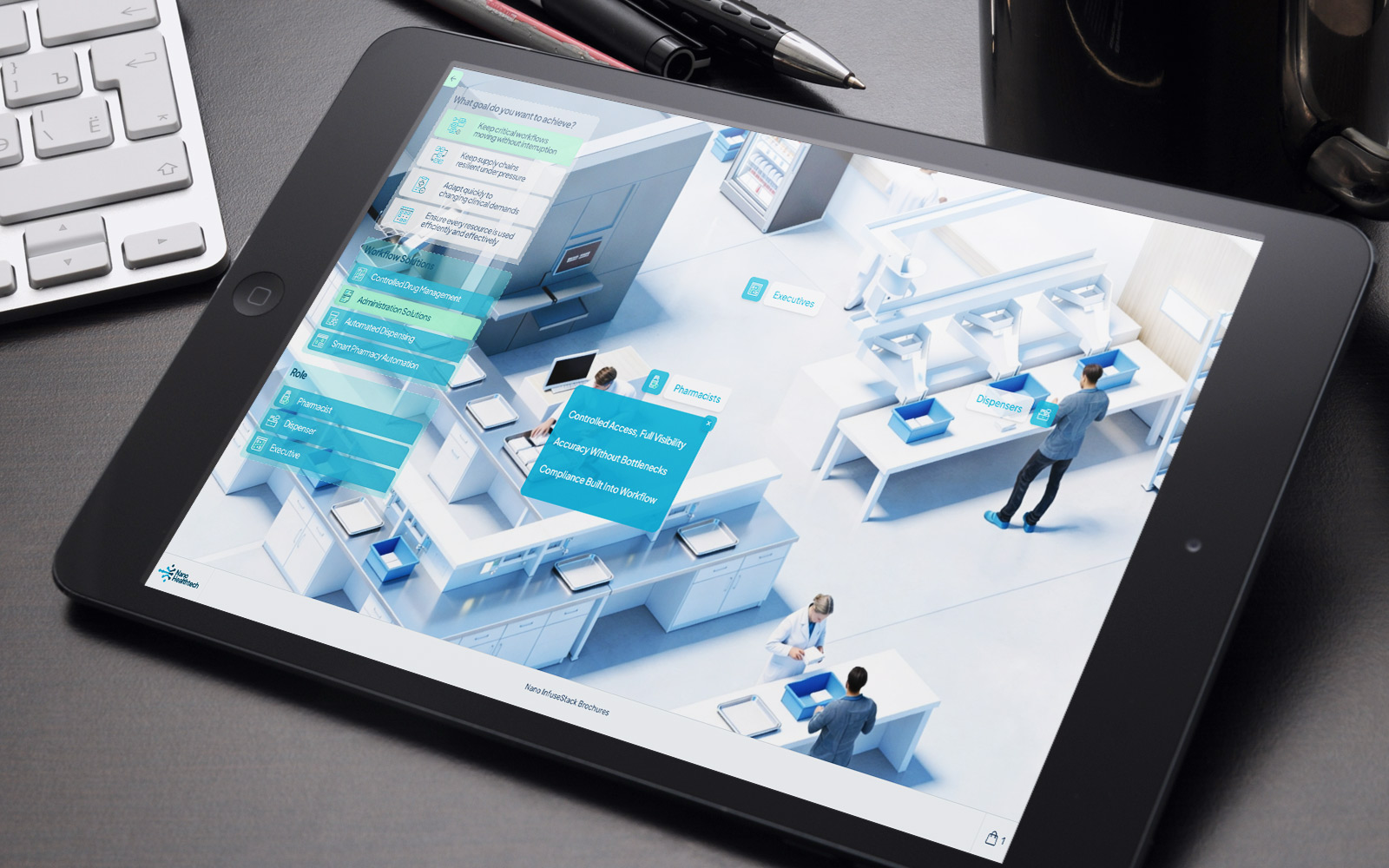
Decision Room Design Patterns for Buying Committees: Roles and Workflow
Read
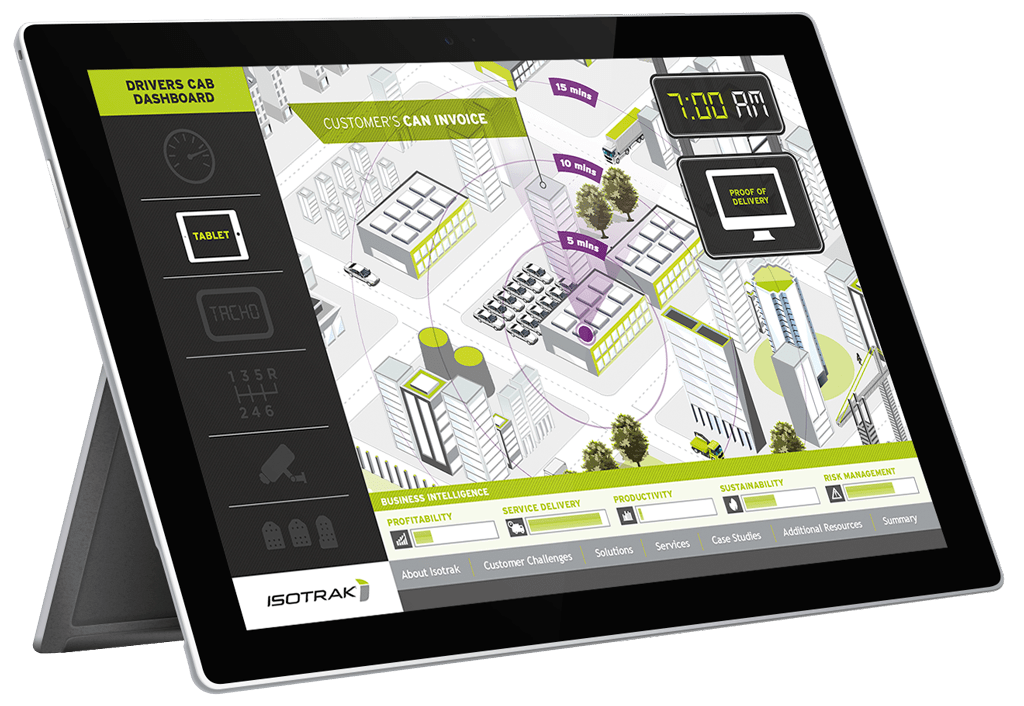
3 Reasons for Engaging Interactive Presentations | POPcomms
Read
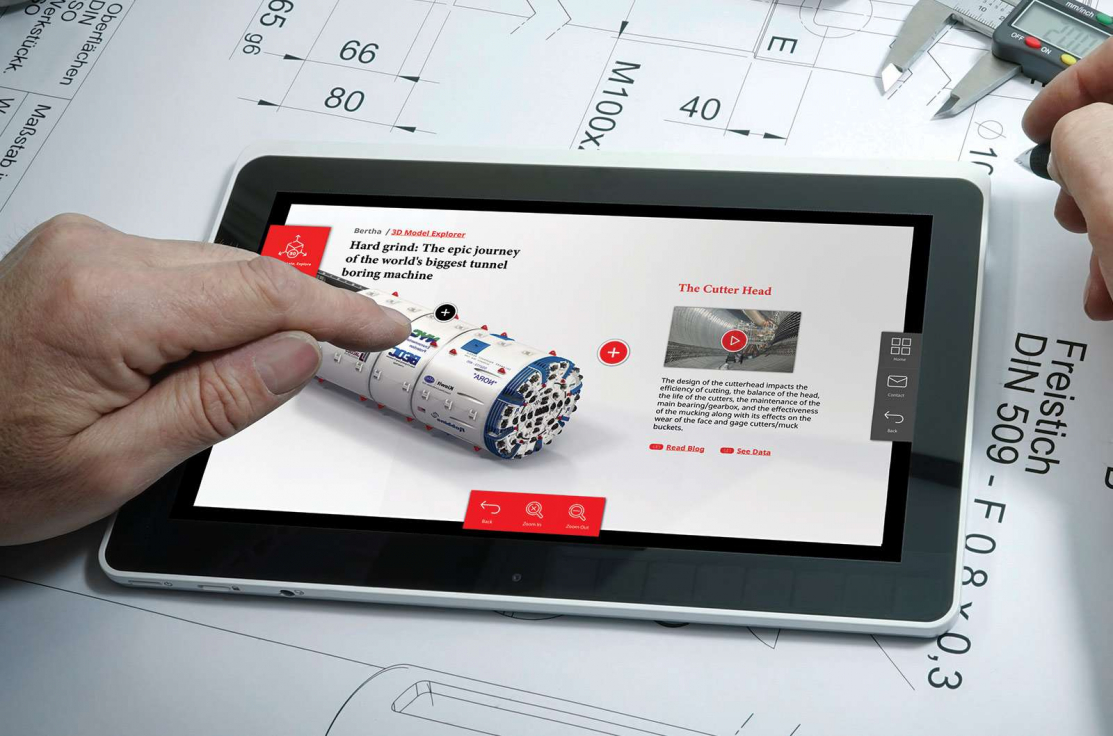
Visual Storytelling for Presentations | POPcomms
Read
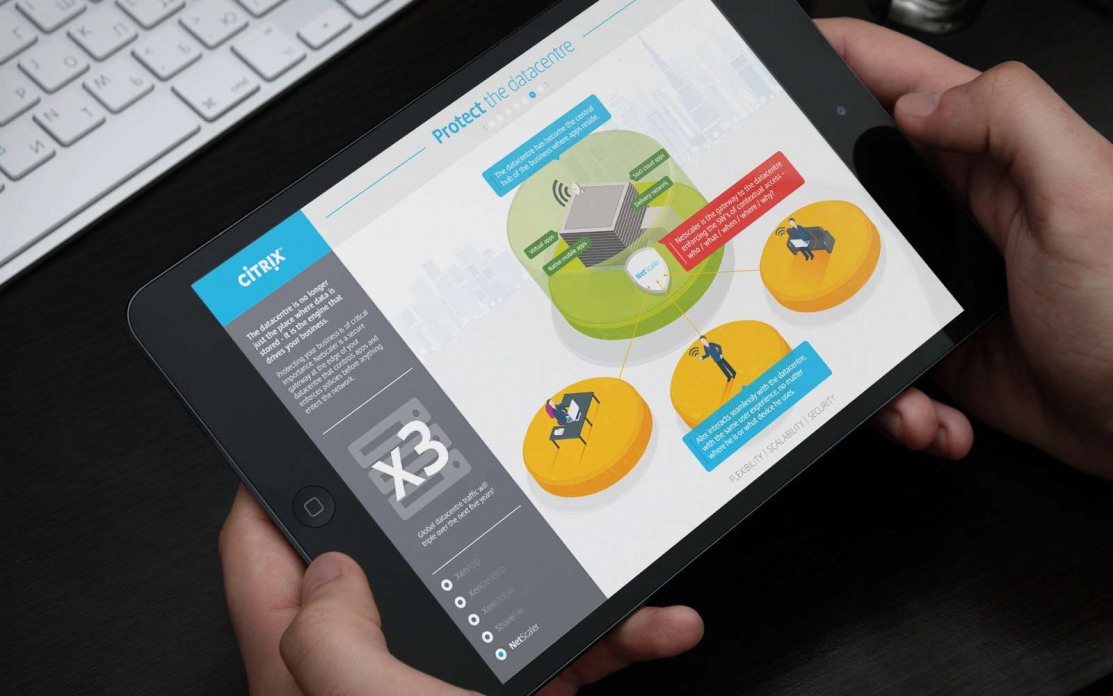
Case Study: How POP Create Interactive Presentations That Are Easy for Customers to Share Internally
Read